12 EN
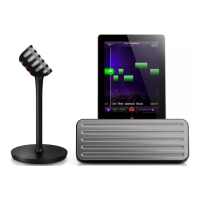
Charge the iPad
The docked iPad begins to charge as soon as
the unit is connected to AC power.
Play from an external device
You can also listen to an external audio player
through the Bluetooth
®
speaker.
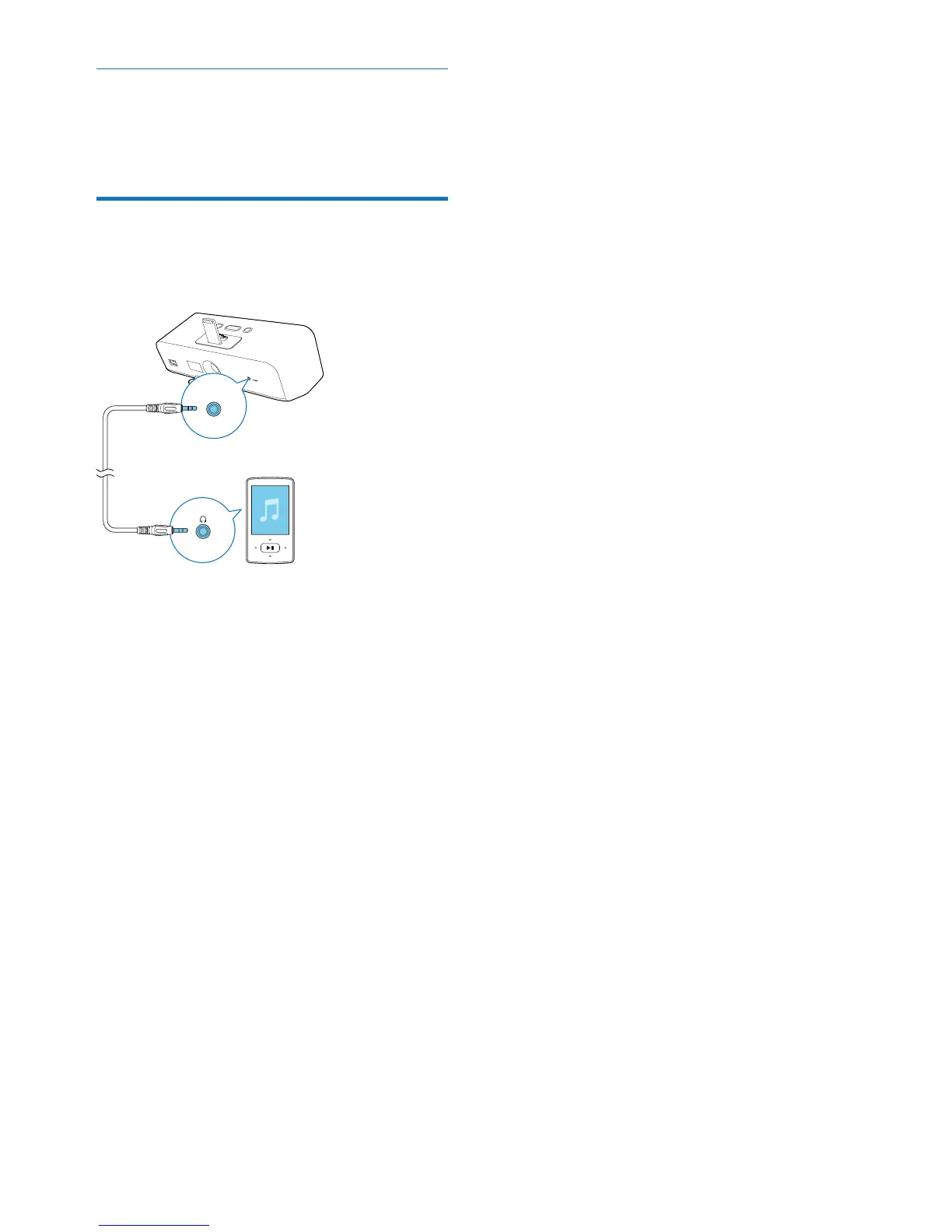
1 Connect a 3.5mm audio cable to:
• the AUDIO-IN socket on the back of
the Bluetooth
®
speaker.
• the headphone socket on an external
audio player.
2 Start music play on the external audio
player.
3 Use -/+ on the top of the Bluetooth
®
speaker to adjust volume.
AUDIO-IN




 To Next Page