11
English
EN
3 Select ‘PHILIPS_AEA7100‘ on your
Bluetooth
®
enabled device (if necessary,
input ‘0000’ as the paring password).
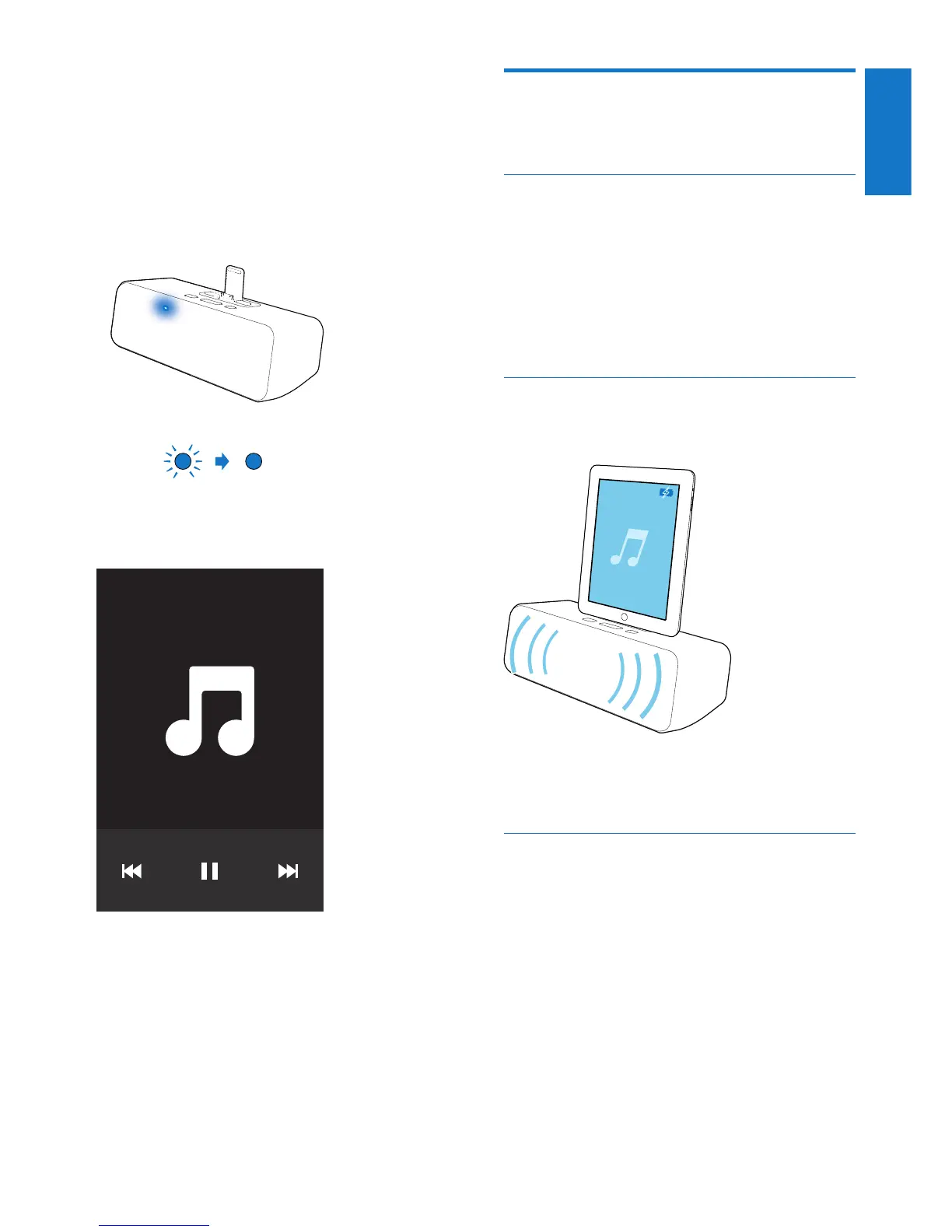
» After successful pairing and connection,
the Bluetooth
®
indicator on the
speaker turns solid blue and the
speaker beeps twice.
4 Start music play on your Bluetooth
®
enabled device.
5 Use -/+ on the top of the Bluetooth
®
speaker to adjust volume.
Play and charge your iPad
through the dock connector
directly
Compatible iPad
This unit supports play and charge of the
following iPad models:
• New iPad
• iPad 2
• iPad
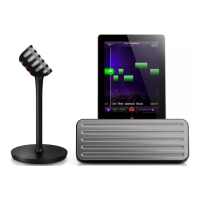
Load the iPad
• Dock your iPad.
To remove the iPad
• Pull the iPad out of the dock.
Listen to the iPad
1 Make sure that the iPad has been loaded
correctly.
2 Start music play on your iPad.
» The connected iPad starts to play.
3 Use -/+ on the top of the Bluetooth
®
speaker to adjust volume.




 To Next Page