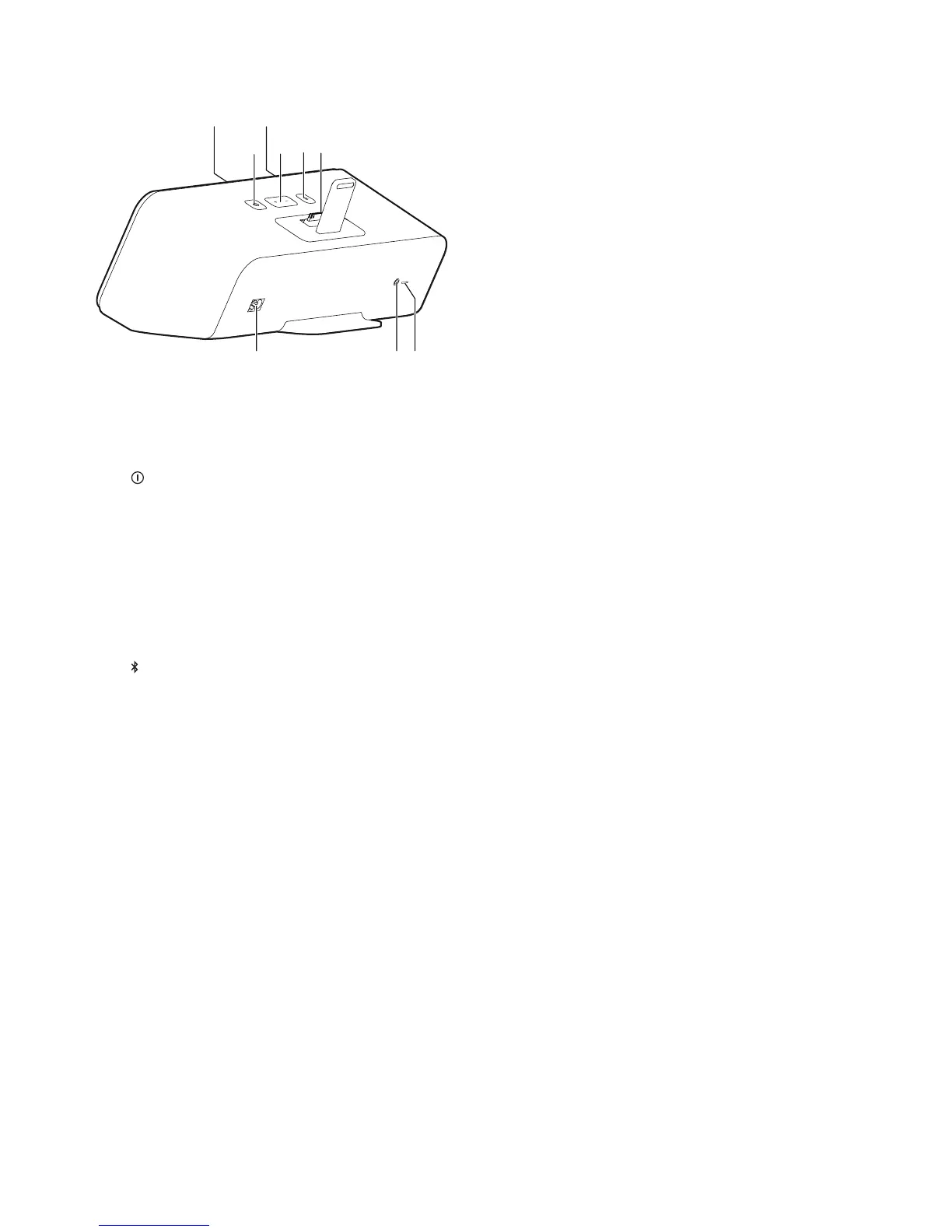
a Power indicator
• Indicate the power status.
b
• Turn the unit on/off.
c Bluetooth
®
indicator
• Indicate the Bluetooth
®
status.
d -/+
• Adjust volume.
e
• (Press) pair with a Bluetooth
®
enabled
device that supports A2DP (Advanced
AudioDistributionProle).
• (Press and hold) pair with the wireless
microphone in case automatic pairing
fails.
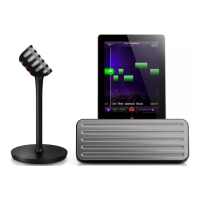
f Dock for iPad
g SOFTWARE UPGRADE (not for use by
end users)
h AUDIO-IN
• Connect an external audio player
through a 3.5mm audio input cable
(not supplied).
i AC MAINS~
• AC power socket.
b
ca
def
ghi




 To Next Page