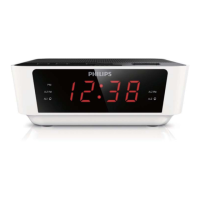
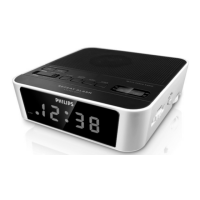
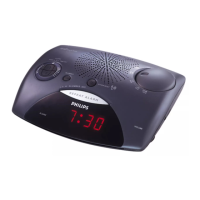
View the alarm settings
1 Press / or display.
6 Other features
Set the sleep timer
You can set the clock radio to turn off automatically after a certain
period of time.
1 Press sleeprepeatedly to select time (in minutes).
The apparatus turns off automatically after the set period of time. »
To turn off the sleep timer:
1 Press sleeprepeatedly until [OFF] (off )appears or press radio.
»
is displayed when sleep timer is on and disappears when it is
off.
Set nap timer
1 Press nap repeatedly to select the nap time (in minutes).
The alarm rings after the set period of time. »
To turn off the nap timer
1 Press nap repeatedly until [OFF] is displayed.



 To Next Page