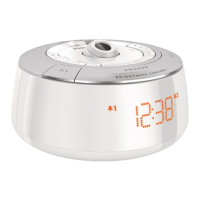
Connect power F
Caution
Risk of product damage! Ensure that the power voltage corresponds •
to the voltage printed on the back or underside of the clock radio.
Risk of electric shock! When you unplug the AC adapter, always pull
•
the plug from the socket. Never pull the cord.
Plug and set
The clock radio has “plug and set” feature. When power is connected,
the clock is set automatically.
Select time zone
Check if the time of the clock radio is consistent with the local time. If
not, adjust the time zone settings according to your location.
1 In standby mode, press TIME ZONE.
The current time zone number blinks on the display panel. »
2 Press TIME ZONErepeatedlytoselecttimezone(-1to+12
adjustable).
For Europe:
WesternEuropeanTime(WET) +0
CentralEuropeanTime(CET) +1(Default)
EasternEuropeanTime(EET) +2
MoscowStandardTime(MST) +3



 To Next Page