9
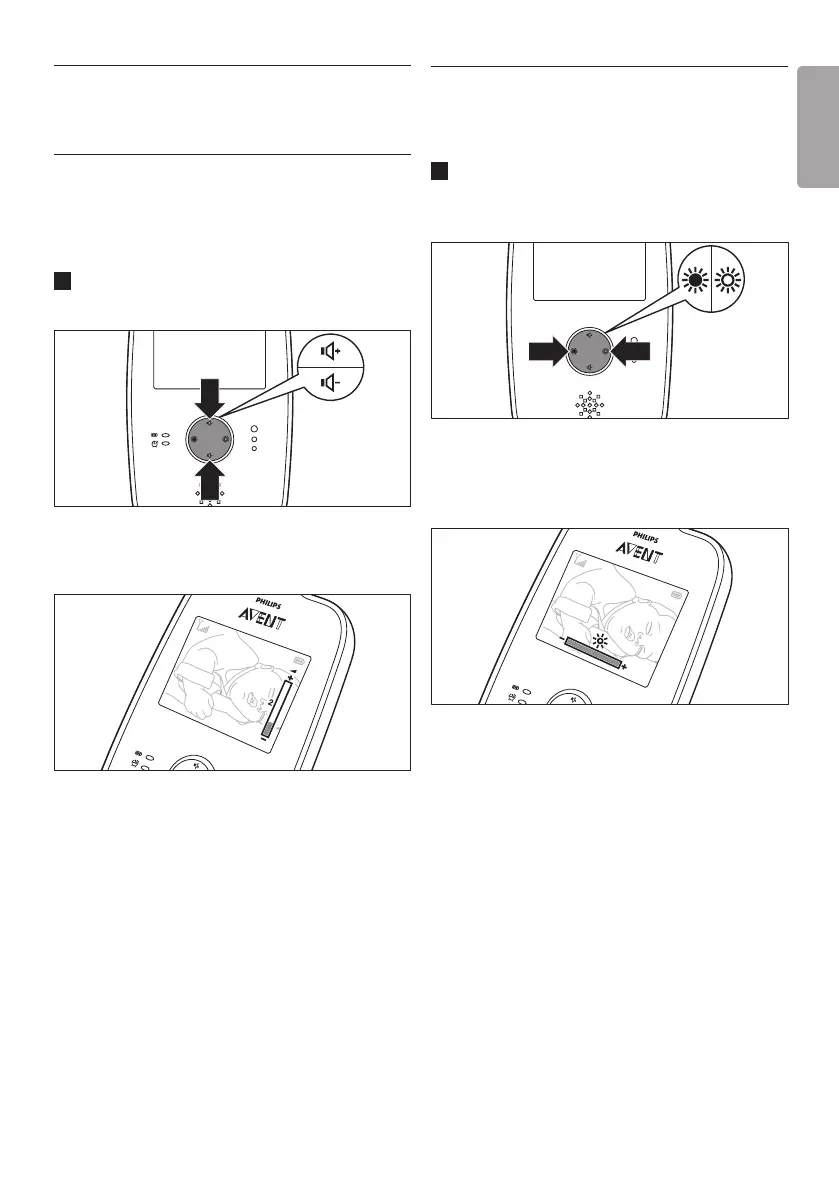
5.2 Adjusting display brightness
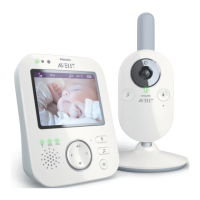
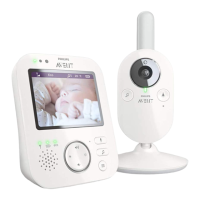
You can adjust the display brightness of the parent
unit to the level you prefer.
1 Press the brightness adjustment buttons on
the parent unit to adjust the brightness of the
video display.
• The display brightness bar appears on
the display to show the selected display
brightness.
D
Note:
If the brightness is set to a high level, the parent
unit consumes more power.
5 Features
5.1 Adjusting loudspeaker
volume
You can adjust the loudspeaker volume of the
parent unit to the level you prefer.
1 Press the volume up or down button to adjust
the volume.
• The volume bar appears on the display to
show the selected volume.
D
Note:
If the volume is set to a high level, the parent unit
consumes more power.
ENGLISH



 To Next Page