EasyManua.ls Logo

Philips AW 7760 - Troubleshooting

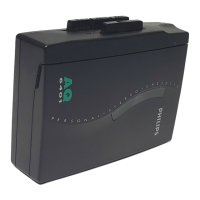
Philips AW 7760
12 pages
Print Icon
To Next Page IconTo Next Page
To Previous Page IconTo Previous Page
Loading...
English
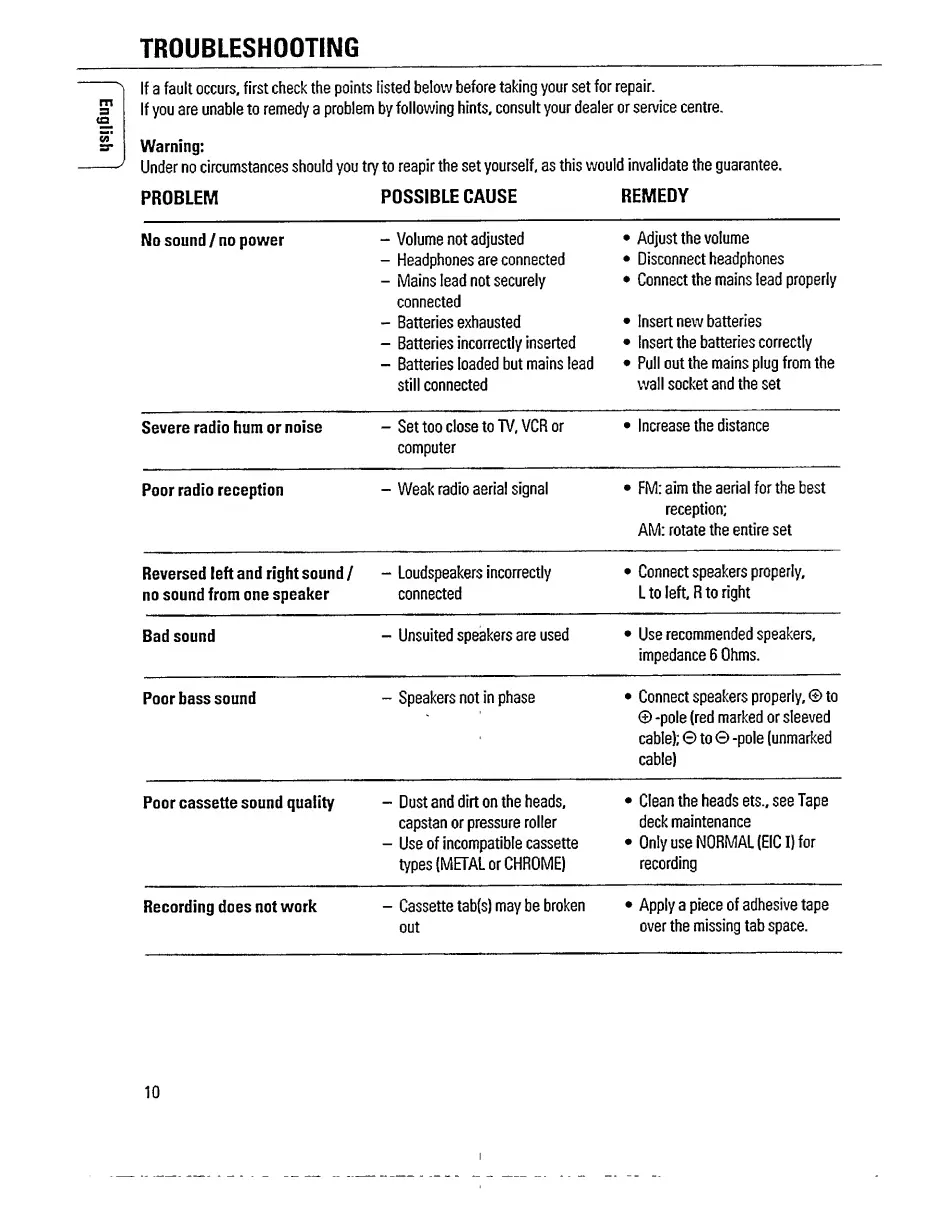
TROUBLESHOOTING
^
If
a
fault
occurs,
first
check
the
points
listed
below
before
taking
your
set
for
repair.
If
you
are
unable
to
remedy
a
problem
by
following
hints,
consult
your
dealer
or
service
centre.
Warning:
J
Under
no
circumstances
should
you
try
to
reapir
the
set
yourself,
as
this
would
invalidate
the
guarantee.
PROBLEM
POSSIBLE
CAUSE
REMEDY
No
sound/no
power
-
Volume
not
adjusted
Adjust
the
volume
-
Headphones
are
connected
Disconnect
headphones
-
Mains
lead
not
securely
connected
Connect
the
mains
lead
properly
-
Batteries
exhausted
Insert
new
batteries
-
Batteries
incorrectly
inserted
Insert
the
batteries
correctly
-
Batteries
loaded
but
mains
lead
Pull
out
the
mains
plug
from
the
still
connected
wall
socket
and
the
set
Severe
radio
hum
or
noise
-
Set
too
close
to
TV,
VCR
or
Increase
the
distance
computer
Poor
radio
reception
-
Weak
radio
aerial
signal
FM:
aim
the
aerial
for
the
best
reception;
AM:
rotate
the
entire
set
Reversed
left
and
right
sound
/
-
Loudspeakers
incorrectly
Connect
speakers
properly.
no
sound
from
one
speaker
connected
L
to
left,
R
to
right
Bad
sound
-
Unsuited
speakers
are
used
Use
recommended
speakers,
impedance
6
Ohms.
Poor
bass
sound
-
Speakers
not
in
phase
Connect
speakers
properly,
©
to
©
-pole
(red
marked
or
sleeved
cable);
0
to
©
-pole
(unmarked
cable)
Poor
cassette
sound
quality
-
Dust
and
dirt
on
the
heads.
Clean
the
heads
ets.,
see
Tape
capstan
or
pressure
roller
deck
maintenance
-
Use
of
incompatible
cassette
Only
use
NORMAL
(EICI)
for
types
(METAL
or
CHROME)
recording
Recording
does
not
work
-
Cassette
tab(s)
may
be
broken
Apply
a
piece
of
adhesive
tape
out
over
the
missing
tab
space.
10

Related product manuals