2 -1
SERVICE HINTS
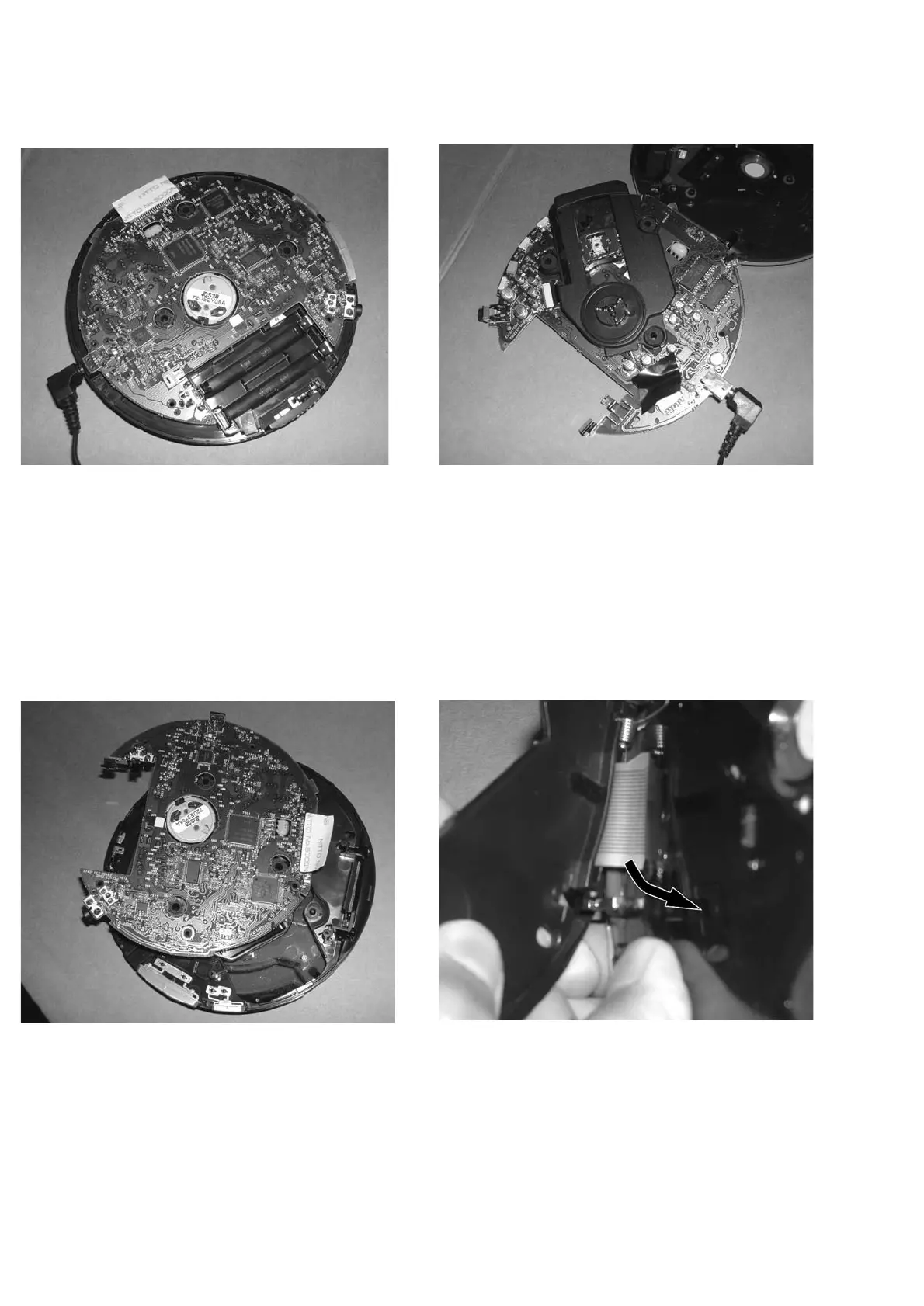
REPAIR POSITION COPPERSIDE
To get access to the copperside of the
printed board assembly proceed as follows:
1.Remove the bottom (3x) screws (2x of them under the
rubber-foot) and the up (2x) screws (in the CD-door)
2.Lift the bottom -cabinet
3.Supply the unit via external DC-socket
4.Take care that the door switch is closed during
measurements
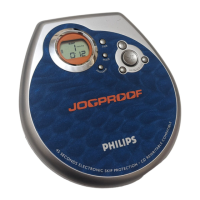
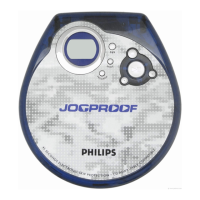
REPAIR POSITION COMPONENTSIDE
To get access to the componentside of the
printed board assembly proceed as followed:
1.Remove the bottom (3x) screws (2x of them under the
rubber-foot) and the up (2x) screws (in the CD-door)
2.Open the CD-door
3.Lift the top-cabinet and put it backwards on the table
4.Supply the unit via the external DC-socket
5.Take care that the door switch is closed during
measurements
DISMANTLING THE CD-DOOR
To dismantle the CD-door proceed as follows:
1.Dismantle bottom and printed board/drive assembly
2.Disconnect the sticker
(flex-foil connector on the membrance keyboard)
3.Disconnect membrance keyboard
(flex-foil connector on copperside of printed board)
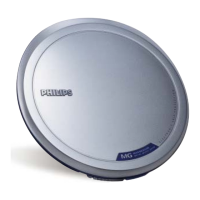
Remark:Do not use screwdrivers or tools .
Sharp edges could damage hinge or cabinet part.
4.Bend the cabinet rightwards downwards as indicated in
the picture above



 To Next Page