Different play modes: SHUFFLE and REPEAT
(See
4
)
You can select and change the various play modes
and combine the modes with
PROGRAM
.
shuffle
– tracks of the entire disc/ program are
played in random order
shuffle
and
repeat all
– to repeat the entire disc/
programme continuously in random order
repeat all
– repeats the entire disc/ program
repeat
(and
shuffle repeat
) – plays the current
(random) track continuously
1 To select play mode, press
MODE
once or more.
2 Press
2;
to start playback if in the stop position.
3 To select normal playback, press
MODE
repeatedly
until the various modes are no longer displayed.
– You can also press
9
to cancel your play mode.
Programming track numbers
In the stop position, select and store your tracks in the
desired sequence. Up to 20 tracks can be stored in the
memory.
1 Press
∞
or
§
on the set to select your desired
track number.
MP3-CD mode only:
First press
ALBUM, PRESET +
or
–
once or more to
find your album, then press
SEARCH ∞
or
§
.
2 Press
PROG
.
™
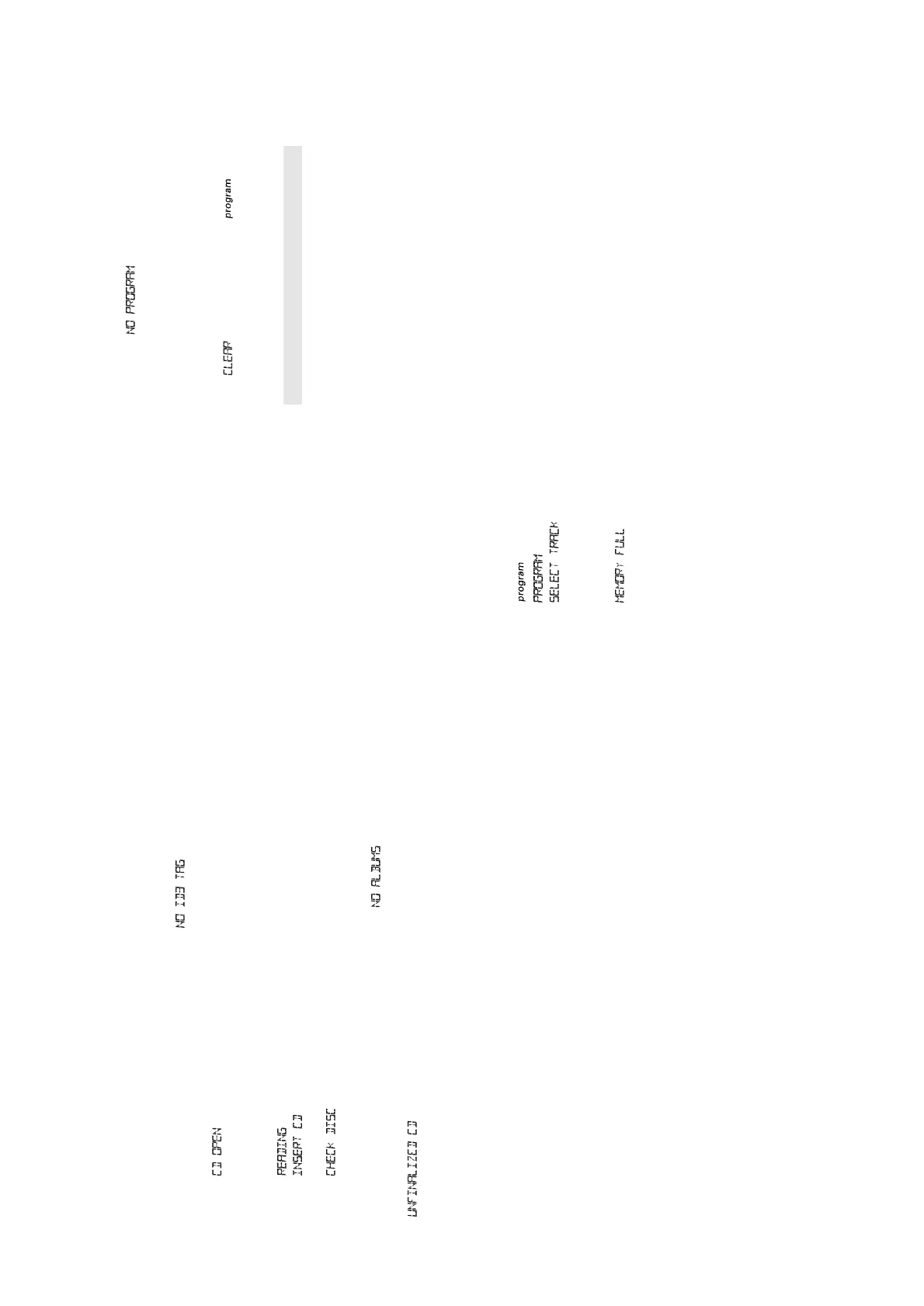
Display: and the selected track
number. appears briefly.
™
Display: if no track selected
for programming.
3 Repeat steps 1-2 to select and store all desired
tracks.
™
Display: if you try to
programme more than 20 tracks.
Reviewing the programme
In the stop position, press and hold
PROG
until the
display shows all your stored track numbers in
sequence.
™
Display: if no tracks
programmed.
Erasing a programme
You can erase the programme by:
• pressing
9
twice;
™
is displayed briefly and
disappears.
• selecting
TUNER
source.
Maintenance & Safety
CD player and disc handling
(See
5
)
• If the CD player cannot read CDs correctly, use a
cleaning CD to clean the lens before taking the set
to repair.
•The lens of the CD player should never be touched!
• Sudden changes in the surrounding temperature
can cause condensation on the lens of your CD
player. Playing a CD is then not possible. Do not
attempt to clean the lens but leave the set in a
warm environment until the moisture evaporates.
•Always close the CD door to avoid dust on the
lens.
•To clean the CD, wipe in a straight line from the
centre towards the edge using a soft, lint-free
cloth. Do not use cleaning agents as they may
damage the disc.
• Never write on a CD or attach any stickers to it.
Safety Information
•Don’t expose the set, batteries or CDs to humidity,
rain, sand or excessive heat.
•Clean the set with a dry cloth. Don’t use any
cleaning agents containing alcohol, ammonia,
benzene or abrasives as these may harm the set.
•Place the set on a hard and flat surface so that the
system does not tilt. Make sure there is good
ventilation to prevent the set overheating.
Playing MP3-CD & CD
This CD player plays Audio Discs including CD-R(W)s,
and MP3 CD-ROMs.
• CD-I, CDV, VCD, DVD or computer CDs, are not
possible.
1 Press
STANDBY y
to on, then
SOURCE
to select
CD.
2 Open the CD door.
™
Display: when the CD door is
opened.
3 Insert a disc with the printed side facing up and
close the CD door.
™
Display: when reading disc contents;
™
Display: if no disc inserted/ disc
incorrectly inserted.
™
Display: if disc damaged/ dirty:
– CD throughout CD operation;
– MP3CD throughout MP3-CD operation;
– In CD stop mode: total track number and total
playback time.
™
is shown if you have
inserted a non-finalized CD-R(W)/ blank disc.
Note: MP3-CDs may take more than 10 seconds to
read.
4 Press
2;
to start playback
™
Display: Current track number and elapsed track
time during CD playback.
™
If MP3-CD, the album number also is shown.
5 To pause playback press
2;
. Press
2;
again to
resume play.
6 To stop CD playback, press
9
.
7 Press
STANDBY y
to switch of the set.
Note: CD play will also stop when:
– the CD door is opened;
– the CD has reached the end;
– you select tuner source.
MP3-CD/ CD text display
During playback, press the
DISPLAY
button briefly
and repeatedly to view text information:
MP3-CDs
(See
3
)
Press
DISPLAY
once or more to view e.g.
- title name and elapsed track time;
- album name and elapsed track time;
- album number, track number and elapsed track
time;
-ID3 tag details, if available. Otherwise, display
shows .
CDs
Press
DISPLAY
once or more to view e.g.
-Current track number and elapsed track time during
CD playback;
-Remaining playback time of current track.
Selecting a different track
MP3-CD mode only:
First press
ALBUM, PRESET +
or
–
once or more to
find your album. Then follow the next 2 steps.
™
Display: if no albums are
available.
• Press
∞
or
§
on the set, once or repeatedly to
select.
•
In the pause/stop position, press
2;
to start
playback.
Finding a passage within a track
1 Press and hold
∞
or
§
.
™
The CD is played at high speed and low volume.
™
No sound is heard during MP3 fast cue/review.
2 When you recognize the passage you want, release
∞
or
§
to resume normal playback.
MP3-CD/CD PLAYER
MP3-CD/CD PLAYER MAINTENANCE & SAFETY


 To Next Page