CASSETTE RECORDER
11
1 Set the POWER slider to CD.
2 Insert a CD and, if desired, program the track numbers.
3 Press OPEN·STOP /9to open the cassette compartment.
4 Insert a blank, unprotected, cassette and close the cassette
compartment.
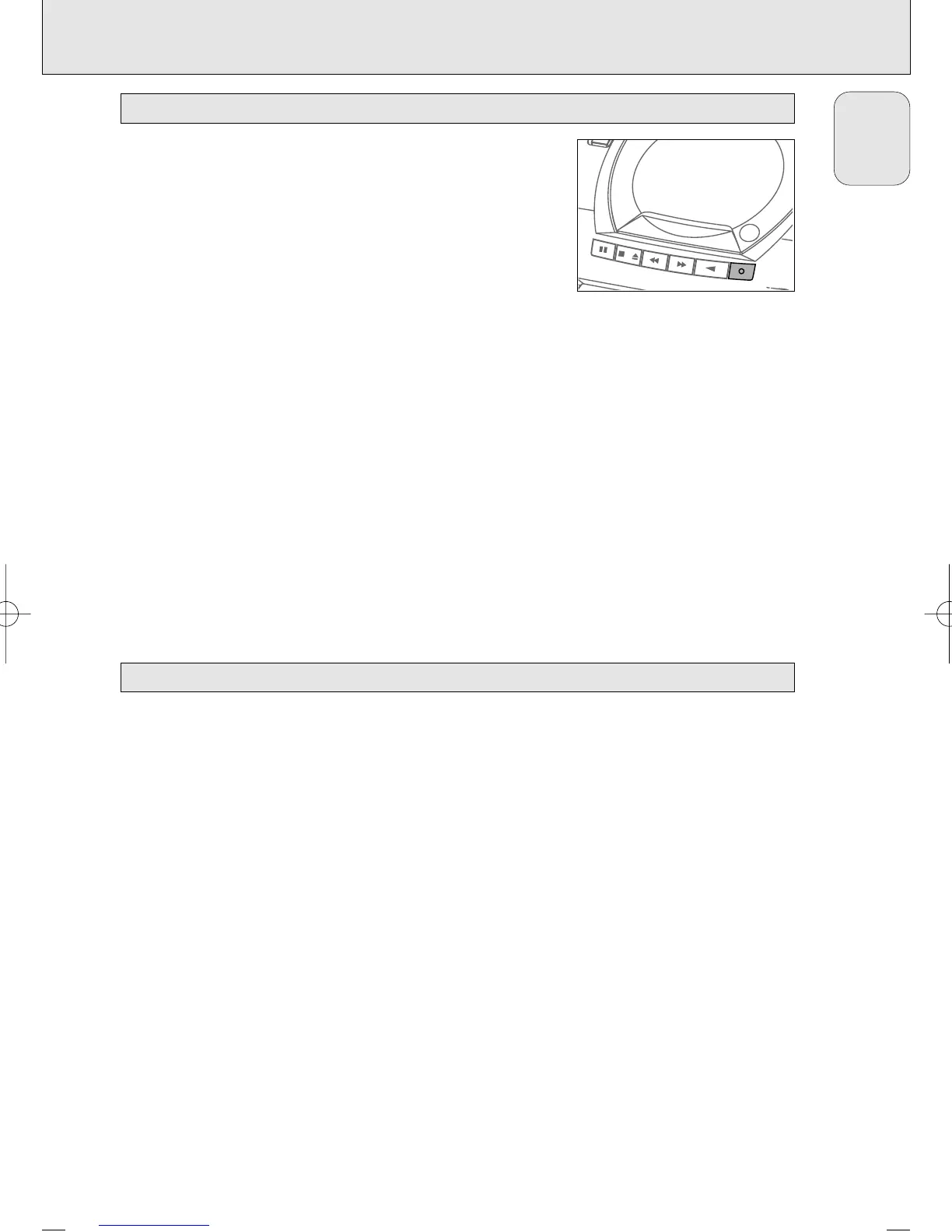
5 Press RECORD 0 to start recording.
™ Playing of the CD or program starts automatically.
6 For brief interruptions press PAUSE ;. Press the PAUSE ; key
again to resume recording.
7 To stop recording, press OPEN·STOP /9.
Note: the recording can be started from different positions:
– if the CD player is in pause mode, recording will start
from this very position (use
∞
or
§
);
– if the CD player is in stop mode, recording will start from
the beginning of the CD or program.
1 Tune to the desired radio station (see ”RADIO”).
2 Press OPEN·STOP /9to open the cassette compartment.
3 Insert a blank, unprotected, cassette and close the cassette
compartment.
4 Press RECORD 0 to start recording.
5 For brief interruptions press PAUSE ;. To resume recording
press the PAUSE ; key again.
6 To stop recording, press OPEN·STOP /9.
Recording from the radio
OPEN•STOP
SEARCH
PAUSE
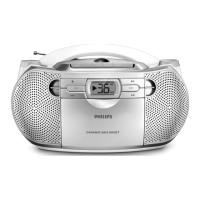
CD RADIO CASSETTE RECORDER
AZ1050
PLAY
RECORD
Recording from the CD player – CD synchro start
English
AZ 1050 /00 page 11
AZ1050/00 eng 8/12/00 16:48 Page 11



 To Next Page