5EN
2 Your product
Congratulations on your purchase, and
welcome to Philips! To fully benet
from the support that Philips oers(e.g.
notication of product software
upgrade), register your product at
www.philips.com/welcome.
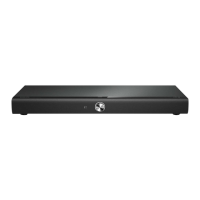
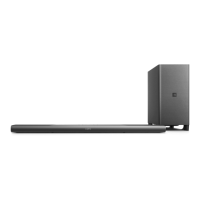
Main unit
This section includes an overview of the
main unit.
a
• Switch this product on or to
standby.
• When this product is in standby,
the standby indicator turns red.
b
Select an input source for this
product.
c +/- (Volume)
Increase or decrease volume.
d Display panel
e NFC tag
Tap the NFC-enabled device on the
tag for Bluetooth connection.
Remote control
This section includes an overview of the
remote control.
14
13
12
1
2
3
4
5
6
7
8
9
10
11
a
Switch this product on or to
standby.


 To Next Page
 Loading...