9
English
3 Connect
Make the following connections to use this player.
Basic connections:
Video•
Audio•
Power•
Optional connections:
Route audio to other devices•
HDMI-compliant AV receiver/amplifier•
Multi-channel AV amplifier/receiver•
Digital AV amplifier/receiver•
Analog stereo system•
USB device•
Wired/Wireless network•
Note
Refer to the type plate at the back or bottom of the •
product for identification and supply ratings.
Before you make or change any connections, ensure that
•
all the devices are disconnected from the power outlet.
Connect video/audio cables
Select the best video connection that the TV can
support.
• Option 1: Connect to the HDMI jack (for a
HDMI, DVI or HDCP-compliant TV).
• Option 2: Connect to the component video jacks
(for a standard TV or Progressive Scan TV).
• Option 3: Connect to the composite video jack
(for a standard TV).
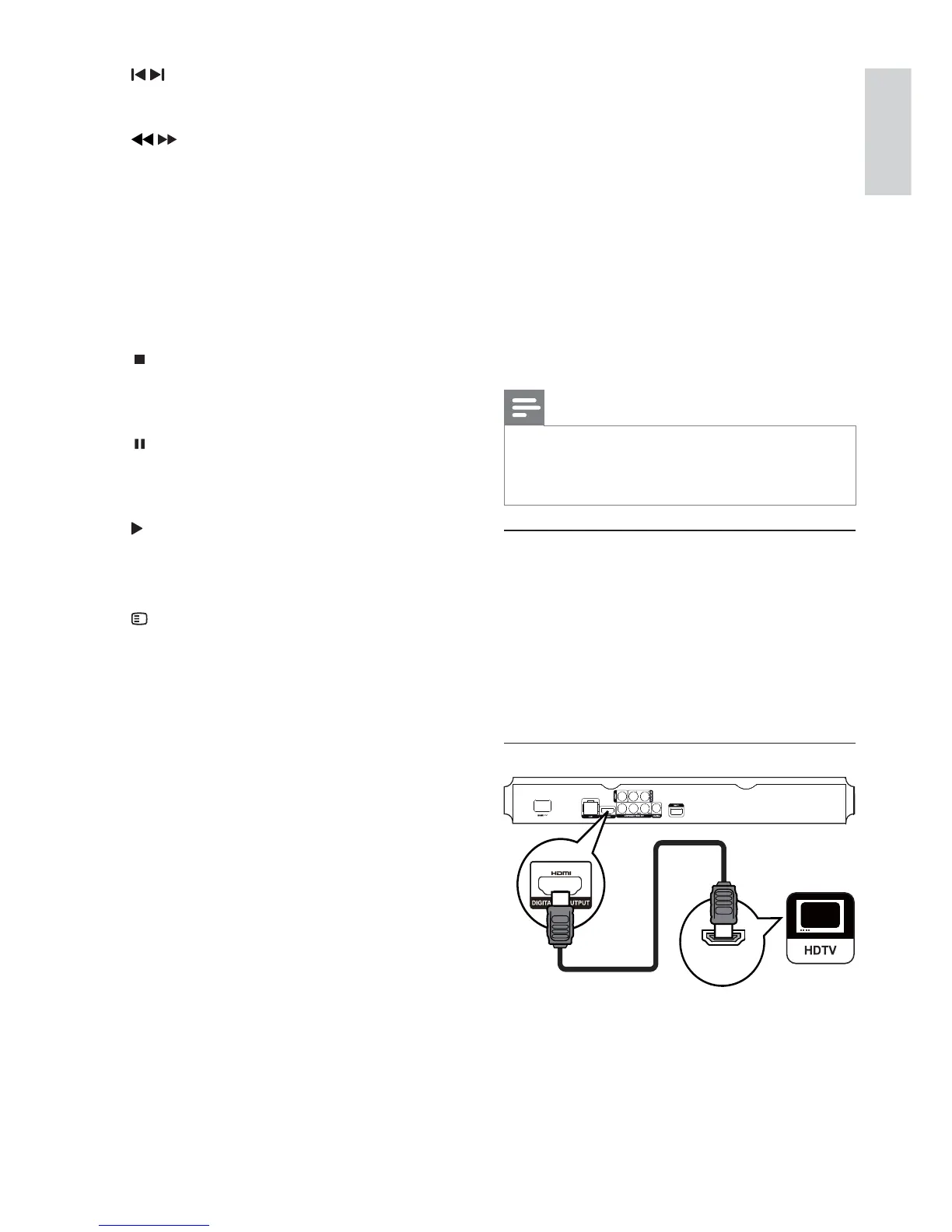
Option 1: Connect to the HDMI jack
1 Connect an HDMI cable (not supplied) to:
the • HDMI jack on this player.
the HDMI input jack on the TV. •
HDMI IN
g /
Skip to the previous or next title, chapter, •
or track.
h
/
Search backward or forward.•
i SUBTITLE
Select a subtitle language on a disc.•
j AUDIO
Select an audio language or channel on a •
disc.
k Alphanumeric buttons
Select an item to play.•
Enter values.•
l
Stop play.•
Press and hold to open/close the disc •
compartment.
m
Pause play.•
Move the paused picture one step •
forward.
n
Start or resume play.
o TOP MENU
• BD: Display the top menu.
• DVD: Display the title menu.
p
OPTIONS
Access options for the current activity or •
selection.
q Color buttons
• BD: Select tasks or options.
EN


 To Next Page