EasyManua.ls Logo

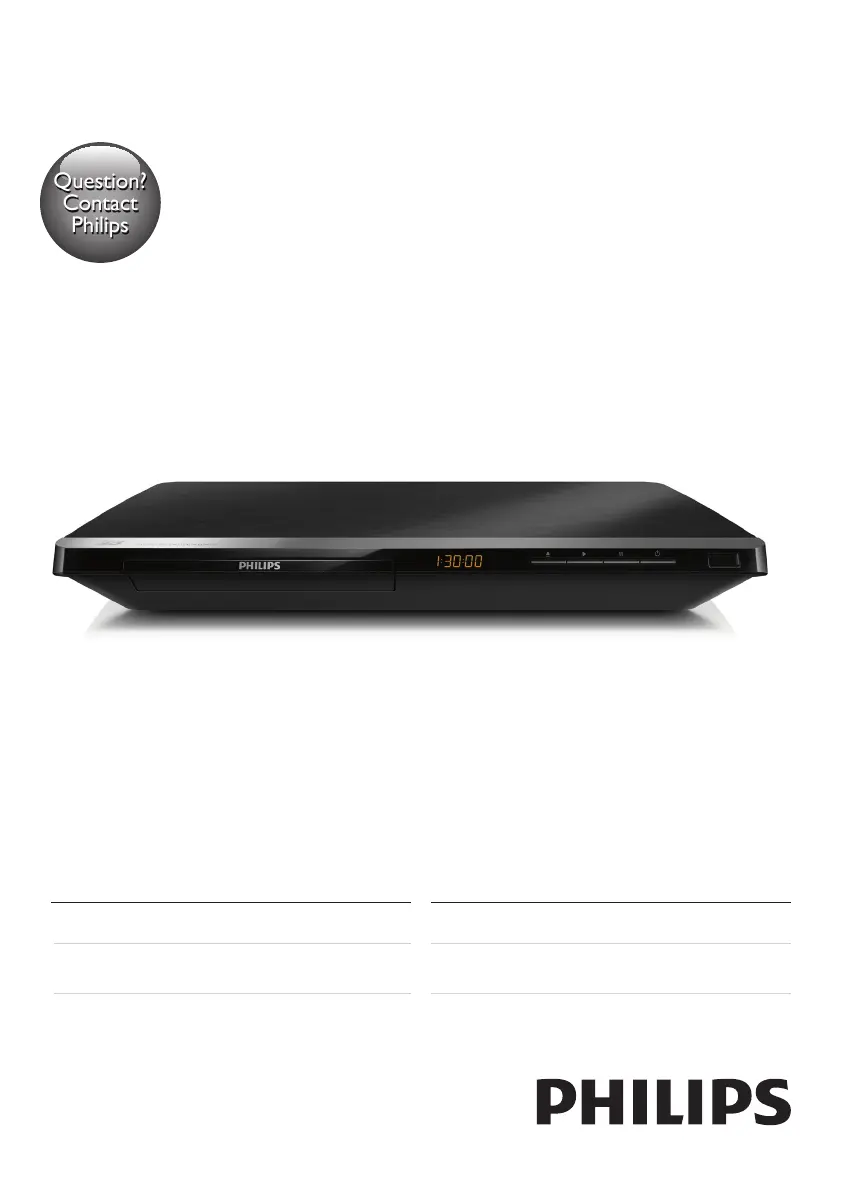
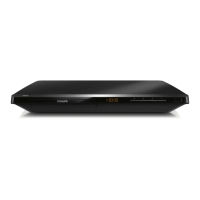
Philips BDP5650/98 - User Manual

Philips BDP5650/98
30 pages
Print Icon
To Next Page IconTo Next Page
Loading...
www.philips.com/welcome
Always there to help you
Register your product and get support at
BDP5650
Manual pengguna
คู่มือผู้ใช้
User manual
使用手冊
Question?
Contact
Philips

Questions and Answers

  • G
    Gail BarrAug 30, 2025
    Why no sound on HDMI connection with Philips BDP5650/98?
    • S
      Shannon WilliamsAug 30, 2025
      If you're not hearing any sound on the HDMI connection with your Philips Blu-ray Player, it might be because the connected device is non-HDCP compliant or only DVI-compatible.
  • A
    ashleybarbaraSep 8, 2025
    Why is there no secondary audio output for the Picture-in-Picture feature on my Philips Blu-ray Player?
    • M
      Melissa MccartySep 8, 2025
      When [Bitstream] is selected under the [HDMI Audio] or [Digital Audio] menu, interactive sound like secondary sound for Picture-in-Picture feature is muted. Deselect [Bitstream].
  • F
    Frederick WilliamsAug 29, 2025
    Why Smart TV does not work on Philips Blu-ray Player?
    • E
      eric08Aug 29, 2025
      If the Smart TV function isn't working on your Philips Blu-ray Player, verify that the network is correctly connected and the network installation is complete. You may also need to check the router connection.
  • S
    Sarah PerezSep 18, 2025
    How to fix cannot read USB storage on Philips Blu-ray Player?
    • V
      Valerie WilsonSep 19, 2025
      If your Philips Blu-ray Player cannot read the contents of a connected USB storage device, make sure that the format of the USB storage device is compatible with the player and that the file system is supported. For a USB HDD, an external power source may be needed.
  • D
    Deborah BakerSep 9, 2025
    What to do if the Philips BDP5650/98 cannot read the contents of a connected USB storage?
    • T
      Teresa BuckSep 9, 2025
      If your Philips Blu-ray Player isn't reading the USB storage, verify that: * The USB storage device's format is compatible with the player. * The file system on the USB storage device is supported. * If using a USB HDD, ensure it has an external power source.
  • C
    cmooreSep 12, 2025
    Why Philips BDP5650/98 DivX subtitles do not display correctly?
    • T
      Tyler JacksonSep 13, 2025
      If DivX subtitles are not displaying correctly, verify that the subtitle file has the same name as the DivX video file and that the subtitle file has a supported extension (.srt, .sub, .txt, .ssa, or .smi).
  • B
    Brian BrownSep 18, 2025
    Why I cannot access BD-Live features on Philips BDP5650/98?
    • N
      Nicole ElliottSep 18, 2025
      If you cannot access BD-Live features on your Philips Blu-ray Player, ensure that the player is connected to the network and that the network installation is complete. Also, verify that the Blu-ray disc supports BD-Live features. As a last resort, clear memory storage.
  • J
    Jason BlevinsAug 27, 2025
    What to do if Philips BDP5650/98 EasyLink feature does not work?
    • B
      Beth DavidsonAug 27, 2025
      If the EasyLink feature is not working, ensure that the player is connected to a Philips brand EasyLink TV and that the EasyLink option is turned on.
  • M
    Michelle ThomasAug 26, 2025
    How to troubleshoot wireless network not found or distorted on Philips BDP5650/98?
    • A
      andrewstaylorAug 26, 2025
      If your wireless network is not found or is distorted: * Ensure the network is correctly connected and installed. * Make sure the wireless network is not disturbed by microwave ovens, DECT phones, or other neighboring Wi-Fi devices. * If the wireless network does not work properly, try a wired network installation.
  • B
    Bridget BeckerAug 25, 2025
    What to do if my Philips BDP5650/98 cannot play a disc?
    • H
      Heather MartinezAug 26, 2025
      If your Philips Blu-ray Player won't play a disc: * Clean the disc. * Make sure the disc is correctly loaded. * Ensure the player supports the disc type and region code. * If it's a DVD±RW or DVD±R, make sure the disc is finalized.

Philips BDP5650/98 Specifications

General IconGeneral
Video UpscalingYes, up to 1080p
ConnectivityHDMI, USB, Ethernet
Wi-FiNo
3D PlaybackYes
Smart TVYes
Disc Types SupportedBD, DVD, CD
Video OutputHDMI, Composite Video
Audio OutputHDMI

Related product manuals