Treatment procedure
1 Press the mode button one or more times to select one of the three
treatment modes.
2 After you have selected the treatment mode (see section ‘Selecting
the treatment modes’ in this chapter), the BlueTouch Pain Relief
Patch beeps and all LEDs come on in power-save mode.
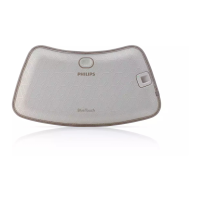
3 Treatment starts after the BlueTouch Pain Relief Patch has been
placed on the skin and the sensor of the patch senses a temperature
of at least 33°C for at least 5 seconds.
, All LEDs light up at the intensity of the selected mode
(
see section ‘Treatment modes, duration and intensity’ in this chapter).
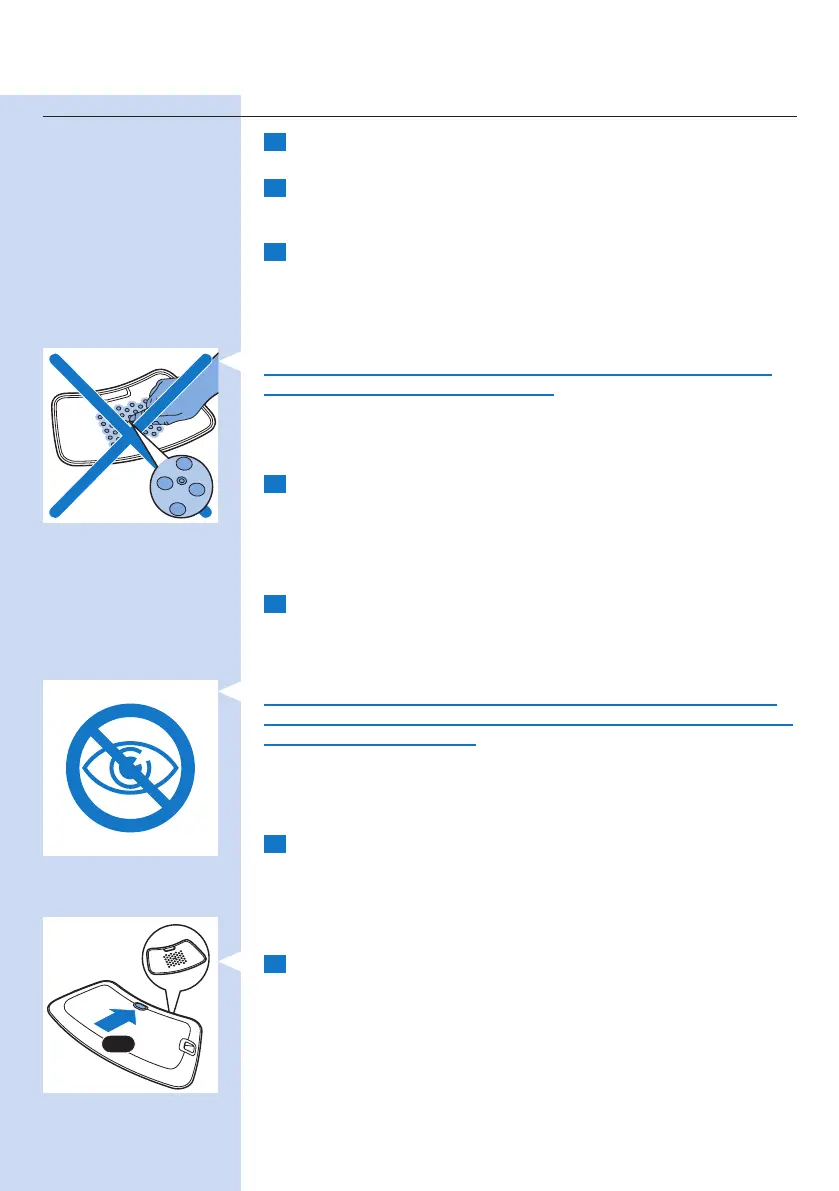
Do not intentionally touch the sensor in the centre of the BlueTouch
Pain Relief Patch when it is switched on.
Note: You can also place the patch on your back and then press the mode
button to select the treatment mode. In that case, the Blue Touch Pain Relief
Patch switches on in the selected mode within ve seconds.
4 The BlueTouch Pain Relief Patch automatically switches off after the
treatment time in the selected mode has elapsed. For the treatment
times, see section ‘Treatment modes, duration and intensity’ in this
chapter.
Interrupting treatment
1 If you want to interrupt the treatment briey, simply remove the Pain
Relief Patch from the skin.
, The LEDs of the BlueTouch Pain Relief Patch automatically switch
back to power-save mode.
Caution: Do not look directly into the light emitted by the LEDs, even
when the BlueTouch Pain Relief Patch operates in power-save mode and
the treatment time is paused.
Note: After 10 minutes in power-save mode, the BlueTouch Pain Relief Patch
switches off.
2 To resume the treatment after a brief interruption, place the
BlueTouch Pain Relief Patch back onto the skin.
, The LEDs automatically come on at the intensity selected and the
treatment time continues to count down.
Switching off
1 If you want to switch off the Pain Relief Patch before the treatment
time has elapsed, press the mode button one or more times until the
LEDs switch off.
, A sequence of two different tones indicates that the BlueTouch Pain
Relief Patch switches off.
Note: The number of times you have to press the mode button until the
BlueTouch Pain Relief Patch switches off depends on the mode you selected.
1-3x
ENGLISH 21





 To Next Page