monitor responds with the requested info. If the command is valid “Set” command allowed, the monitor
performs the requested operation.
Command Format
• Control(fromHosttoMonitor)
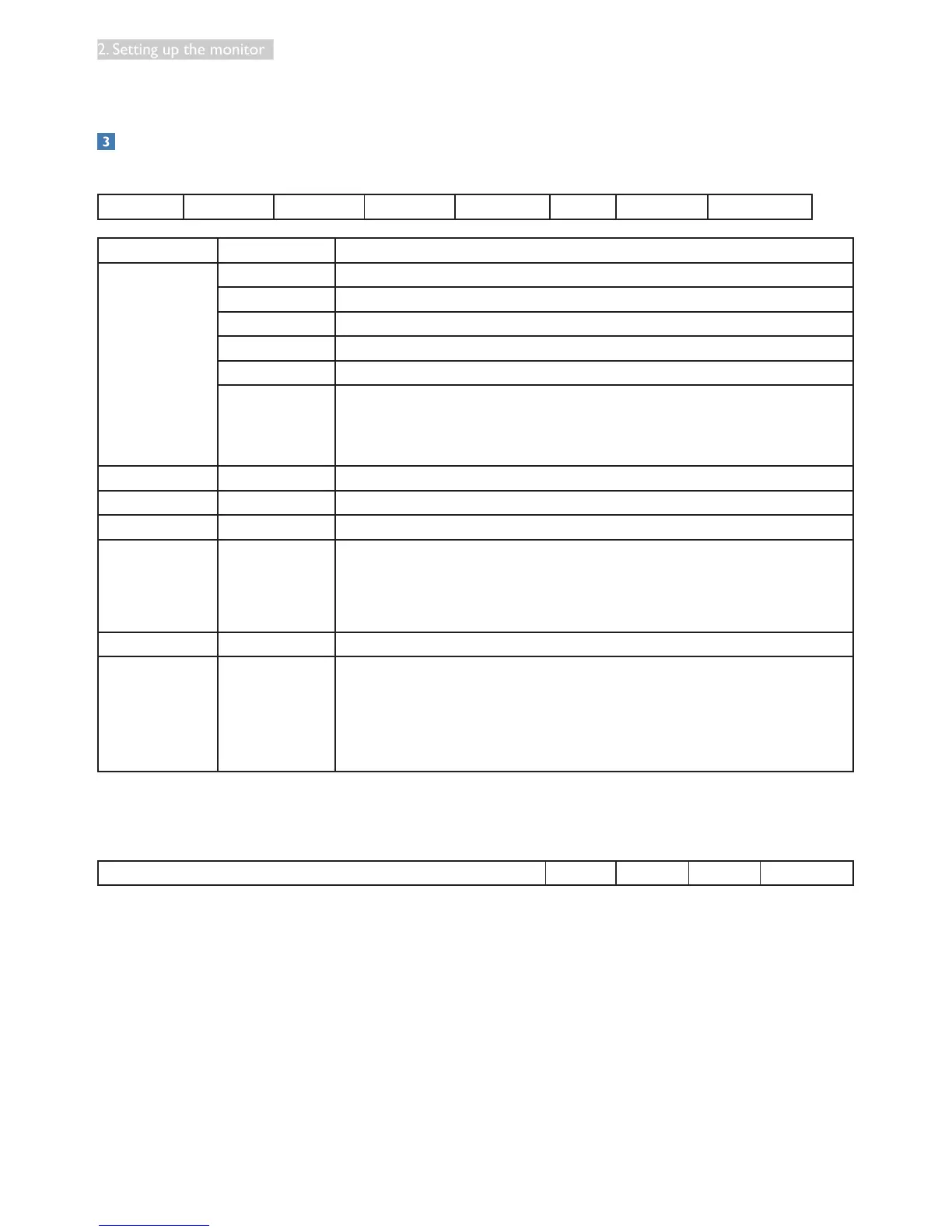
MsgSize Control Data [0] Data [1] Data [2] … Data [N] Checksum
Name of Filed Item Value
MsgSize Header 0xA6
Monitor ID 0xXX(=0~255)
Category 0x00(xed)
Page 0x00(xed)
Function 0x00(xed)
Length 0xXX(=0~255)
(it will be the total bytes from header to checksum subtract 6 byte
andshouldbemorethanorequalto1byte.)
Control Control 0x01(xed)
Data[0] Data[0] 0xXX(=0~255)
Data[1] Data[1] 0xXX(=0~255)
.
.
.
.
.
0xXX(=0~255)
Data[N] Data[N] 0xXX(=0~255)
Checksum Checksum 0xXX(=0~255)
Algorithm:TheEXCLUSIVE-OR(XOR)ofallbytesinthemessage
except the checksum itself.
Checksum= [MsgSize] XOR[Control] XOR Data[0]….XOR Data[N]
Example:
Set Power off in monitor#1.
MsgSize Control Data[0] Data[1] Checksum















 To Next Page