EasyManua.ls Logo

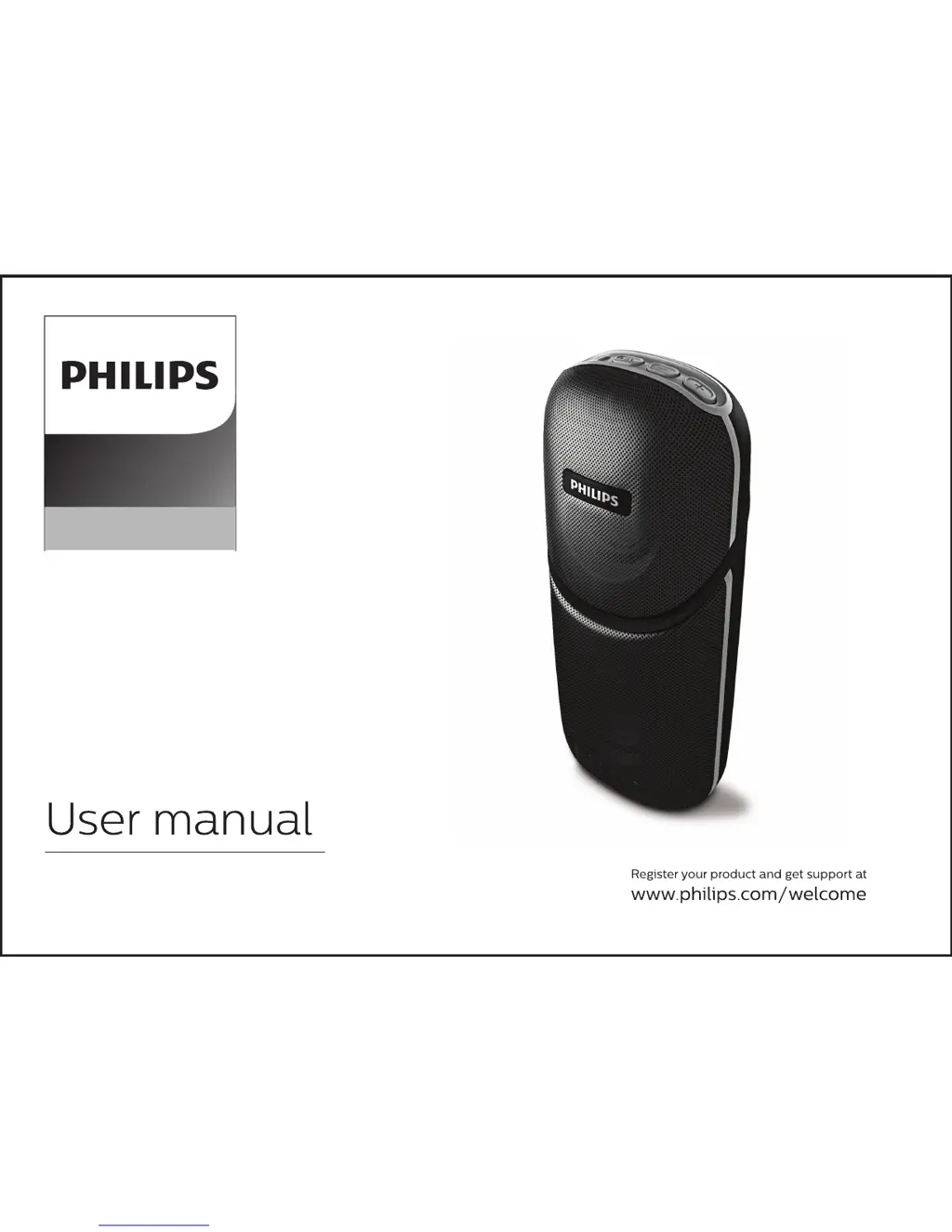
Philips BT112 - User Manual

Philips BT112
9 pages
Print Icon
To Next Page IconTo Next Page
Loading...
Portable Speaker
BT112

Questions and Answers

  • B
    bjonesAug 2, 2025
    How to fix no sound or distorted sound on Philips Portable Speakers?
    • A
      Anthony AndersonAug 3, 2025
      If your Philips Portable Speaker has no sound or the sound is distorted, try adjusting the volume or selecting the correct source to choose the equipment that you want to hear through the system.
  • S
    samantha36Aug 10, 2025
    Why is the audio quality poor on my Philips Portable Speakers via Bluetooth?
    • K
      Kurt PittsAug 10, 2025
      If the audio quality of your Philips Portable Speaker is poor after connecting with a Bluetooth-enabled device, try moving the device closer to the speaker or removing any obstacles between them.
  • L
    Lisa SchmidtAug 18, 2025
    What to do if my Philips Portable Speakers is not responding?
    • M
      Matthew AndersonAug 18, 2025
      If your Philips Portable Speaker is not responding, try restarting it.
  • S
    Sarah StewartAug 26, 2025
    What to do if Philips BT112 Portable Speakers has low hum or buzz sound?
    • J
      joneschristianAug 26, 2025
      If you are hearing a low hum or buzz sound from your Philips Portable Speaker, try placing the product as far away as possible from electrical devices that may be causing interference.

Summary

General Information

Warnings

Safety warnings regarding attachments, battery exposure, and usage environment.

Care and Safety Information

Guidelines to avoid high temperatures, moisture, water, dust, and ensure proper ventilation.

Care of the Cabinet

Instructions for cleaning the speaker cabinet using a soft cloth.

Accessories

List of included accessories such as cables and user manual.

Buttons and LED Lights

Switch Operation

Details on short and long press actions for power, playback, volume, and track control.

LED Indicators

Explanation of LED colors for Bluetooth mode, Audio In mode, and charging status.

Back Panel Ports

Identification of Audio In and Micro USB power sockets on the back panel.

Overview of the Speaker

Get Started

Instructions on placing the speaker, charging the battery, and connecting to power.

Charging Notes

Information on initial charging, USB socket usage, and battery life limitations.

Key Features and Operations

Bluetooth Pairing

Step-by-step guide for connecting the speaker to Bluetooth devices.

Audio In Connection

Instructions for connecting external audio devices via a stereo cable.

Charging the Speaker

Details on connecting the micro USB cable for charging the internal battery.

Hands-free Phone Call Function

How to answer, reject, or end calls using the speaker.

Low Power Alert

Notification of low battery and the need to charge for continued operation.

Troubleshooting

Warranty Information

Product Specifications

Philips BT112 Specifications

General IconGeneral
Frequency range70 - 20000 Hz
RMS rated power12 W
Input sensitivity600 mV
Signal-to-Noise Ratio (SNR)50 dB
Total Harmonic Distortion (THD)1 %
Recommended usageMobile phone / Smartphone
Built-in microphoneYes
Audio formats supportedMP3
Connectivity technologyWireless
Battery typeBuilt-in
Power source typeBattery
Battery life (max)4 h
Quantity1
Playback modesNext, Pause, Playlist, Previous
Audio output channels1.0 channels
Subwoofer driver diameter44.4 mm
Display typeLED
Product typeMono portable speaker
Product colorBlack
Product designRectangle
Cables includedUSB
Weight and Dimensions IconWeight and Dimensions
Height- mm
Weight- g

Related product manuals