4 EN
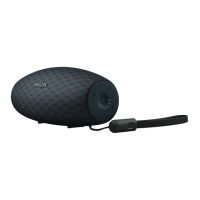
Overview of the speaker
a
• Turn the speaker on or off.
b PAIRING
• Enter Bluetooth pairing mode.
• Disconnect Bluetooth connection.
c DC IN
• Connect power.
d AUDIO IN
• Connect an external audio device.
e Reset
• Restore factory default settings.
f CHARGING
• Charge mobile devices (in AC mode).
g Volume knob
• Adjust volume.
h
• Answer or reject an incoming call.
• End the current phone call.
• Transfer the call to your mobile device.
i NFC
• Connect a device with NFC feature
through Bluetooth.



 To Next Page
 Loading...