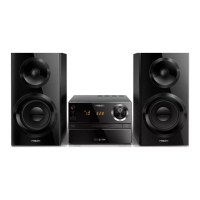
Philips BTM1360
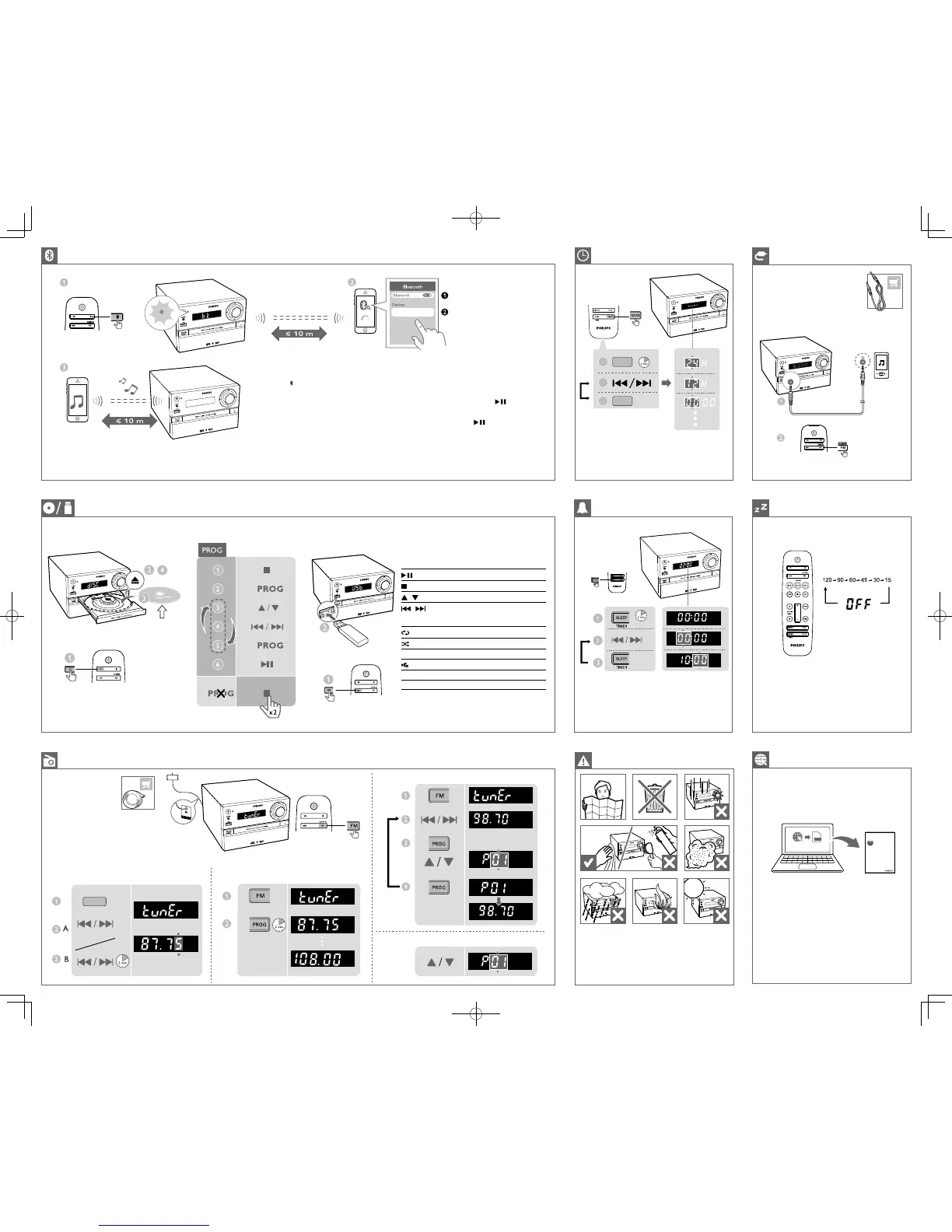
1 Press to select the Bluetooth source.
» [BT] (Bluetooth) is displayed. and the
Bluetooth indicator ashes blue.
2 On your Bluetooth device, enable Bluetooth function
and search for devices.
3 In the device list, select ‘Philips BTM1360‘,input ‘0000’
if a password is required.
» After successful pairing and connection, the
Bluetooth indicator turns solid blue, and the
product beeps twice.
4 Play audio on the connected device.
Note:
• If you fail to search for “Philips BTM1360‘’ or
cannot pair with this product, press and hold
SOURCE/PAIRING(or on the remote
control) for three seconds until you hear a
beep sound to enter Bluetooth pairing mode.
• Pressand hold on the main set for 8
seconds to clear Bluetooth pairing history.
2
3
1
CLOCK
CLOCK
Repeat steps 2-3 to set hour and minute
AUDIO IN
CD/MP3-CD
To download the full user manual, visit www.philips.com/support.
Control play
Start, pause, or resume play.
Stop play.
/
Select an album or a folder.
/
Press to skip to the previous or next track.
Press and hold to search backward/forward
within a track.
Play a track or all tracks repeatedly.
Play tracks randomly.
VOL +/- Increase or decrease the volume.
Mute or unmute sound.
SOUND Select a preset sound equalizer.
DISPLAY Adjust display brightness.
• Make sure that you have set the clock correctly.
• Repeat steps 2-3 to set minute, select a source, and set
the alarm volume.
Press to select the sleep timer period.
When [OFF] (off) is displayed, the sleep timer is deactivated.
FM
MHZ
MHZ
MHZ
MHZ
MHZ
Tune to FM radio stations Store FM radio stations automatically
Store FM radio station manually
Select a preset FM radio station
Note: For optimal reception, fully extend and adjust the
position of the antenna.
User Manual
www.philips.com/support
Always there to help you
Register your product and get support at
Question?
Contact
Philips
PDF
www.philips.com/support.
BTM1360 _05_QSG_V2.0.indd 2 2017/6/21 10:14:39



 To Previous Page