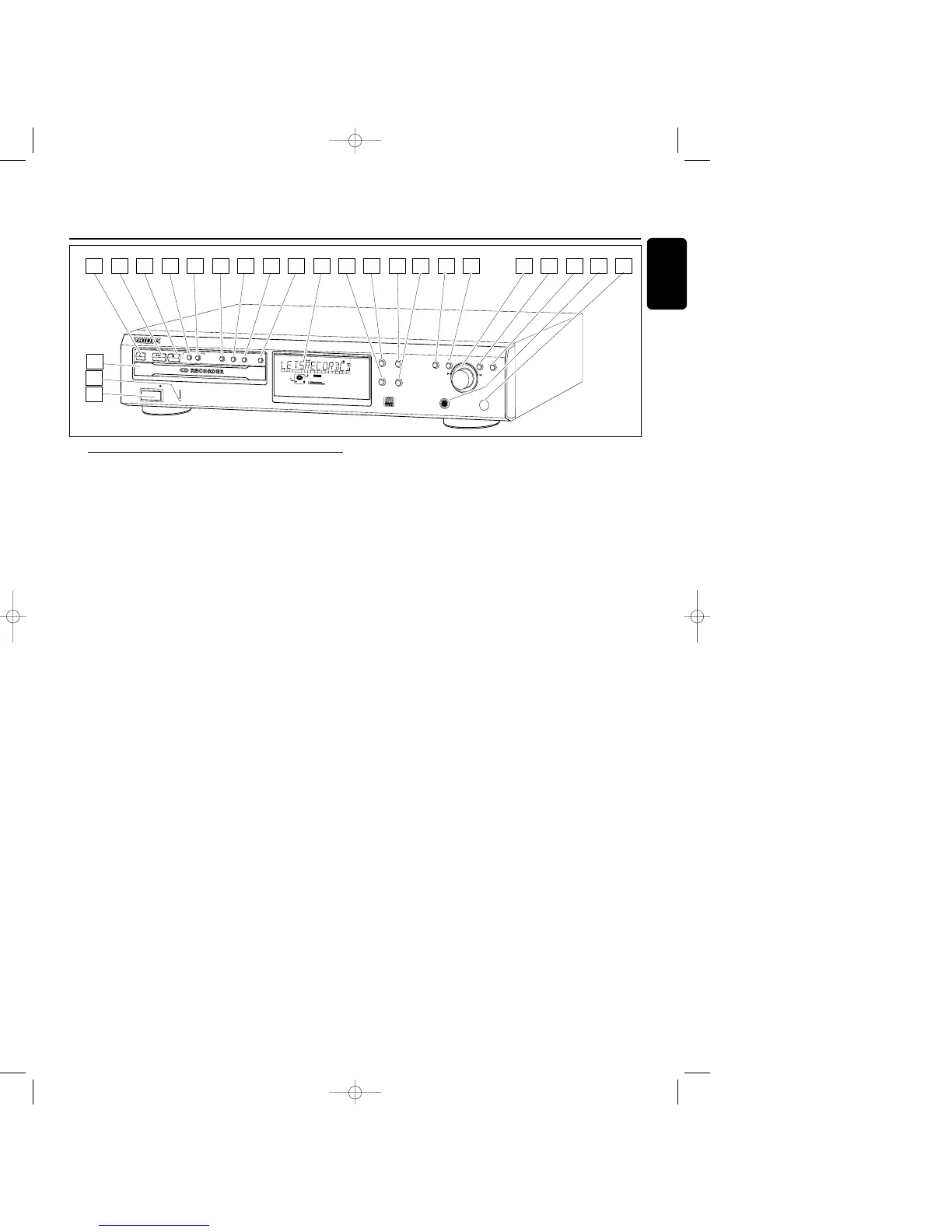
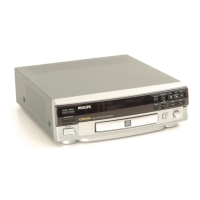
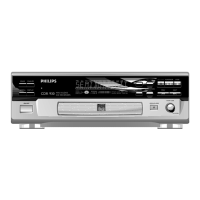
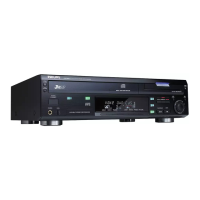
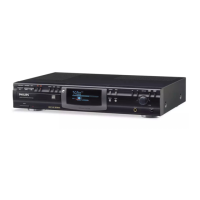
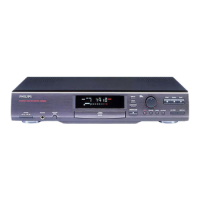
Controls
1 ON/OFF
turns the CD recorder ON and OFF
2 Standby indicator
3 Disc tray
4 OPEN/CLOSE /
opens/closes disc tray
5 PLAY/PAUSE 2;
starts play/interrupts play or recording
6 STOP 9
stops/clears a program
7 RECORDING TYPE
selects recording modes
8 RECORD
starts recording,finalizing, erasing
9 FINALIZE
selects finalize mode
0 ERASE
selects erasing mode (disc or track)
! SOURCE
selects input source
@ DISPLAY
selects display information,permanent text scrolling and
time
# Display
information screen
$ SHUFFLE
plays CD(RW) or program in random order
% PROGRAM
opens/closes program memory
^ SCROLL
activates scrolling of text over the display (once)
& REPEAT
repeats play (all,program or track)
* 5
- searches backward
- cursor control in Menu/Prog.review mode
( 6
- searches forward
- cursor control in Menu/Prog.review mode
) ¡ EASY JOG ™ (rotate)
- previous/next track (Play and Program mode)
- recording level control (recording)
- selects settings (menu on)
ENTER (push)
- plays selected tracks
- selects settings in menu mode
- programs track numbers
¡ STORE/MENU
- enters Menu mode
- stores Menu settings
™ CANCEL/DELETE
- deletes tracks from a program
- deletes text in Menu mode
- returns to a higher level in the menu
£ PHONES
socket for headphones
≤ IR sensor
receives signals from the remote control
Operating buttons
9
English



 To Next Page