20 EN
2 Press AS/SOURCE repeatedly to switch
the source to [FRONT USB] (Front
USB socket) or [REAR USB] (Rear USB
connector).
» The system starts playing tracks that
are stored on your iPod/iPhone.
Note
•
Before you disconnect the iPod/iPhone, switch the
system to another source.
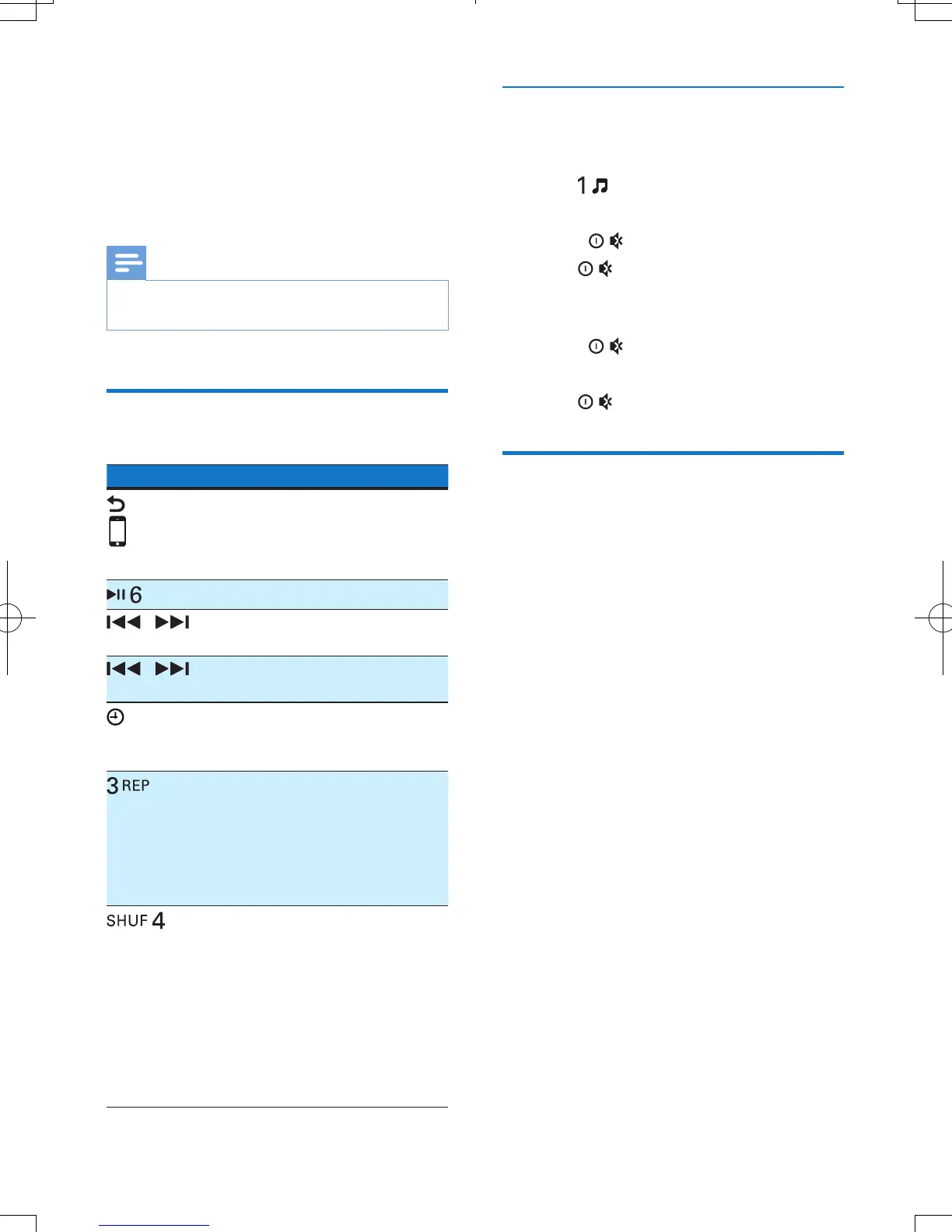
Control play
Button Function
Press repeatedly to select a
control mode: control play on
your iPod/iPhone, or on the
system.
Press to pause or resume play.
/
Press to play the previous or
next track.
/
Press and hold to rewind a track
or search forward fast.
/DISP
Press repeatedly to display
available information about the
current track.
Press repeatedly to select a
repeat mode:
• [REPEAT ONE]: repeat the
current track, or
• [REPEAT ALL]: repeat all
tracks.
Press repeatedly to select a play
mode:
• [SHUFFLE ALL]: play all tracks
randomly,
• [SHUFFLE ALB]: play tracks in
the current album randomly, or
• [SHUFFLE OFF]: play all tracks
in the iPod/iPhone library in
sequence.
Search for a track
After accessing the iPod/iPhone menu, you can
select a specic track quickly.
1 Press to access the iPod/iPhone menu.
» [PLAYLIST] scrolls.
2 Rotate to select a category.
3 Press to access the list of tracks
under the category.
» The le name of the rst track scrolls.
4 Rotate to select a track.
» The le name of current track scrolls.
5 Press to start play.
Charge your iPod/iPhone
Once the iPod/iPhone is docked and
recognized, the charging starts.



 To Next Page