3135-125-21331 10/09/02 DFU LO1-2K2 CH1, HC, OCC, PC, PL, TL
10
HOW
TO USE
T
HE ON-SCREEN MENU (CONTINUED)
WELCOME MESSAGE* (>) SETUP x CONSUMER FEATURES MENU_
Applicable / available only to the Commercial Mode / setup menu. The Welcome Message feature makes it possible for
an on-screen message to appear whenever the television is first turned on. The message will remain until any front-panel
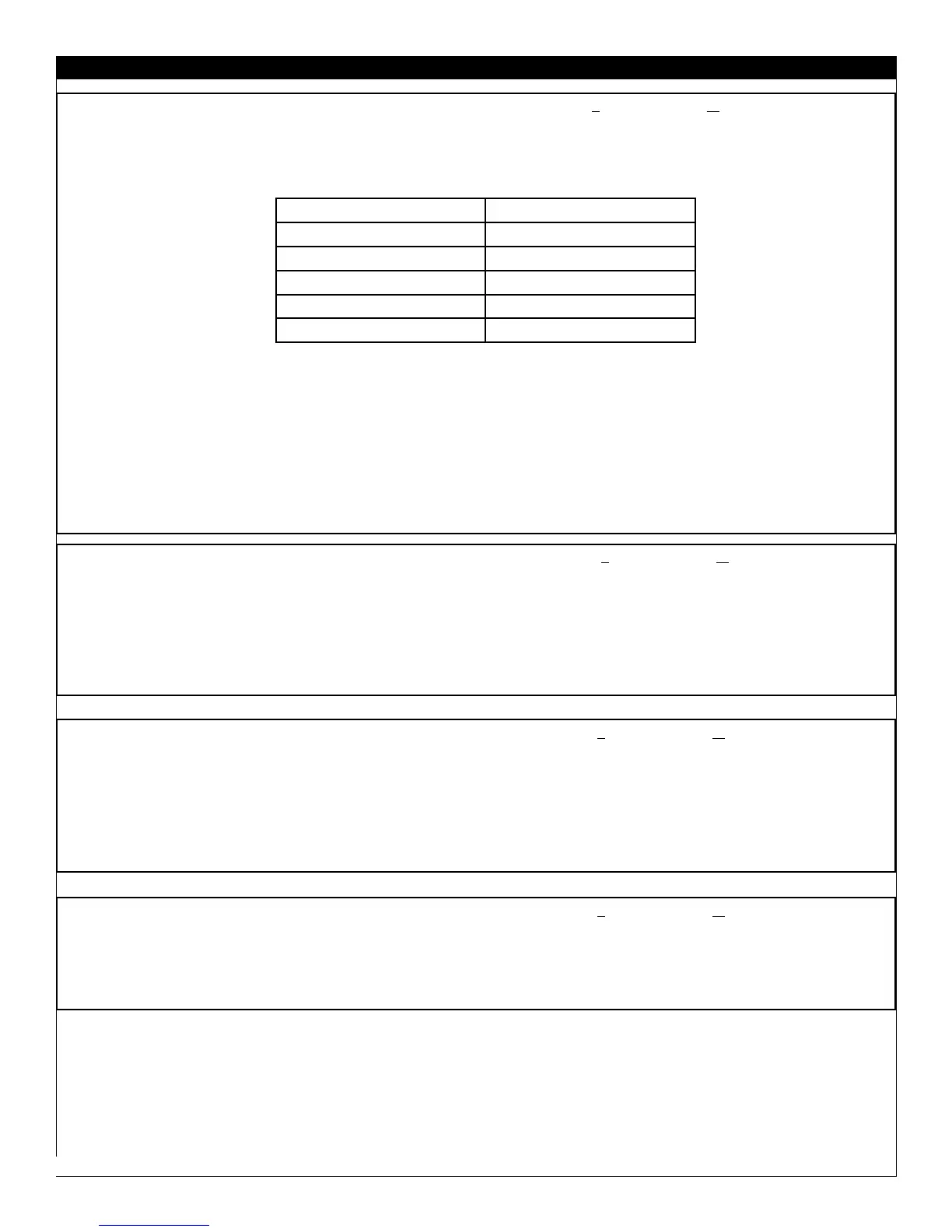
keyboard command or remote control command is received. The Welcome Message sub-menu is shown below.
Use cursor-up and cursor-down to select the Welcome Message sub-menu item. While Line 1 or Line 2 of the Welcome
Message message is highlighted, use cursor-left and cursor-right to enter message-edit mode and position the cursor with-
in the line of the message content. Use cursor-up and cursor-down to change the character at the current position. Press
RECALL on the Setup Remote to exit the editing mode and resume Welcome Message sub-menu item selection.
> NOTE: WELCOME MESSAGE, when ON, overrides CHANNEL GUIDE at power-on, if the latter has been enabled.
* COMMERCIAL FEATURE
CHANNEL GUIDE* (OFF / ON / POWER ON) SETUP x
CONSUMER
FEATURES MENU
_
Applicable / available only to the Commercial Mode / setup menu. CHANNEL GUIDE provides an on-screen list of all
channels / inputs currently saved in the channel ring (see CHANNEL INSTALL) and their corresponding labels (see
CHANNEL INSTALL), for any channels / inputs for which labels have been assigned. When CHANNEL GUIDE is ON,
the channel guide appears when a remote control CH GDE command is received. When CHANNEL GUIDE is set to
POWER ON, the channel guide appears when the television is first powered on, as well as when a remote control CH
GDE command is received. When CHANNEL GUIDE is OFF, the channel guide never appears.
REMINDER* (OFF / ON) SETUP x CONSUMER FEATURES MENU_
The REMINDER feature, when ON, causes the television to constantly display the currently-tuned channel / input and/or
its label (if one has been assigned, see CHANNEL INSTALLATION) in the upper-left-hand corner of the screen. When
REMINDER is OFF, the channel number / label will only appear briefly immediately after channel / input is selected.
NOTE: The REMINDER feature is available in the television’s commercial-mode TV SETUP and CONSUMER menus.
3-DIGIT ENTRY* (OFF / ON) SETUP x CONSUMER FEATURES MENU_
Applicable / available only to the Commercial Mode / setup menu. Determines whether two or three remote-control digit
commands initiate a channel-tune command. When OFF, tuning will occur upon the reception of two remote-control digit
commands. When ON, tuning will occur upon the reception of three remote-control digit commands.
WELCOME MESSAGE
MESSAGE OFF / ON
LINE 1 (20 characters)
LINE 2 (20 characters)
CLEAR
>
EXIT
>







 To Next Page