28
11 Others
Listen to other devices
You can connect an external audio/video device
to the unit.
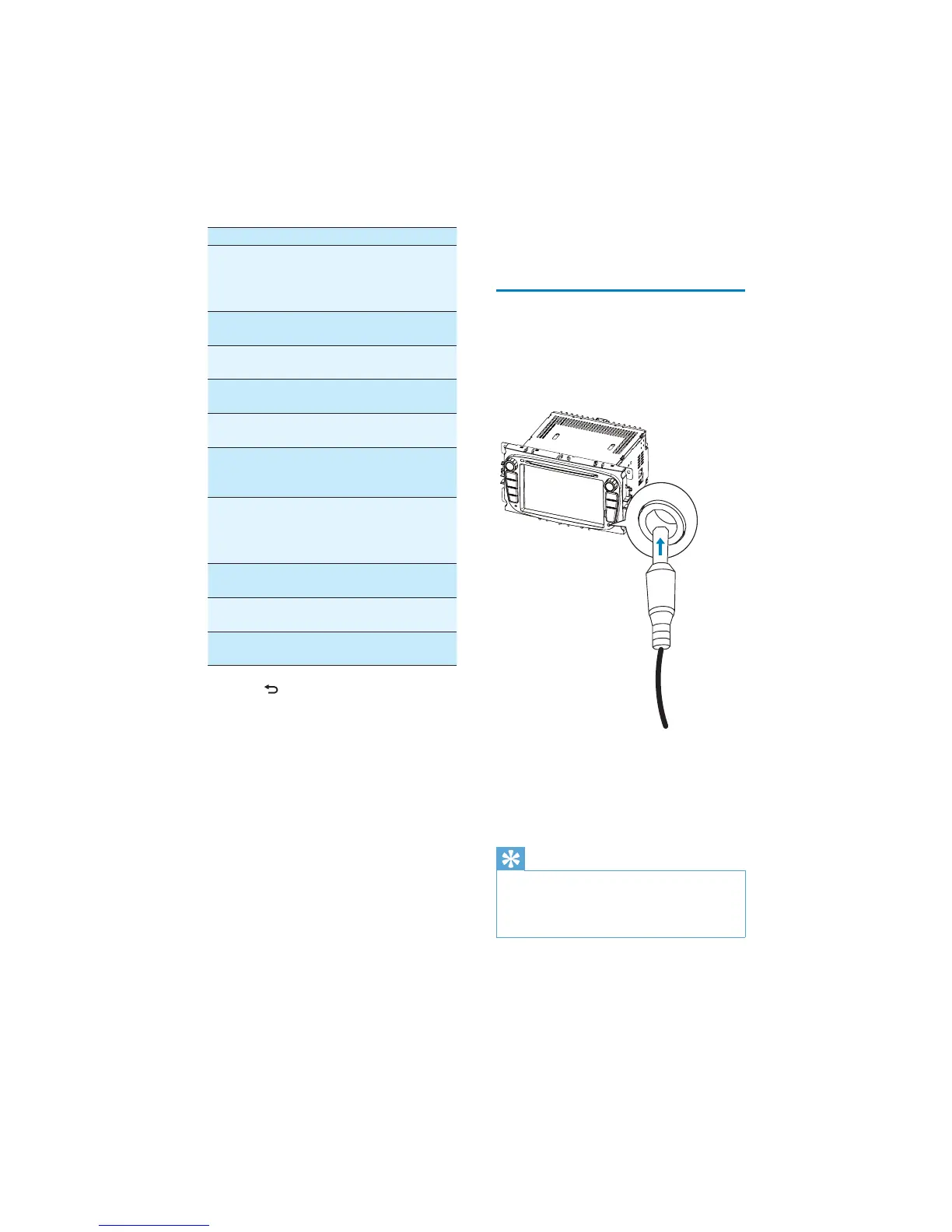
1 Connect the car audio to the device with
the supplied AV cable.
2 Touch the upper left corner to display the
main menu.
3 Touch [AV-IN1].
4 Operated the connected the device (see
the instructions manual of the device).
Tip
If you connected the system to other audio
device through the REAR OUT L/R connector
(see “Connect wires” section), touch [AV-IN2]
to listen to that device.
DVD rating Options Description
[Set
password]
Set password to
restrict the play of
discs. The default
password is 0000.
[Rating
level]
[Kid safe] Acceptable for
children.
[G] Acceptable for
general viewers.
[PG] Parental guidance
suggested.
[PG-13] Unsuitable for
children under age 13.
[PG-R] Recommend parents
to restrict children
under 17 to view.
[R] Restricted.
Recommend parent
to guide children
under 17 to view.
[NC-17] Unsuitable for
children under age 17.
[Adult] Acceptable for adults
only.
[Load
factory]
Restore to default
settings.
3 Press to exit.
EN



 To Next Page