Set time and date
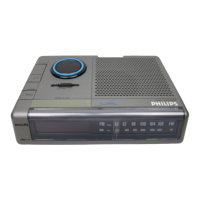
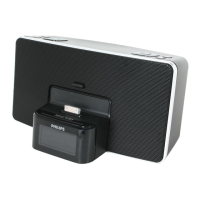
1 Dock the iPod / iPhone on the unit.
2 Open the iPod / iPhone.
Time and date information on the iPod / iPhone transfers to »
the unit automatically.
To set time and date manually:
1 In standby mode, press and hold DATE • AUTO TUNE/TIME
SET for 2 seconds.
[24 HR] begins to blink. »
2 PressTUNING +/- or / to select 12/24 hour format.
3 Press DATE • AUTO TUNE/TIME SETtoconrm.
The hour digits begin to blink. »
4 Press TUNING +/- or / to set the hour.
5 Press DATE • AUTO TUNE/TIME SETtoconrm.
The minute digits begin to blink. »
6 Repeat steps 4-5 to set the minute, year, month, and day.
Turn on
1 Press POWER.
The unit switches to the last selected source. »
Switch to standby
1 Press POWER again to switch the unit to standby mode.
The time and date (if set) appear on the display panel. »


 To Next Page