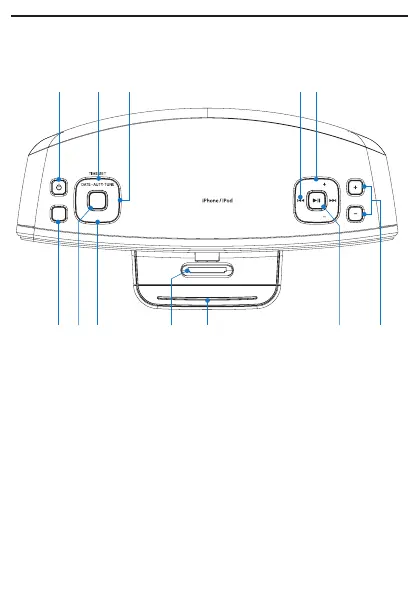
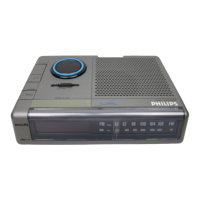
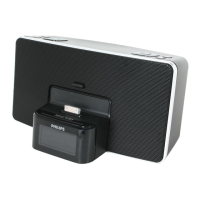
Overview of the main unit
Top View
a POWER
Turn on the unit or switch to standby mode.•
Deactivate the sleep timer.•
Stop alarm.•
b DATE • AUTO TUNE/TIME SET
Set the date and clock.•
Search and program radio stations automatically.•
c AL 1/AL 2
Set the alarm timer.•
Turn off the alarm tone.•
View alarm settings.•
REPEAT ALARM
BRIGHTNESS CONTROL
E
MULOV
TUNING
TUNING
SOURCE
SLEEP
AL
2
AL1
BBD
DOCK for
a b c d e
l jk i gh f


 To Next Page