12
English
Preparations
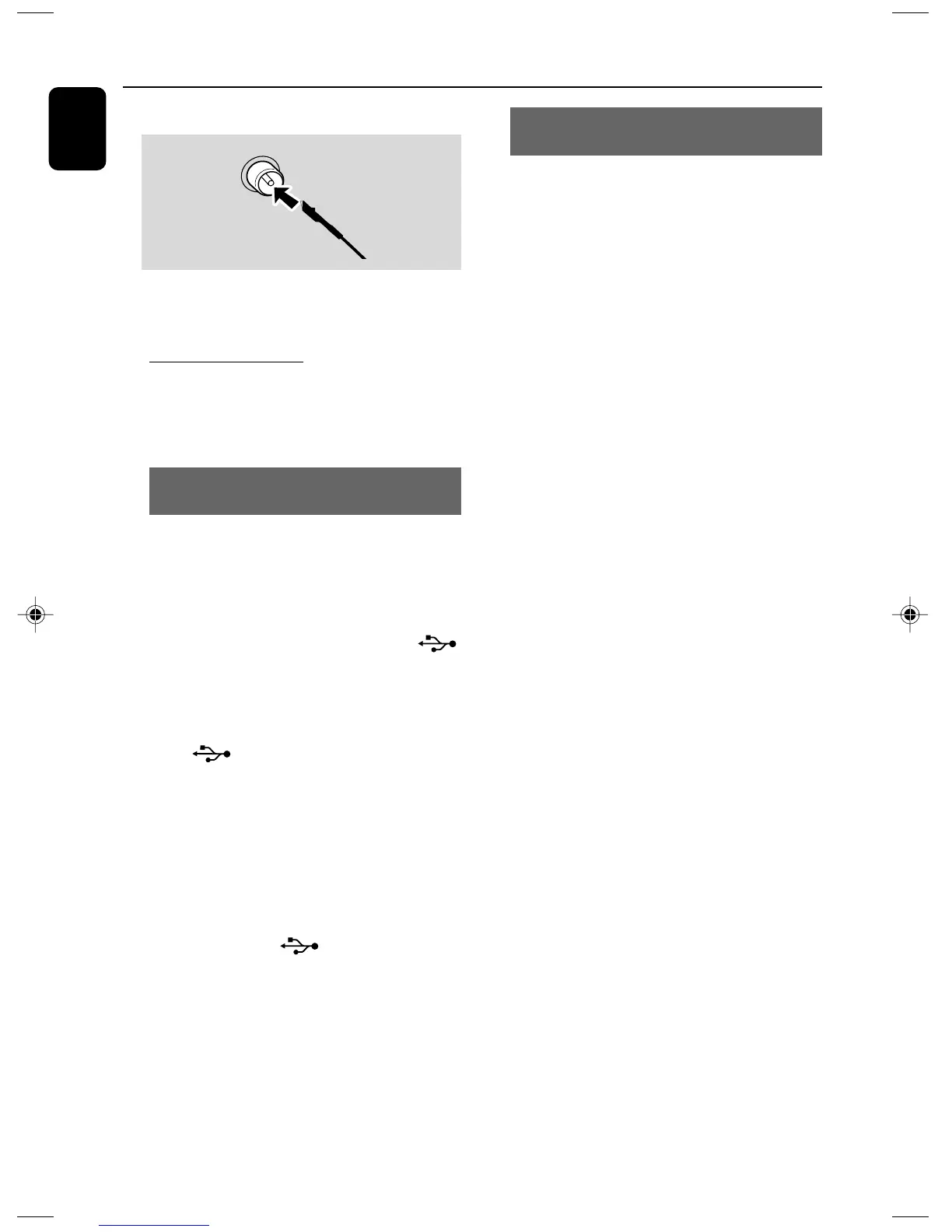
FM Antenna
● For better FM stereo reception, connect an
outdoor FM antenna to the FM AERIAL (FM
ANTENNA) terminal.
C Optional connection
The optional equipment and connecting cords are
not supplied. Refer to the operating instructions
of the connected equipment for details.
Connecting a USB device or memory
card
By connecting a USB mass storage device
(including USB flash memory, USB flash players
or memory cards) to the Hi-Fi system, you can
enjoy the device's stored music through the
powerful speakers of Hi-Fi system.
● Insert the USB device's USB plug into the
socket on the set.
OR
for the devices with USB cables:
1 Insert one plug of the USB cable (not supplied)
to the socket on the set.
2 Insert the other plug of the USB cable to the
USB output terminal of the USB device.
OR
for the memory card:
1 Insert the memory card into a card reader (not
supplied).
2 Use a USB cable (not supplied) to connect the
card reader into the socket on the set.
Connecting other equipment to your
system
● Use a cinch cable to connect AUX to the
analogue audio out terminals of an external
equipment (TV, VCR, Laser Disc player, DVD
player or CD Recorder).
Note:
– If you are connecting equipment with a mono
output (a single audio out terminal), connect it to
the AUX left terminal. Alternatively, you can use a
“single to double” cinch cable (the output sound
still remain mono).
pg001-029_DCM230_37-Eng 12/6/07, 16:2212



 To Next Page