d
h
i
j
k
l
OPEN/CLOSE
CD
MP3 LINK
USB
TUNER
iPhone
MENU
iPod
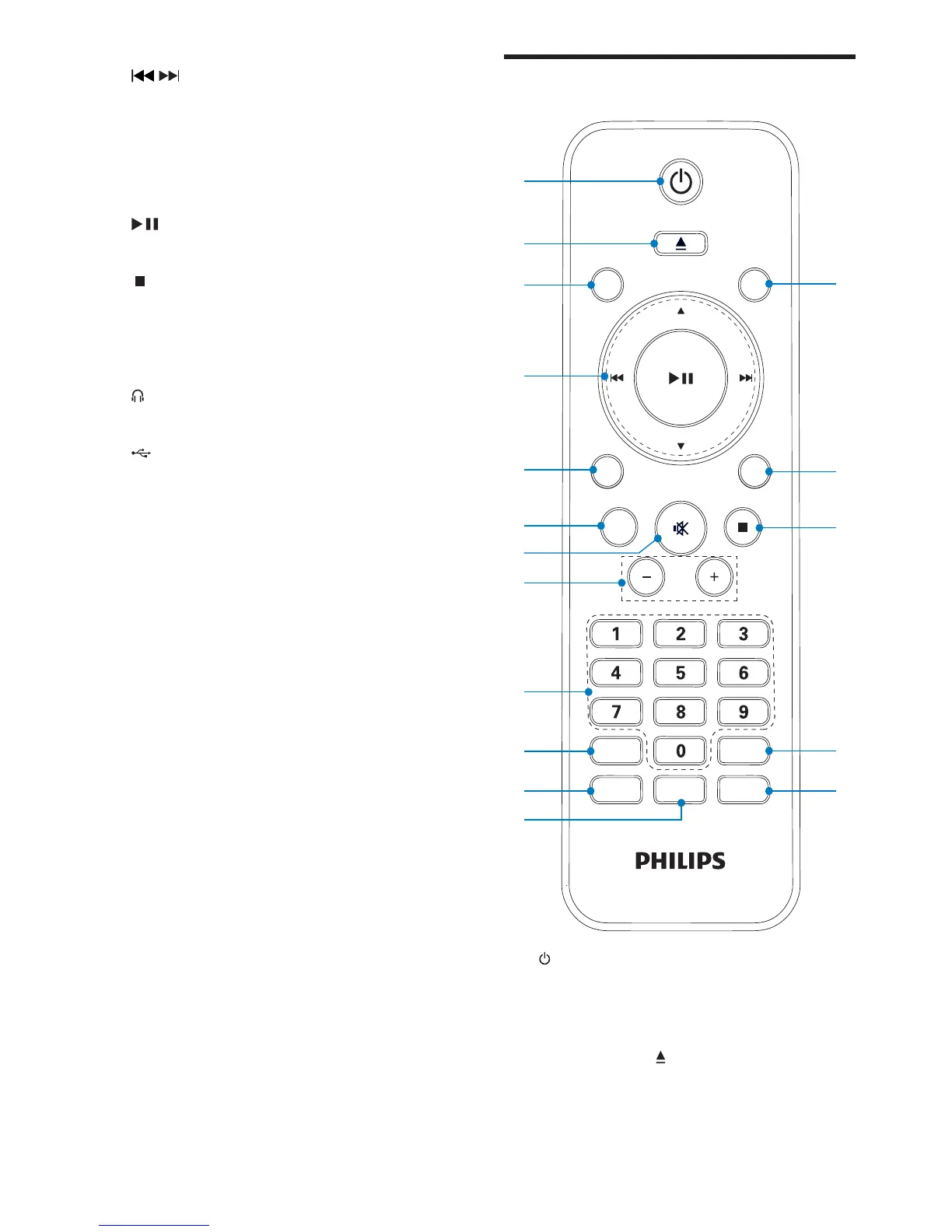
a
Turn on the unit, or switch to •
standby mode, or switch to Eco
Power standby.
b OPEN/CLOSE
Open or close the disc compartment.•
c CD
Select disc source.•
g
/
Skip to the previous/next track.•
Search within a track.•
Tune to a radio station.•
Adjust hour/minute digits. •
Select 12 hour or 24 hour format.•
h
Start or pause play.•
i
Stop play or erase a program.•
j VOLUME + / -
Adjust volume.•
k
Jack for the headphone.•
l
Jack for a USB mass storage device. •
m MP3 LINK
Audio input jack (3.5mm) for an •
external audio device.
EN



 To Next Page