13
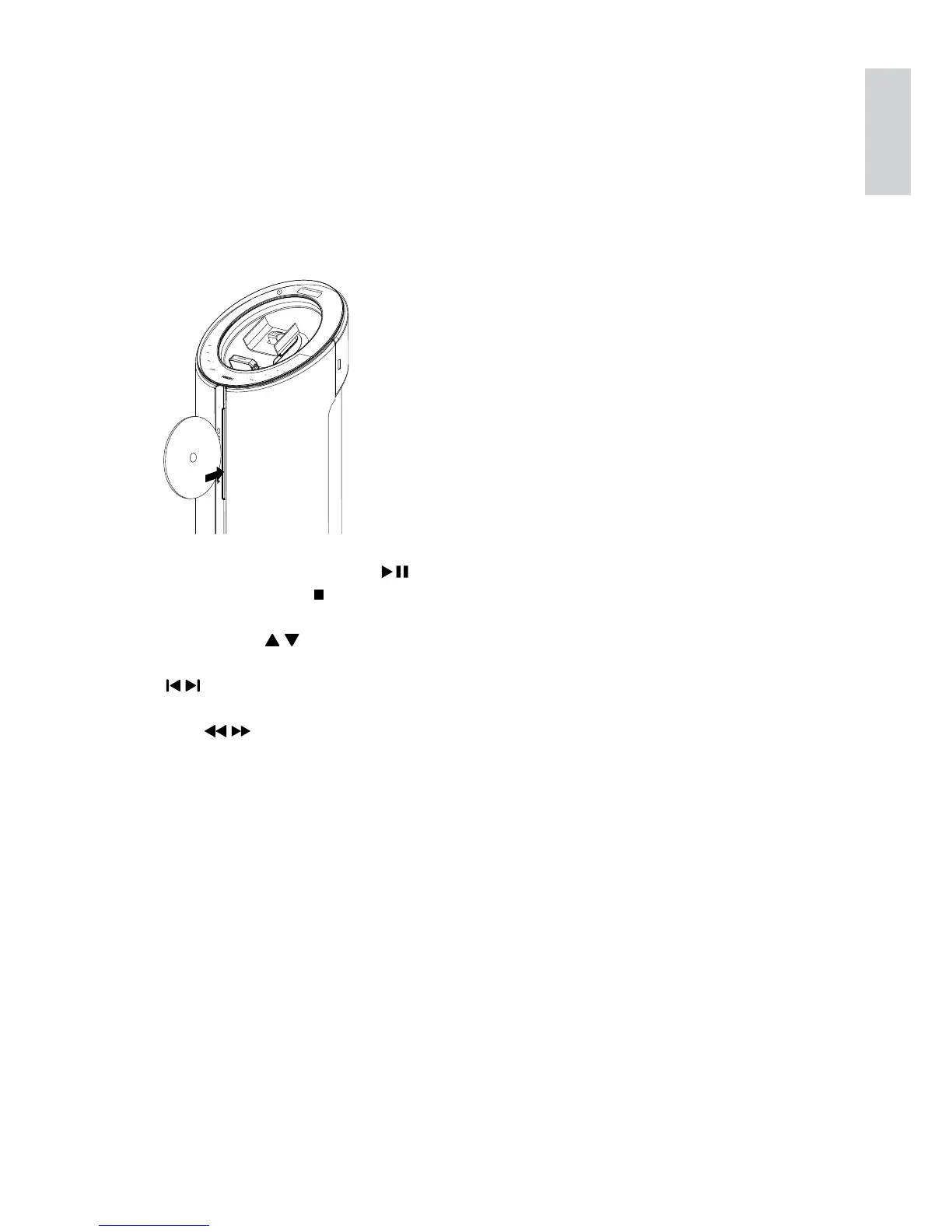
4 Play disc
1 Press CD to select the disc source.
2 Insert a disc into the disc compartment
with the printed side facing right.
Play starts automatically. »
To pause/resume play, press • .
To stop play, press •
.
For MP3/WMA disc: to select an •
album, press
/ .
To skip to a track/file/chapter, press •
/ .
To fast backward/forward, press and •
hold
/ .
P
r
i
n
t
e
d
S
i
d
e
English
EN



 To Next Page