19
English
SPECIAL DVD FEATURES
Playing a title
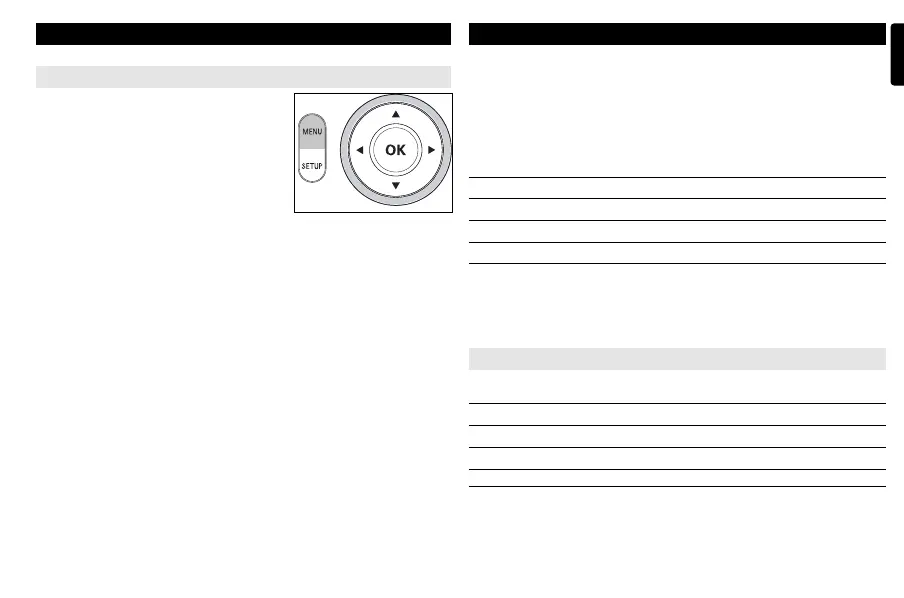
1 Press MENU to enter the disc title menu.
2 Use 3,4,1, 2 or numeric keys (0-9) to
select a play option.
3 Press OK to confirm.
SETUP OPERATIONS
To maximize your playback experience, use SETUP to fine tune your settings.
Use the 3,4,1, 2 keys to highlight your selection, and press OK.
1 Press SETUP. A list of features is shown.
2 Use the 3 4 keys to highlight your selection.
When the cursor highlights these settings, press OK to:
Language select language options
Screen select screen options
Photo select photo options
Custom select custom options
Exit exit the system menu
3 Press 1 to abort current settings or go back to previous menu level.
4 Press SETUP to exit.
Language
When the cursor highlights these settings, press OK to:
On Screen Display select on-screen display language
Menu select disc menu language options
Audio select disc audio language options
Subtitle select disc subtitle language options
Press 1 to abort current settings or go back to previous menu level.
P001-022_DCP851_37_Eng 2008.3.7 11:34 Page 19



 To Next Page