Using DECT 121
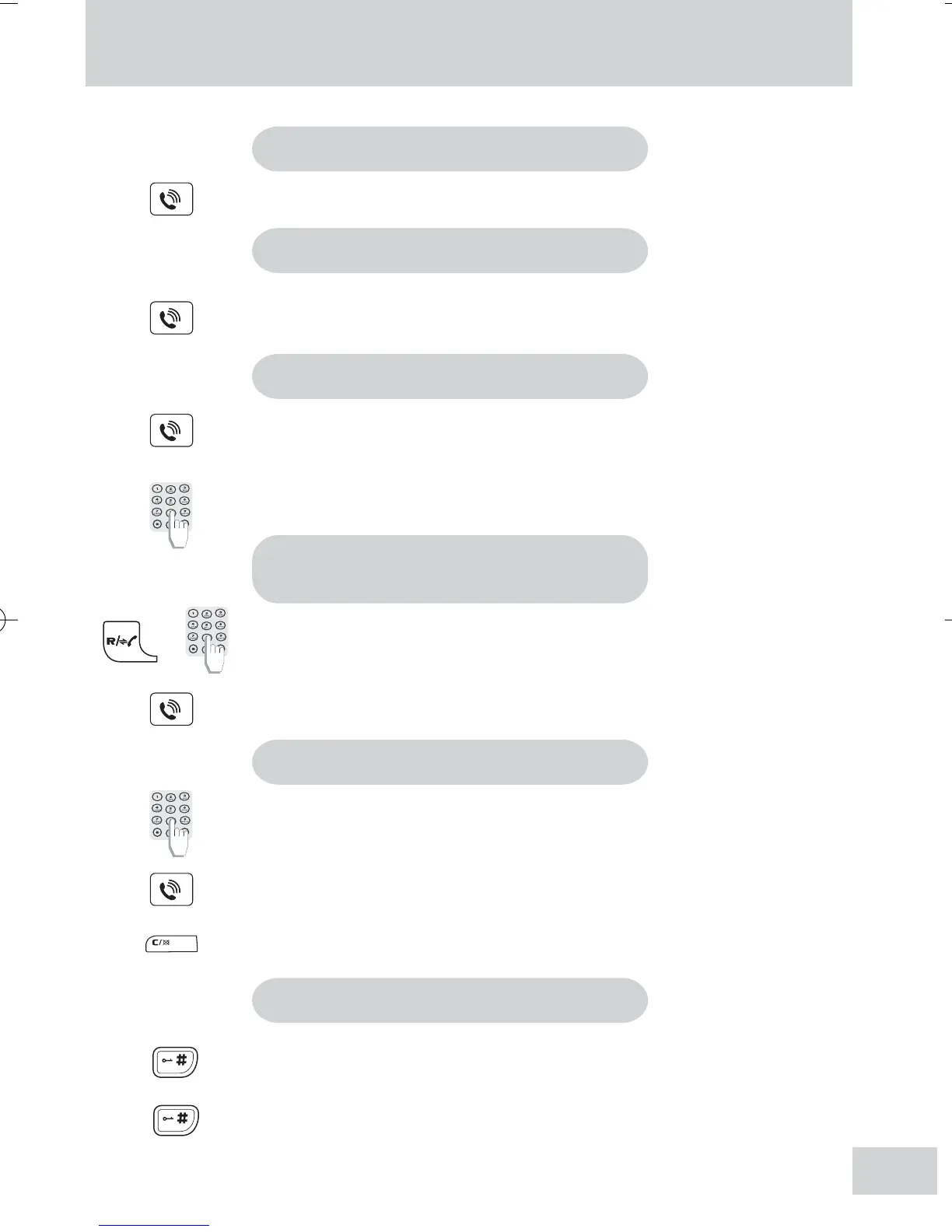
To answer a call
Press the Talk key.
To end a call
Press the Talk key.
To make an external call
Press the Talk key.
Dial the number.
To make an internal call
(DECT 121 multi-handset packs)
Press and hold Rkey and press the handset number (1 to 4)
until the other handset rings.
Answer the call on the called handset.
Predialling a number
Dial the phone number.
Press the Talk key.
Note: You can dial up to 18 digits.
Tip: Press the Correction key to delete incorrect digits.
7
Press and hold # key to lock the keypad.
Press and hold # key to unlock the keypad.
Note: You can still answer calls when the keypad is locked.
To activate/deactivate keypad lock
DECT121(180105).pmd 02/02/2005, 22:447



 To Next Page