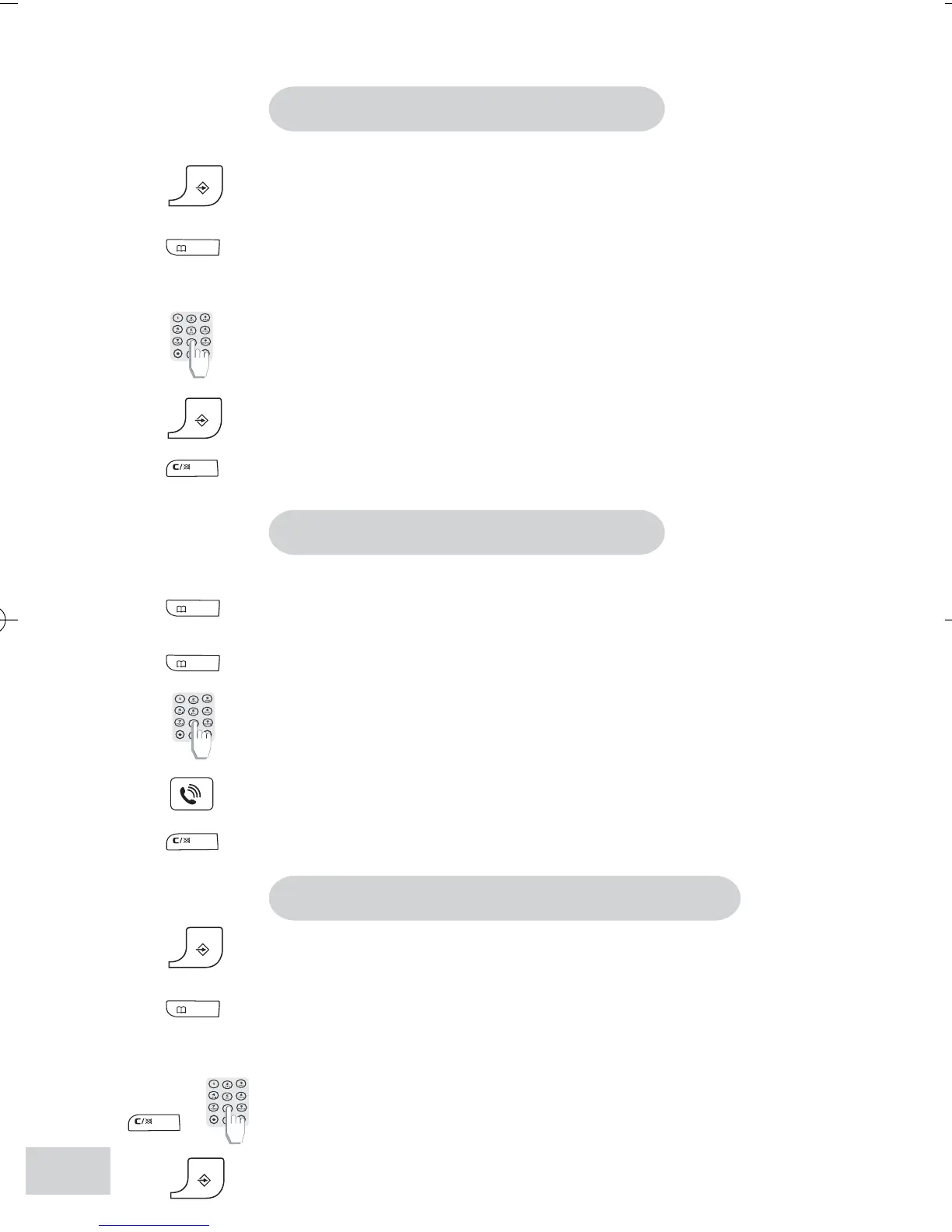
To store a number in the phonebook
You can save 10 numbers in your phonebook.
Press the Program key.
Press the Phonebook key
.
A memory number shows on display. Keep pressing to choose
another memory number.
Enter the number.
Press the Program key to save the number
Tip: If you make a mistake, press the Correction key to amend.
To make a call from the phonebook
Press the Phonebook key. The first number in the phonebook
shows on display.
Keep pressing the Phonebook key until the desired phone
number shows.
Or
Enter the memory number to show the desired phone number.
Press the Talk key
to make the call.
Or
Press the Correction key to exit without dialling.
To edit the phonebook/to delete a number
Press the Program key.
Press Phonebook key.
Keep pressing the key until the desired number shows.
Use the Correction key and Numerical keypad to edit.
Press the Program key to confirm.
8
DECT121(180105).pmd 02/02/2005, 22:448



 To Next Page