Answering a call
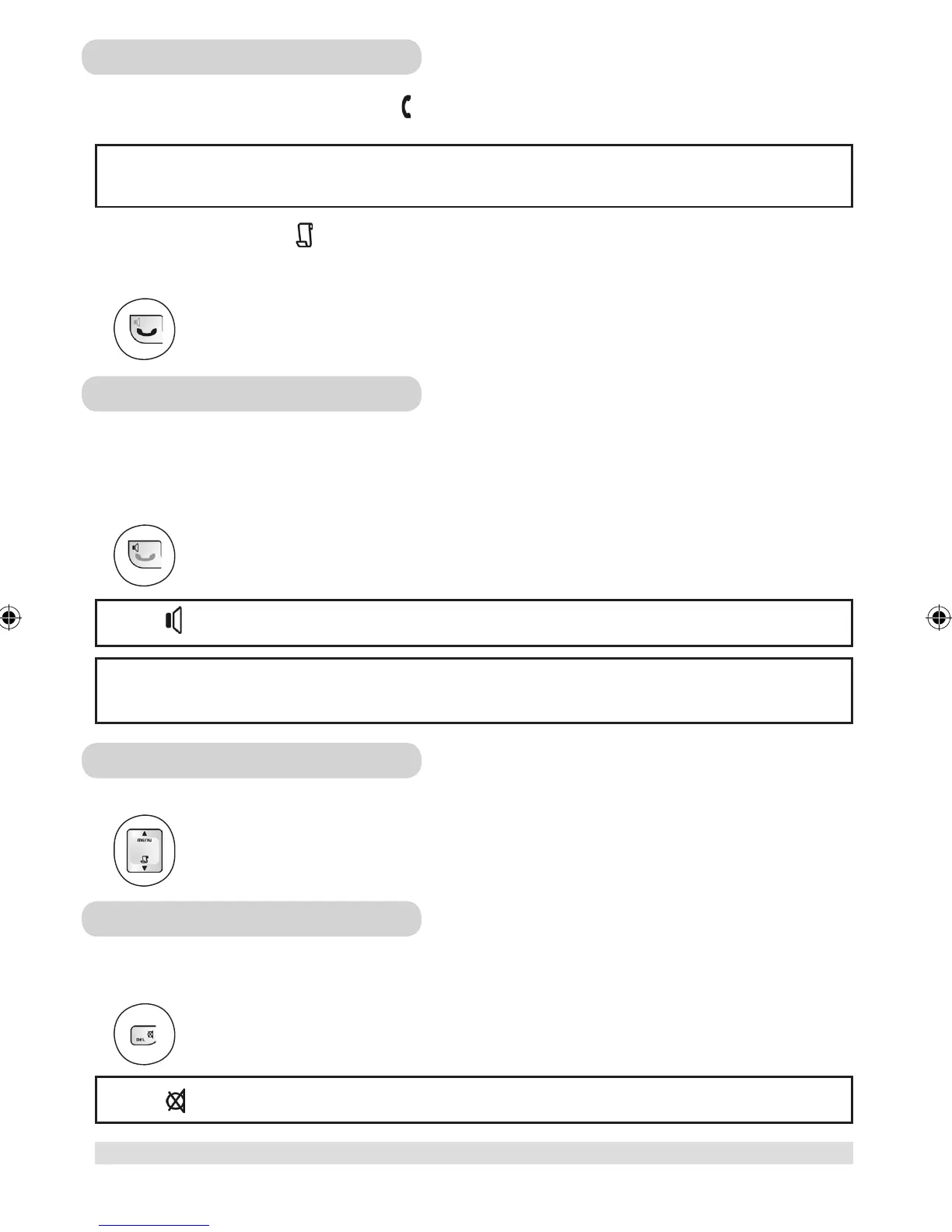
When you receive a call, the phone will ring and will flash on the display.
If a caller ID record is received, turns on and the caller information is displayed. When the phone is ringing, you
can press the END key to turn the ringer off for this incoming call. If your answer machine is ON, the caller will be
directed to the answer machine.
Press the TALK key to answer the call.
Handsfree calls
Handsfree provides the convenience of talking to the caller without holding the phone. It also allows others in the
room to join the conversation.
To turn the loudspeaker on/off during a call,
Press the LOUDSPEAKER key.
Adjusting the volume
You can increase or reduce the volume of a caller’s voice during a call. There are 3 volume levels to choose from.
Press the UP / DOWN key to adjust the earpiece or loudspeaker volume.
Muting a call
During a call, you can speak to someone privately without having the caller hear your conversation.
To mute/unmute a call,
Press the MUTE key.
Note: appears to indicate the call is being muted.
Caller ID
You have to subscribe to the caller ID service from your local service provider to use this feature.
Note: appears to indicate the loudspeaker is on.
Warning: Handsfree activation could suddenly increase the volume in the earpiece to a very high level. Make
sure the handset is not too close to your ear.
11
making calls
www.philips.com/faqs/dect



 To Next Page