My Philips Sonicare toothbrush is not turning on
The operational time for a fully charged toothbrush is generally between 2-3 weeks, based on
2, 2 minute brushing sessions per day. Does your Philips Sonicare toothbrush no longer turn
on? If there are no vibrations when you press the power button, you might want to use these
possible causes and solutions to try and solve this issue yourself.
Toothbrush is not charged
1. Place the toothbrush handle on the charger. Does the battery indicator blink or do you
hear a beep? If yes, your toothbrush needs to be charged.
2. If your toothbrush has not been used or charged for a month or more, you may not see
the charging indication when you first place the handle on the charger. Leave the handle
in the charger and check after 24 hrs.
3. Also make sure that you plug your toothbrush into a working electrical socket to charge
it. Charging times may vary per toothbrush model. See your user manual for more
details on charging.
Charging components are not interchangeable
When charging, make sure that you use the original charger that came with your Philips
Sonicare Toothbrush.
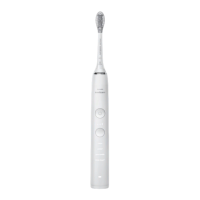
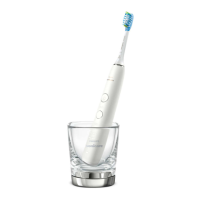
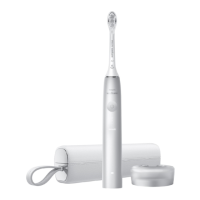
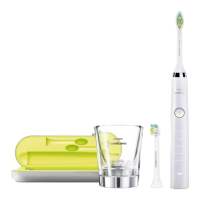
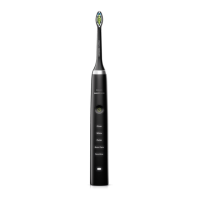
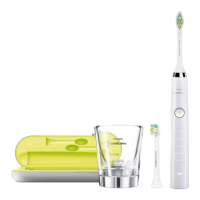
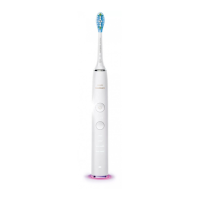
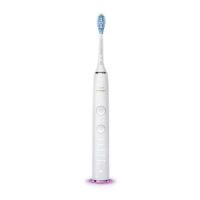
If you have a DiamondClean handle or Sonicare 9900 Prestige, see the matrix below to ensure
that you are using a compatible charger.






 To Next Page