Need help?
Do you have a question about the Philips DS3120 and is the answer not in the manual?
Essential safety guidelines, warnings, and precautions for operating the apparatus safely.
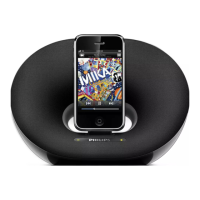
Overview of the docking speaker's capabilities and its purpose.
Lists all items included in the product packaging for user verification.
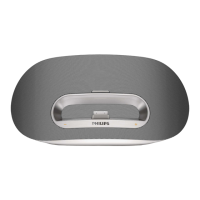
Identifies and explains the different parts and components of the docking speaker.
Instructions on how to connect the apparatus to a power source, including cautions.
Instructions for powering on the docking speaker and switching it to standby mode.
Details on using the speaker with its rechargeable battery and how to charge it.
Guide on playing audio content from compatible Apple iPod and iPhone devices.
Instructions for connecting and playing audio from other external audio sources.
Steps for charging your docked iPod/iPhone and synchronizing it with a PC.
Methods for controlling the audio playback volume on the docking speaker.
Technical details related to the audio amplifier's output power.
Comprehensive technical specifications including power, dimensions, and weight.
Guidance for resolving common operational problems like no power or poor sound.
Information on 'Made for iPod/iPhone' certification and CE compliance.
Details on product recycling, battery disposal, and packaging environmental considerations.
 General
| Brand | Philips |
|---|---|
| Model | DS3120 |
| Category | Docking Speakers |
| Language | English |


 To Next Page