A
Connect power
B
Turn on
1 Fully insert the plugs from the speakers into
the speaker sockets on the main unit.
2 Connect one end of the AC power cord to
the AC adaptor.
3 Connect the other end of the AC power
cord to the wall outlet.
1 Press on the main unit.
C
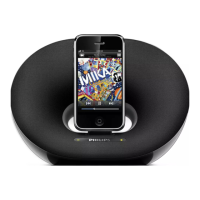
Play from iPod/iPhone/iPad
1 Place the iPod/iPhone/iPad in the dock.
2 Press on iPod/iPhone/iPad.



 To Next Page
 Loading...