19
D.R.C. (Dynamic Range
Compression)
DVD player will compress dynamic range of
sound effect output, when you do not want to
disturb your neighbours and your family in
midnight.
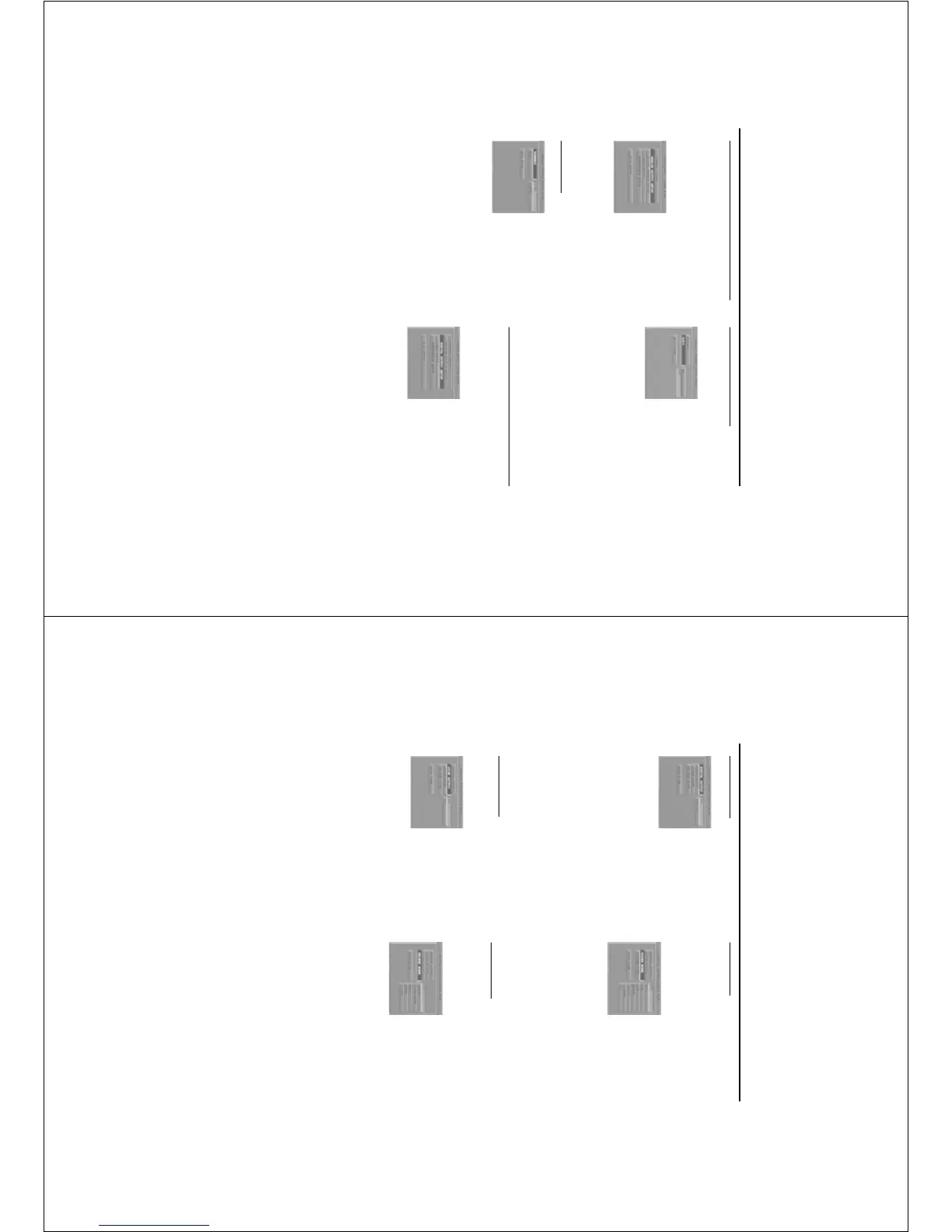
1 Press the 34 keys to highlight D.R.C..
2 Enter its submenu by pressing the 2 key.
3 Move the cursor by pressing the 34 keys to
highlight the selected item.
➜ ON: Enable D.R.C.
➜ OFF: Disable D.R.C.
4 Press OK.
5 Press the 1 key to return to the ANALOG
OUTPUT SETUP menu.
Digital Output Setup menu
In this menu, you can set up digital audio
outputting from digital terminals, such as coaxial
or optical.
1 Press SYSTEM MENU to enter the SETUP menu.
2 Press the 34 keys to choose the DIGITAL
OUTPUT SETUP.
3 Press OK.
Setup Menu
Analog Output Setup menu
This menu contains setup options of your analog
audio output, such as DOWNMIX, D.R.C.
(Dynamic Range Compression)which makes the
setup system reproduce high quality surround
sound.
1 Press SYSTEM MENU.
2 Press the 34 keys to highlight the ANALOG
OUTPUT SETUP.
3 Press OK to confirm.
DOWNMIX
1 Press the 34 keys to highlight the DOWNMIX.
2 Enter its submenu by pressing the 2 key.
3 Move the cursor by pressing the 34 keys to
highlight the selected item.
0 LT/RT
➜ This item will be used only if your DVD player
is connected with Dolby Prologic decoder.
Meanwhile, the DVD player can send the output
of Dolby Prologic signals.
0 STEREO
➜ This item will help to downmix the signal of
Dolby Digital into stereo signals directly
outputting from L/R port.
4 Press OK.
5 Press the 1 key to return to the ANALOG
OUTPUT SETUP menu.
20
Setup Menu
Digital Output
1 Press the 34 keys to highlight DIGITAL
OUTPUT.
2 Enter its submenu by pressing the 2 key.
3 Press the 34 keys to highlight the selected item.
➜ ALL: Original digital signals output, at this
mode, all audio setups except MUTE are invalid.
➜ PCM only: Convert to PCM signals to output,
which only contains left/right audio signals.
4 Press OK.
5 Press the 1 key and return to the DIGITAL
OUTPUT SETUP menu.
Note: If set the function of DIGITAL OUTPUT to
ALL, all audio setups except MUTE are invalid.
LPCM Output
In this menu, you can set up sampling rate to
decode LPCM audio.
1 Press the 34 keys to highlight the LPCM
OUTPUT.
2 Enter its submenu by pressing the 2 key.
3 Move the cursor by pressing the 34 keys to
highlight the selected item.
➜ 48K: The decoding process is under the
sampling rate of 48KHz.
➜ 96K: The decoding process is under the
sampling rate of 96KHz.
4 Press OK.
5 Press the 1 key to return to the DIGITAL
OUTPUT SETUP menu.
Sound Mode
The SOUND MODE allow you to select from
various preset modes that control the frequency
bands of sound to optimize certain musical styles.
It greatly enhances the excitement and enjoyment
of your favourite music.
1 Press the 34 keys to highlight the SOUND
MODE.
2 Enter its submenu by pressing the 2 key.
3 Move the cursor by pressing the 34 keys to
highlight the selected item.
➜ OFF: Playback the disc under the original
sound effect.
4 Press OK.
5 Press the 1 key to return to the DIGITAL
OUTPUT SETUP menu.
Reverb Mode
The REVERB MODE can simulate the echoes and
frequency response of some particular places so
as to make you feel like personally on the place.
1 Press the 34 keys to highlight the REVERB
MODE.
2 Enter its submenu by pressing the 2 key.
3 Move the cursor by pressing the 34 keys to
highlight the selected item.
➜ OFF: Playback the disc under the original
sound effect.
4 Press OK.
5 Press the 1 key to return to the DIGITAL
OUTPUT SETUP menu.



 To Next Page