31
EInformation on the TV screen
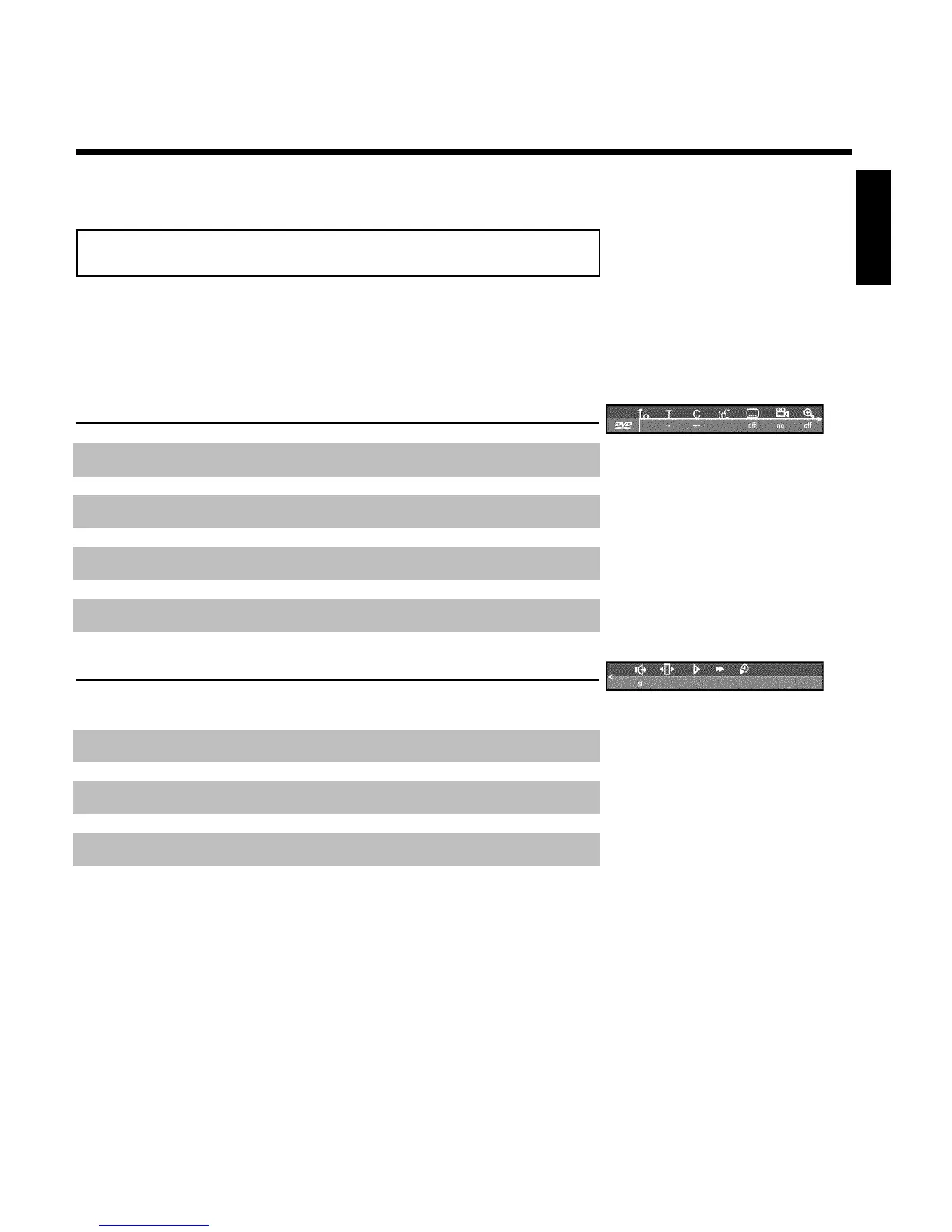
You can check/change many functions and settings of your DVD Recorder via the system menu
bar. The menu bar cannot be displayed during recording.
Menu bar icons
The SYSTEM-MENU button is used to call up the menu bar (main menu) and to close it. The
D and C buttons are used to select the corresponding function. The CH- B button confirms
the function and either leads you to an additional menu or executes the function.
Depending on the disc inserted, some functions may not be available.
Menu bar 1
A
User preferences
B
Current Title/Track
C
Current Chapter/Index
D
Audio Language
E
Subtitle Language
F
Camera Angle
G
Zoom
Menu bar 2
While menu bar 1 is being displayed, you can press C repeatedly to display menu bar 2.
H
Sound
I
Picture by Picture
J
Slow motion
K
Fast motion
L
Search with time entry
ENGLISH
Information on the TV screen













 To Next Page