72
Language settings
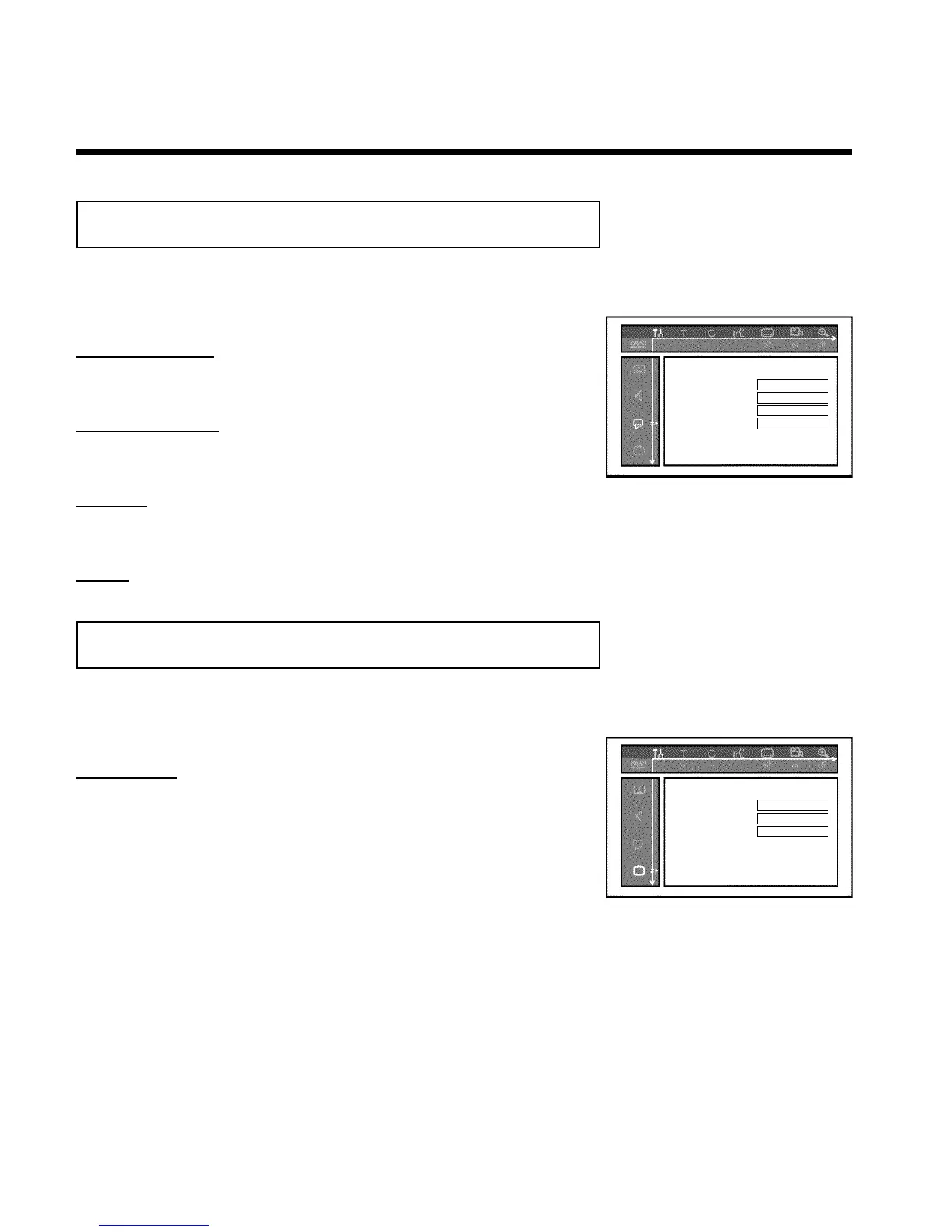
You can select the following settings in this menu:
Language
Playback audio English
Recording audio Stereo
Subtitle English
Menu English
'Playback audio'
Audio language of DVDs
'Recording audio'
Audio recording
'Subtitle'
Subtitle language
'Menu'
Screen menu language
Additional settings
You can select the following functions in this menu:
Features
Status box On
Standby Normal
Display Bright
'Status box'
Along with the on screen menu, the OSD (On Screen Display) also displays the current
operating status on the TV screen (counter, playback, recording, TV channel,...).
You can switch off the information about the operating status so as to avoid recording this
information when making recordings.
'On': The OSD information appears with every selected mode for a few seconds, then disappears
again.
'Off': The OSD information is switched off. It can no longer be displayed on the screen.
User preferences













 To Next Page