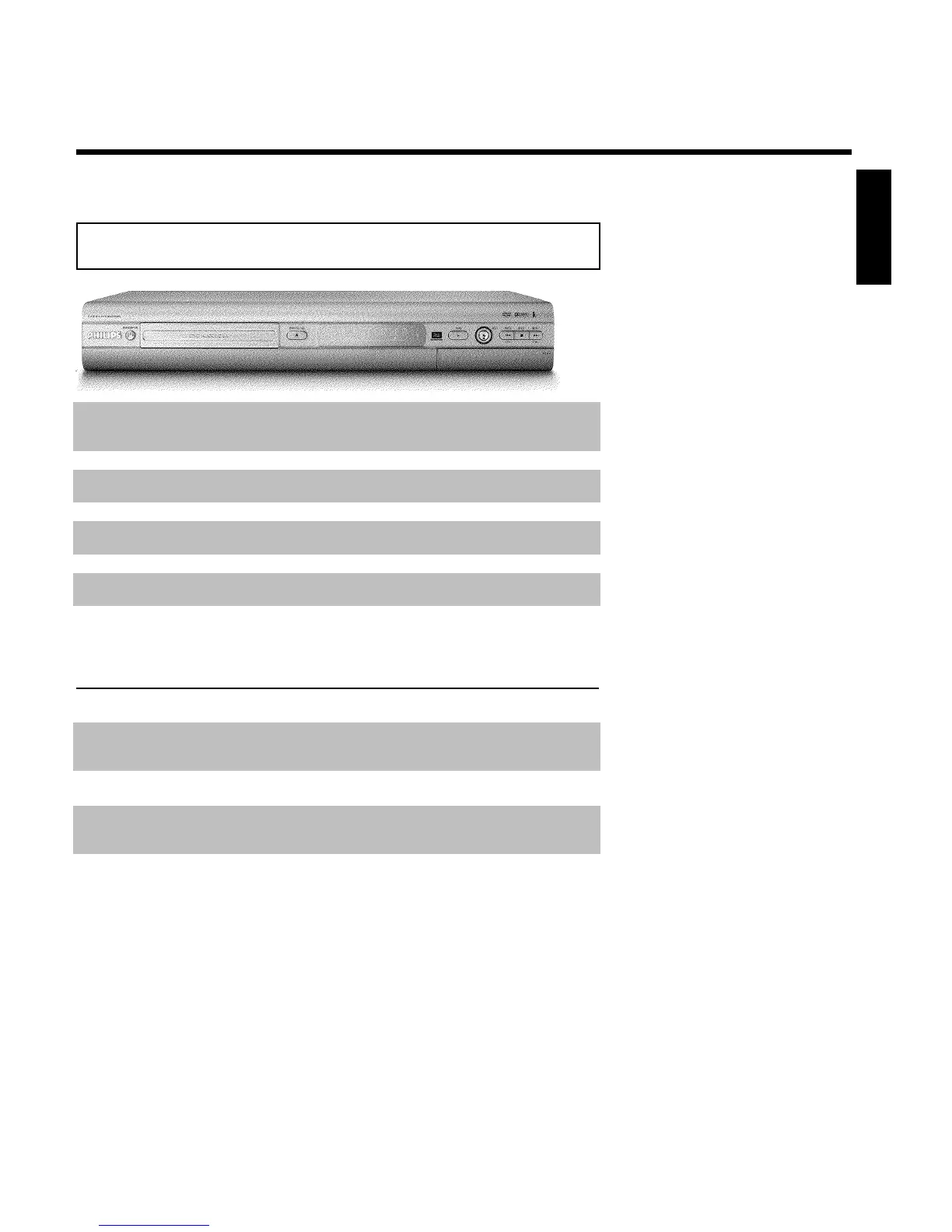
Front of the Recorder
STANDBY-ON m Switch on or off: To switch the DVD Recorder off or on, interrupt a
function, or interrupt a programmed recording (TIMER)
OPEN/CLOSE J Open/close disc tray: Open/close disc tray
PLAY G Playback: To play a recorded disc.
REC n Record: Record the current TV channel
PREV/CH- N previous chapter track/reverse search/ previous channel
STOP h Stop: Pause playback/recording
NEXT/CH+ O next chapter track/forward search/next channel
Behind the door at the lower right front
corner
Switching between jack S-VIDEO and VIDEO is done automatically.
S-VIDEO SVideo jack : Input for SVHS/Hi8 camcorders or SVHS/Hi8 video
recorders (channel number 'CAM1')
Yellow jack
VIDEO
Video input jack: Input for camcorders or video recorders (channel
number 'CAM1')
White/Red jack
AUDIO left/right
Audio input jack left/right : Input for camcorders or video recorders
(Channel number 'CAM1')
DV IN i.Link / DV jack (digital video input, IEEE 1394, Firewire): Input
for digital Camcorders or other suitable devices using this connector
(channel number 'CAM2').
ENGLISH













 To Next Page