38
Deleting an Original T
Deleting an Original T
itle
itle
If you choose to delete a title from the Original menu,
the title is actually deleted from the disc and the
remaining time available for recording increases.
1. Use b / B / v / V to choose a title you want to
delete on the [Title List] menu then press OK.
The menu options appears on the left side of the
screen.
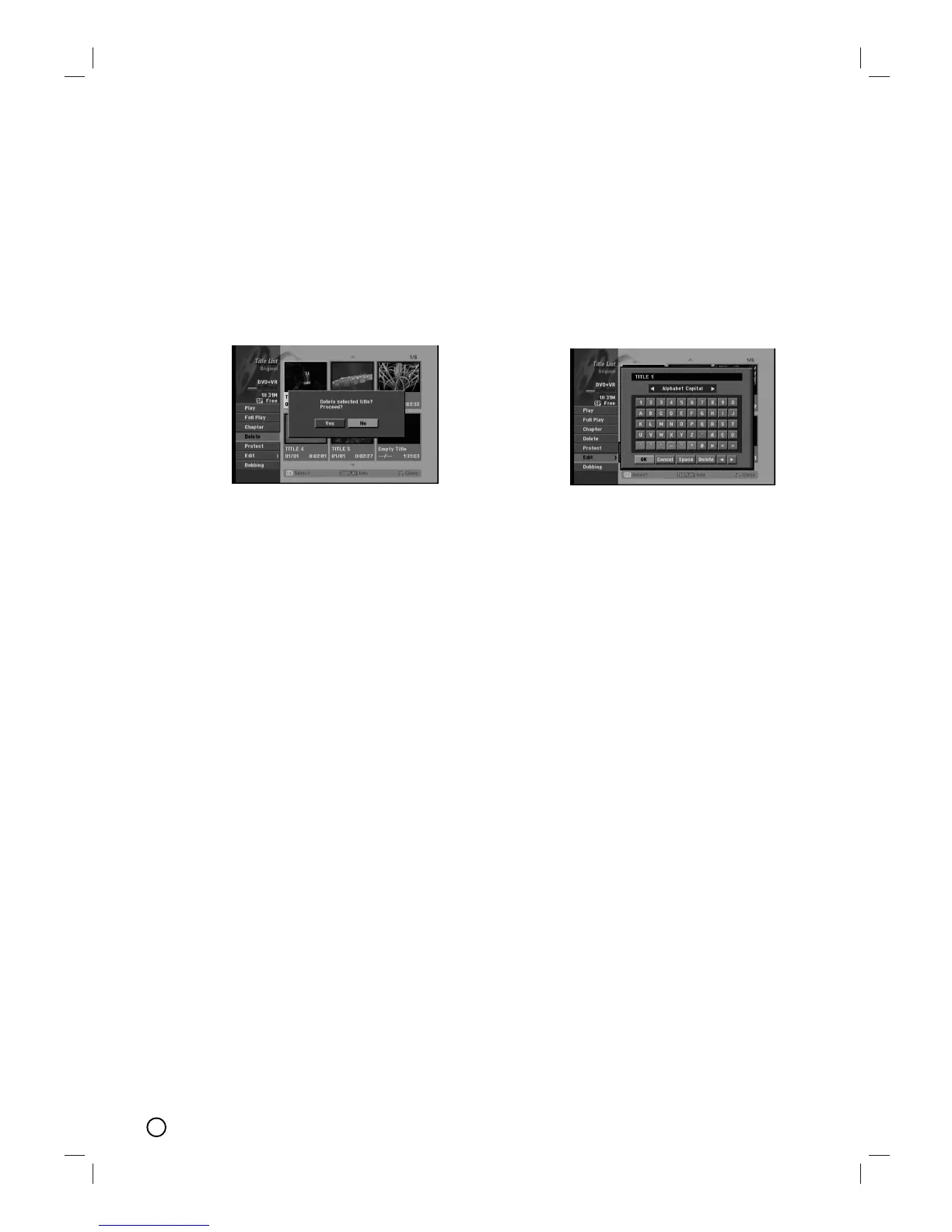
2. Select [Delete] option from the options on the
menu.
3. Press OK to confirm.
The confirm message for deleting will appear.
4. Use b / B to select [Yes] then press OK.
The selected chapter or title is deleted.
After pressing OK, the new, updated menu is dis-
played.
5. Repeat steps 1 - 4 to continue to delete from the
menu.
6. Press RETURN (O) repeatedly to exit the menu.
Notes:
• When DVD+RW recording, the deleted title’s
name is changed to [Deleted Title].
• If more than two titles are repeatedly deleted, the
titles are combined into one.
• When you are deleting a title or chapter, only the
last one on DVD+R/RW increases remaining
recording time.
Naming a T
Naming a T
itle
itle
You can name Original and Playlist titles independ-
ently.
1. Choose the title you want to name on the Title List
menu, then press OK.
The menu options appears on the left side of the
menu.
2. Use v/V to select [Title Name] option then press
OK.
Keyboard menu appears.
3. Enter a name for the title. Use b / B / v / V to
select a character then press OK to confirm your
selection.
• Alphabet Capital: Switches the keyboard to
upper case characters.
• Alphabet Small: Switches the keyboard to
lower case characters.
• Symbols: Switches the keyboard to symbol
characters.
• OK: Confirms the name you have entered.
• Cancel: Deletes all characters and exits the
Keyboard menu.
• Space: Inserts a space at the cursor position.
• Delete: Deletes the character to the left of the
cursor position.
• b / B: Moves the cursor left or right.
4. Choose [OK] then press OK to fix the name and
return to the previous menu screen.
5. Press RETURN (O) repeatedly to exit the menu.
Notes:
• Names can be up to 32 characters long.
• For discs formatted on a different recorder, you
will see only a limited character set.
• When recording on DVD+R or DVD+RW discs,
the entered name is displayed on the DVD player
only after finalization.













 To Next Page