40
Overwriting Recording
Overwriting Recording
To overwrite a new video recording on a previously
recorded title, follow these steps. This feature is not
available for DVD+Rs, that always record at the end
of the Disc.
1. Select input source you want to record (TV chan-
nel, AV1-2).
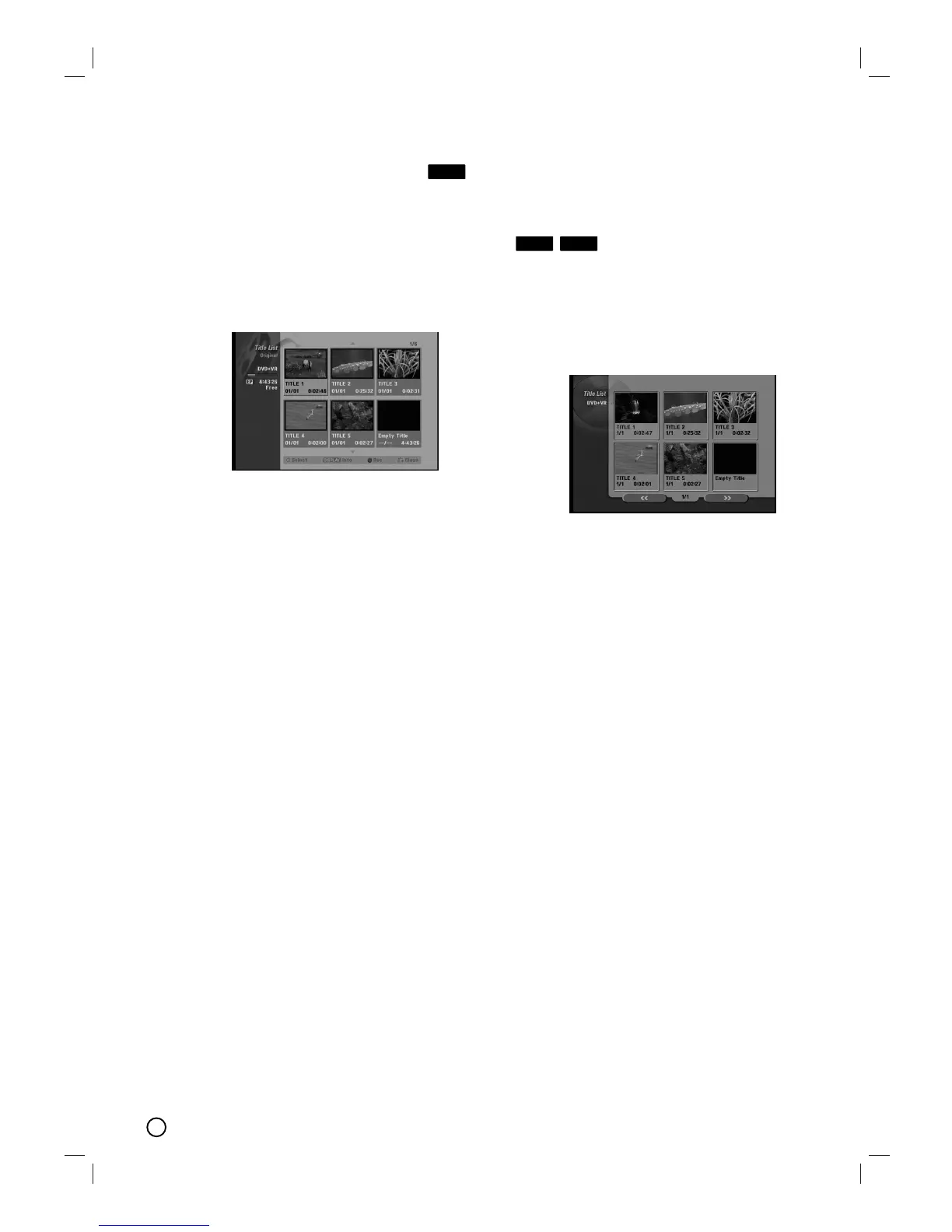
2. Press LIST/ DISC MENU to display the Title List
menu.
3. Use vVbBto choose a title you want to over-
write.
4. Press RECORD (z) to start overwrite recording.
Overwrite recording starts from the start point of
the title.
5. Press STOP (x) to stop the overwrite recording.
The new title is created and updated menu is dis-
played.
Notes:
• This function is not available for a protected title.
• If the overwrite is longer than the recording
length of the current title, the next title is over-
written. But if next title is protected, the over-
writing stops at the starting point of the title.
V
V
iewing T
iewing T
itle List menu
itle List menu
displayed on other DVD
displayed on other DVD
Recorders or Players
Recorders or Players
You can view the Title List menu displayed on the
other DVD player that is capable of playing DVD+RW
or DVD+R discs.
1. Insert DVD+R or DVD+RW disc recorded already.
2. Press TITLE in Play mode or DVD tuner mode.
Title List menu will appear as shown below.
3. To play back a title, select the title you want then
press OK or PLAY (N).
Tip:
You can remove the Title List menu by pressing
STOP (x).
+R+RW
+RW













 To Next Page