39
Editting
Hide a Chapter
Hide a Chapter
You can skip playing chapters without deleting from
the disc.
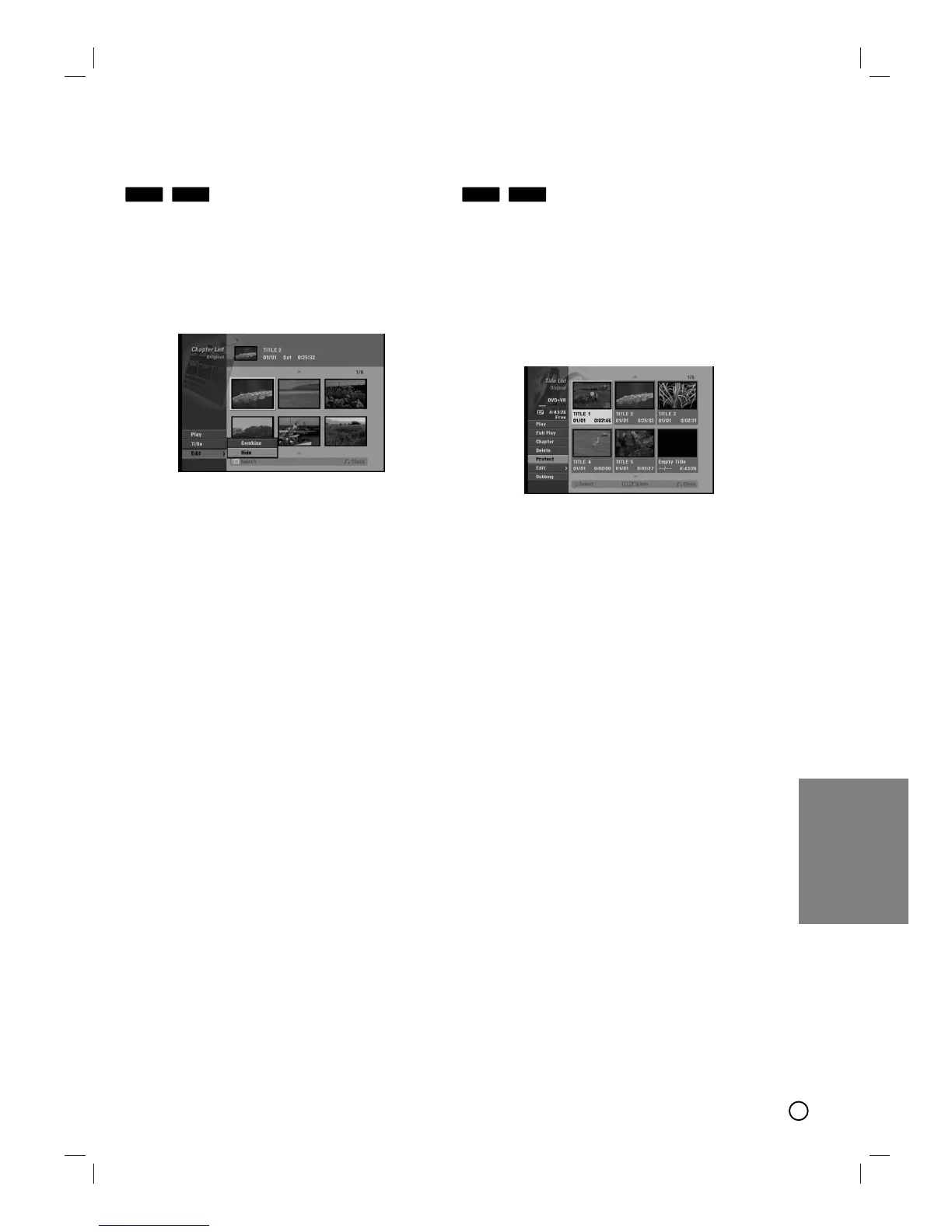
1. Use vVbBto choose a chapter you want to
hide on the [Chapter List] menu, then press OK.
Options appear on the left side of the screen.
2. Select [Hide] option.
3. Press OK to confirm.
Tip:
If you select a hidden chapter on the [Chapter List]
menu, you can ‘show’ it by choosing [Show] option on
the menu. After doing that, you are able to see the
chapter.
Protect a T
Protect a T
itle
itle
Use this function to protect against accidental record-
ing, editing or deleting of the title.
1. Press LIST/ DISC MENU to display the [Title List]
menu.
2. Use vVbBto choose a title you want to protect
then press OK.
Options appear on the left side of the screen.
3. Select [Protect] from the options.
4. Press OK to confirm.
The lock mark will appears on the title’s
thumbnail.
Tip:
If you select a title that has already been protected
on the Title List menu, you can ‘unprotect’ it by
choosing [Protect] option from the Title List menu
options. After doing that, you can edit and delete the
title.
+R+RW+R+RW













 To Next Page