English
23
Step 2: Optional Connections (continued)
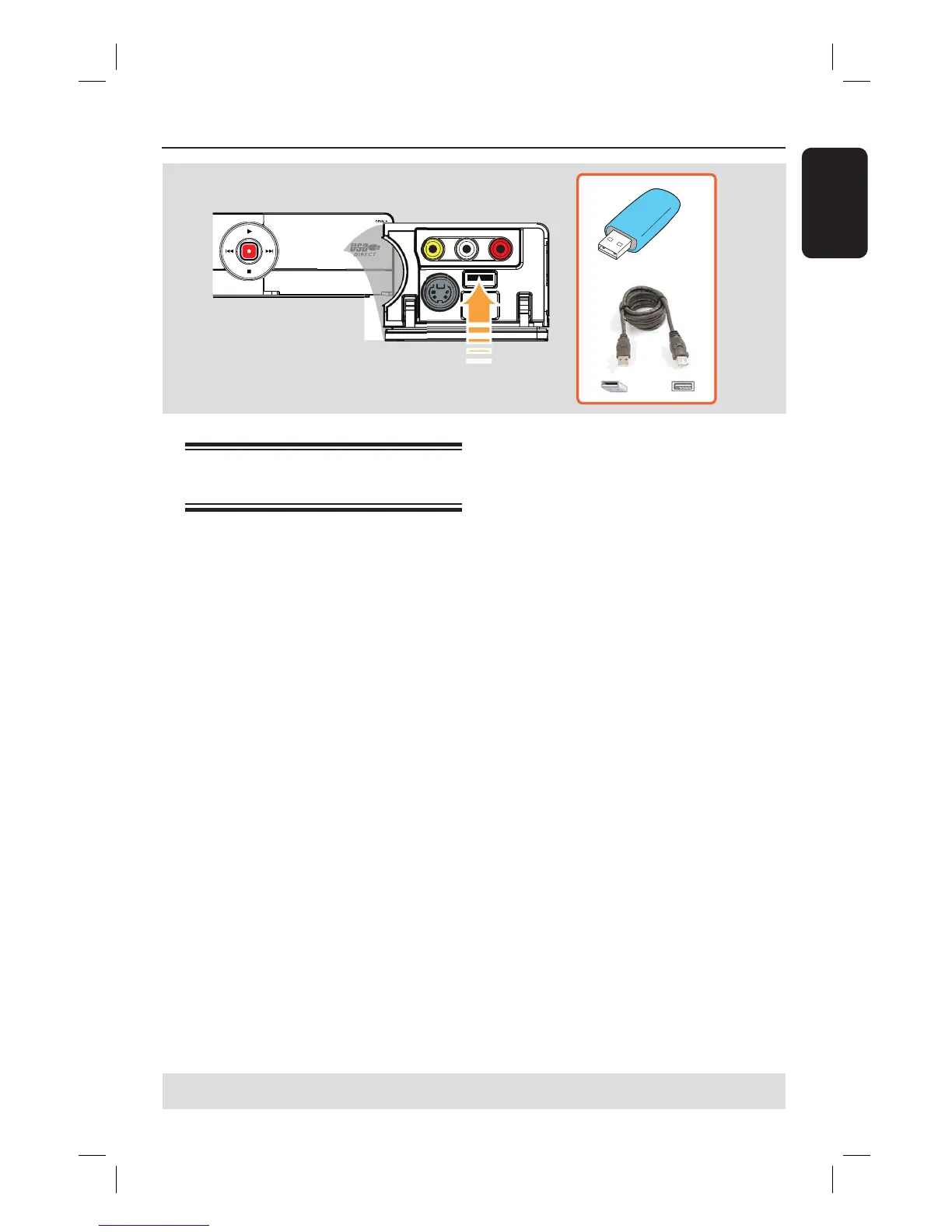
Connecting a USB ash drive
or USB memory card reader
You can view the contents of a USB ash
drive / USB memory card reader through
this recorder and record the contents
onto a recordable DVD. See the chapter
“Recording – Archiving from a USB ash
drive or USB memory card.”
A
Connect the USB ash drive / USB
memory card reader directly to the USB
port on the front panel (as shown in the
above illustration).
B
Press USB on the remote control to
view the les stored in the USB ash
drive or USB memory card reader.
C
To stop playback, press STOP
or
remove the USB ash drive / USB
memory card reader from the USB port.
Helpful Hints:
– The USB port only supports the playback
of JPEG/MP3/WMA les.
– The USB port does not support the
connection of other USB devices except to a
USB ash drive / USB memory card reader.
– When the USB device does not t into the
USB port, a USB extension cable is required.
TIPS: Refer to the respective connected device’s user manual for other possible connections.





 To Next Page