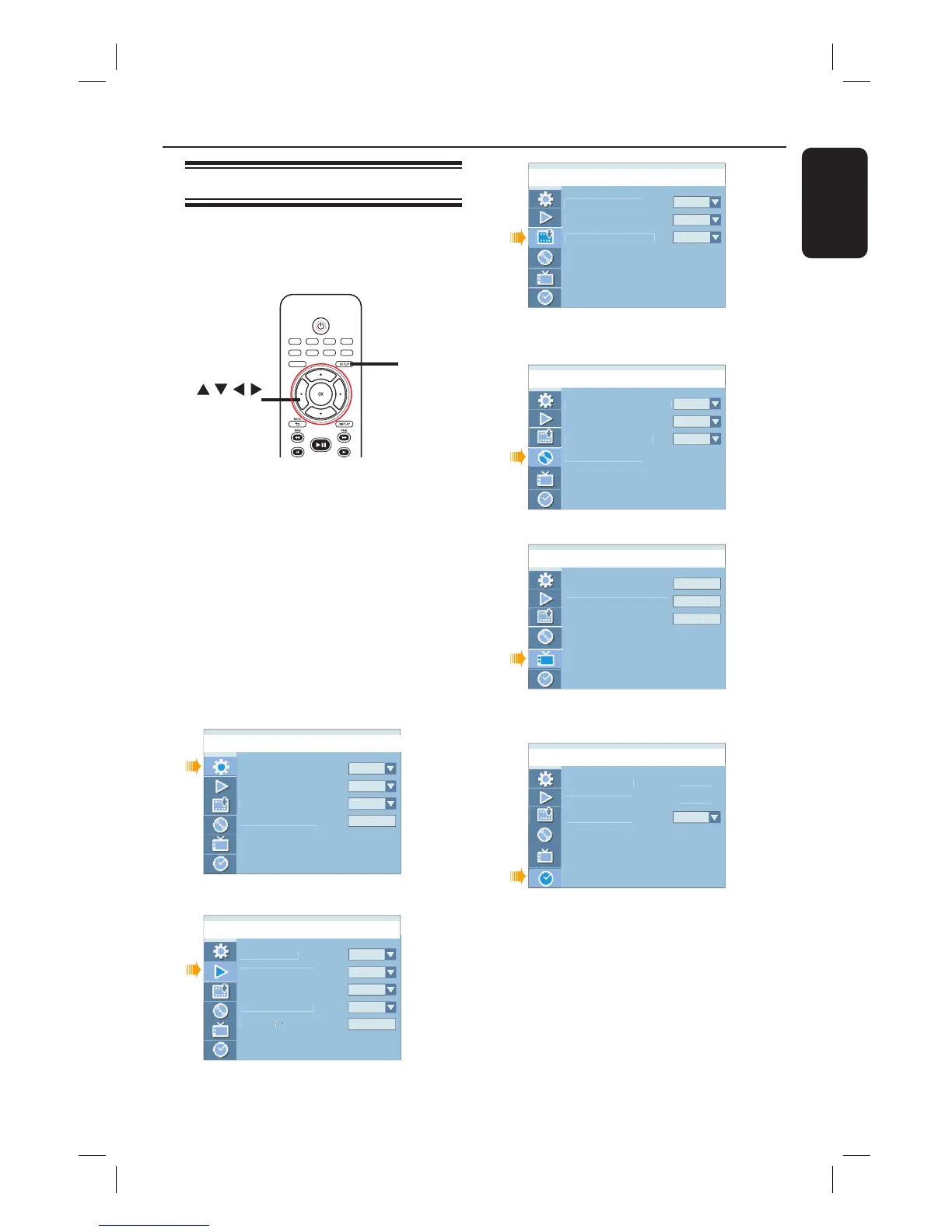
SETUP
OK
A
Press SETUP on the remote control.
The setup menu appears on TV.
B
Use ST keys to highlight a menu item
and press X to access its options.
C
Use ST keys to highlight the setting you
wish to change and press OK to con rm
and go back to the previous menu item.
Instructions and explanations of the
options are provided in the following
pages.
D
To exit, press SETUP.
Countr




 To Next Page