English
62
DVD Setup Menu Options (continued)
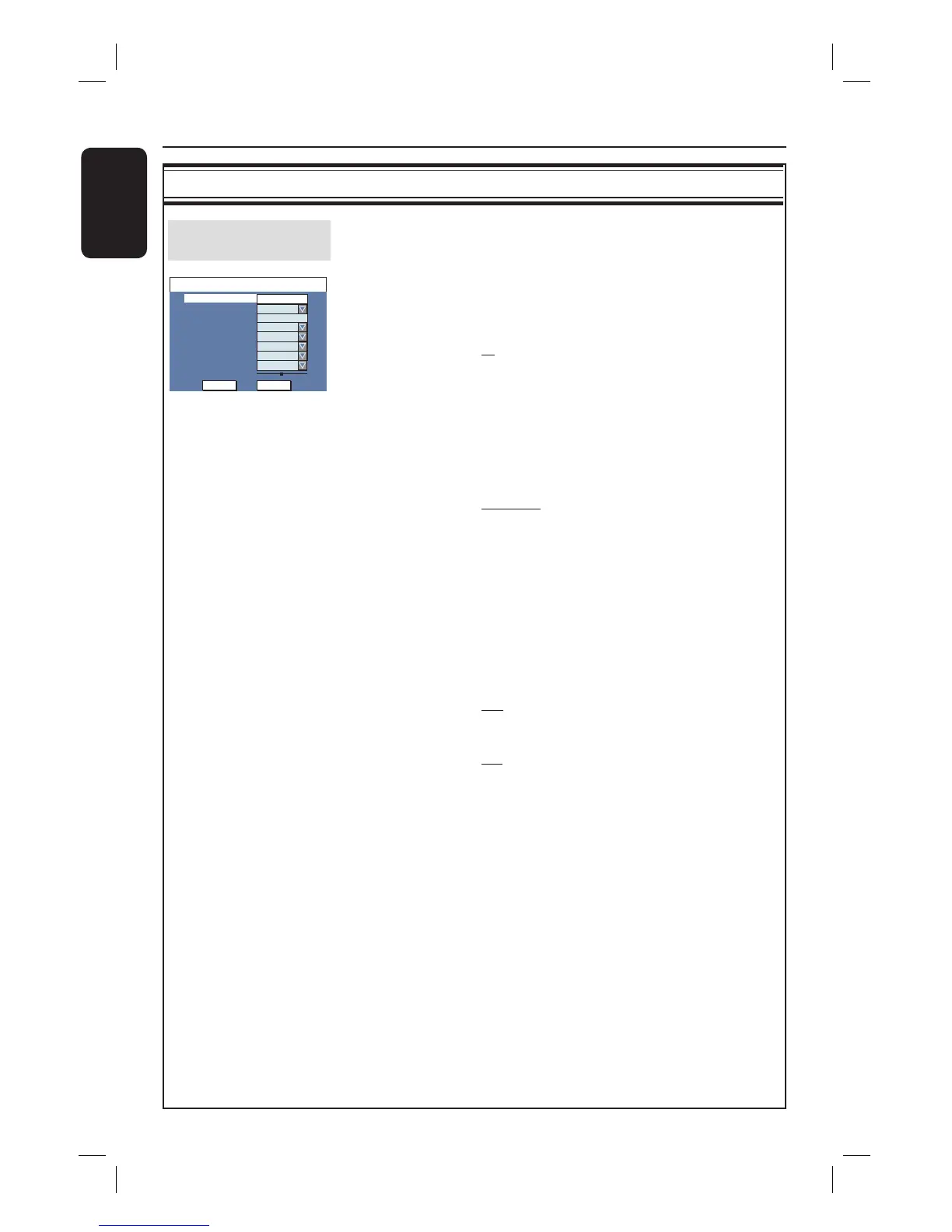
CHANNEL SETUP settings
Modify Channel
Information
Adjust a stored TV channel to your preference and improve the
reception and the sound quality of that TV channel.
{ NICAM } – NICAM is a digital sound transmission
system. It can transmit either one stereo
channel or two separate mono channels.
{ On } – Improve the sound transmission
of the TV channel.
{ Off } – Select this if the reception is poor
and the sound is distorted.
{ Audio } – For bilingual TV programmes, you can switch
between stereo (original) and additional
audio language.
{ DUAL A } – Original broadcast language.
{ DUAL B } – Additional audio language.
{ Decoder } – If the current TV channel is transmitted by
coded TV signals that can only be viewed
properly with a decoder which is connected
to the EXT2 AUX-I/O scart socket, you need
to activate the connected decoder.
{ On } – Select this to allocate the connected
decoder to this TV channel.
{ Off } – Turn off the decoder feature.
{ Skip } – Select this to set the channel to be skipped.
{ No } – The TV channel can be accessed
using the P
+ − on the remote
control.
{ Yes } – The TV channel can only be
accessed by pressing the
corresponding number button on
the remote control.
{ Fine-Tune } – Select this to ne-tune the TV channel
manually if the reception is poor. Use WX
keys to adjust the frequency and press OK
to con rm.
Channel
Frequency
TV System
NICAM
Audio
OK
Frequency
PAL B/G
Name
On
OK
DUAL A
Off
Skip
Fine-tune
585.26MHz
CANCEL
Decoder
No
Scan mode
P001/Ch003





 To Next Page