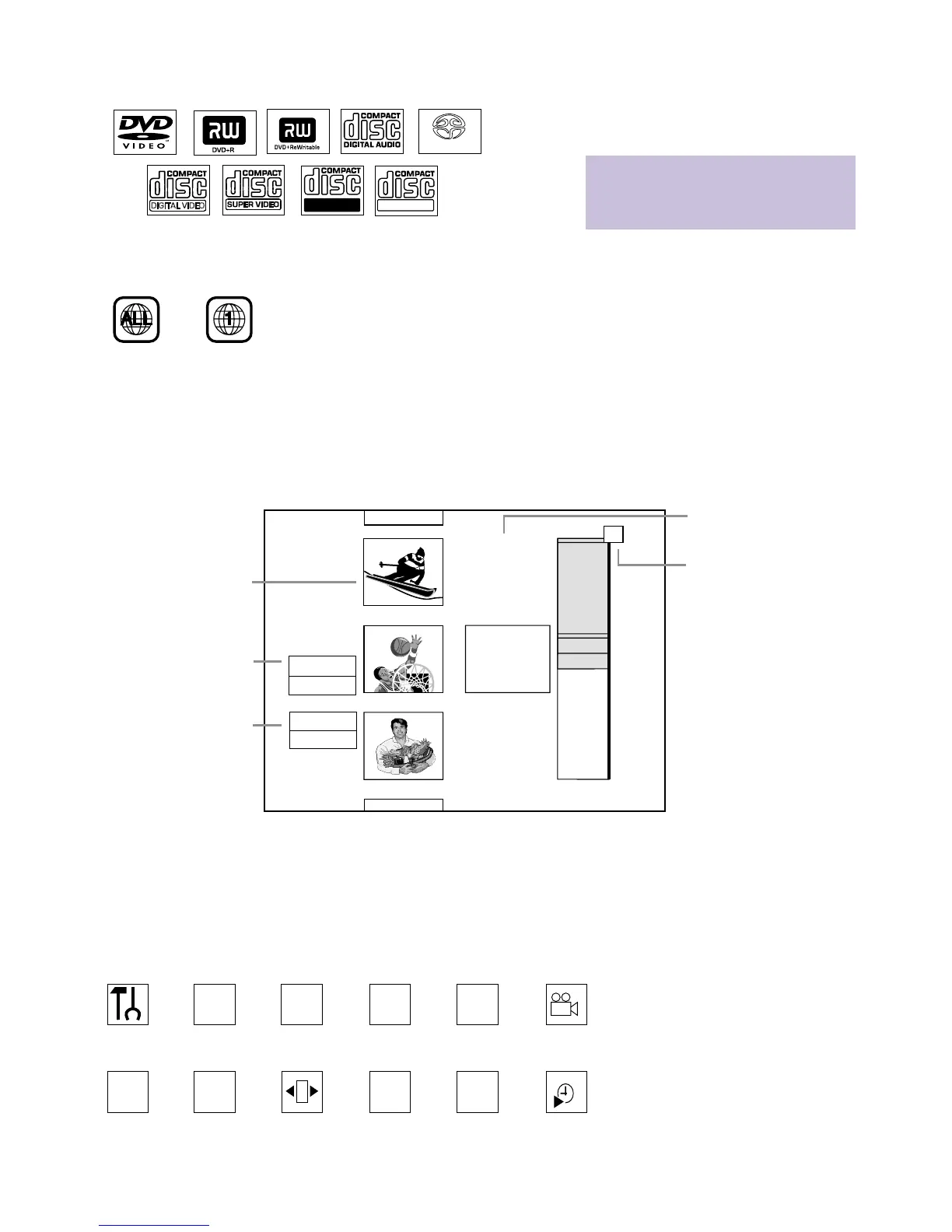
Index Picture/Title Box
Recording or space avail-
able for recording
Timer Information Box
Current time or time/date
of next timer recording
Tuner Information Box
Current TV channel or
video source (CAM1,
CAM2, etc.)
User
Preferences
Title/Track Chapter Audio
Language
Subtitle
Language
Angle
Zoom Sound
Mode
Frame-
by-frame
playback
Slow
motion
Fast
motion
Time
Search
W
Z
Y
d
H
E
a
X
Index Picture Screen
The Index Picture Screen appears when Disc play is stopped. It
shows the recordings of a DVD+R or DVD+RW and provides
access to editing features for the recordings. For complete details,
refer to the accompanying owner’s manual.
System Menu
Use the System Menu to set up features of the DVD Recorder or
Discs. Access the System Menu by pressing the SYSTEM MENU but-
ton on the remote.The symbols in the System Menu have these
meanings. For details, see the accompanying owner’s manual.
8
EL6559E001
Printed in Hungary
DVDs must be labelled for ALL REGIONS or REGION ONE
as shown below.Also make sure your Discs are labelled as
NTSC or PAL compatible. These logos and information should
appear on the Disc case or on the Disc.
Playable Discs
Discs with these logos will play on the DVD Recorder.
• When you record on a DVD+R with this
DVD Recorder, finalize the Disc at the
Recorder if you plan to play the Disc on
other DVD Players.















 To Previous Page