N Select previous title/search backwards:
Briefly press the button during playback: Previous chapter/film or
previous title
Hold down the button: Search backwards
Hold down the button during the still picture: slow motion backwards
O Select next title/search forwards:
Briefly press the button during playback: Next chapter/film or next title
Hold down the button: Search forwards
Hold down the button during the still picture: slow motion forward
STOP h Stop: Stop playback / recording, except with programmed recordings
(TIMER)
Hold down the button to open and close the disc tray.
REC/OTR n Record: Record the current TV channel
EDIT EDIT: For displaying the edit menu for DVD+(RW) discs, for setting
chapter markers
TIMER TIMER: To program a recording with the ShowView system
®
/ without
the ShowView system
®
or to alter/clear programmed recordings
Additional TV functions
TV VOLUME q TV volume: Increase TV volume
TV VOLUME r TV volume: Reduce TV volume
For the following functions you need to hold down the button DVD/TV at the side and then
select the function you need with the appropriate button.
0..9 Number buttons:0-9
CHANNEL q TV programme number: To select a higher programme number
CHANNEL r TV programme number: To select a lower programme number
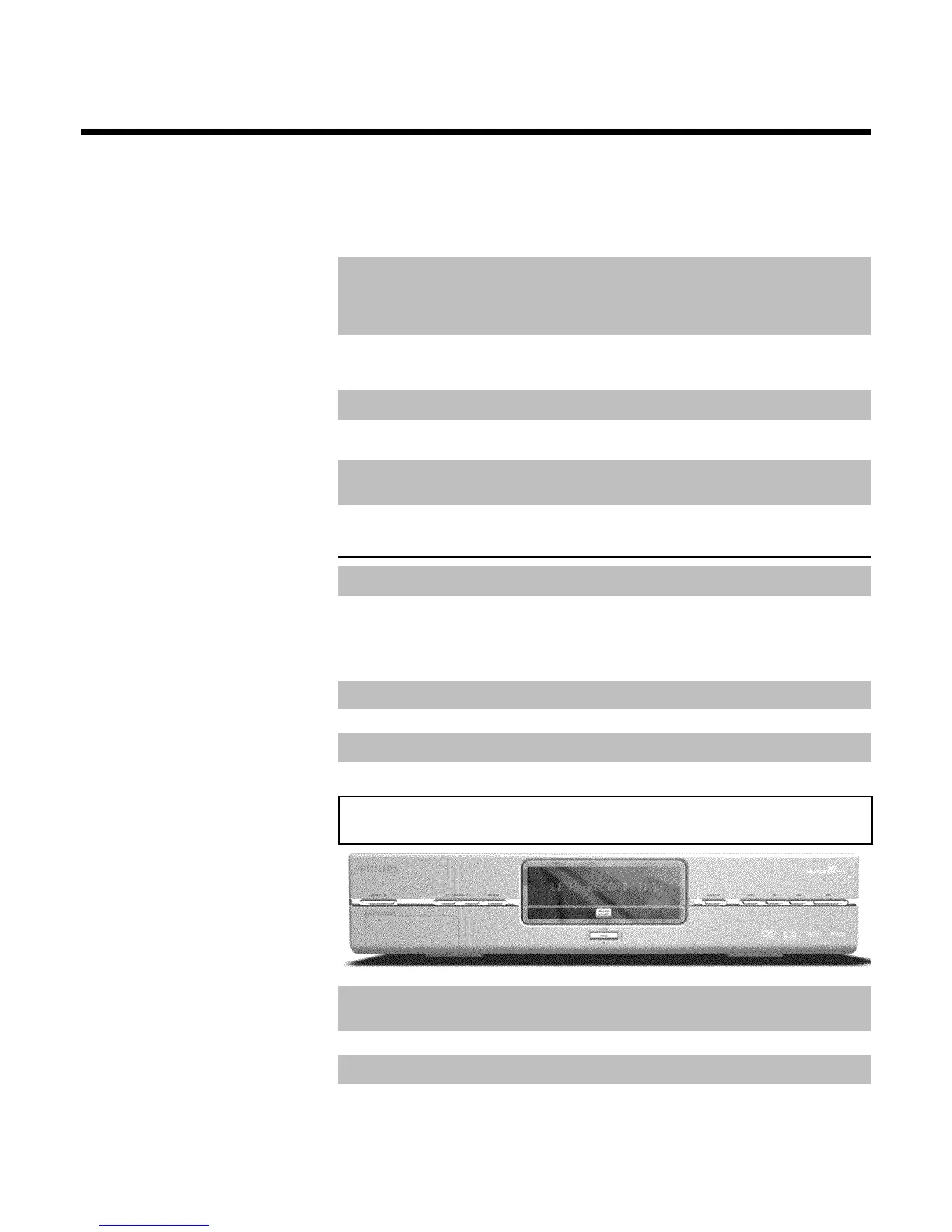
Front of the device
STANDBY/ON Switch on or off: To switch off or on, interrupt a function, interrupt a
programmed recording (TIMER)
CHANNEL r Select: Lower programme number
CHANNEL q Select: Higher programme number
REC MODE Record type (quality): To select the maximum possible record time



 To Next Page