46
Recording without automatic switchoff
1 Switch on the TV set. If required, select the programme number for
the DVD recorder.
2 Insert a disc to be used for the recording. The system and content of
the disc will be checked. 'READING' will appear on the display.
a Index display
b A DVD+RW disc was inserted that already contains recordings. Use
A and B to select a location where the recording should be started.
a 'EMPTYDISC' appears in the display
b The inserted DVD disc is empty.
a A dialog box appears asking if the contents should be erased or
the disc should be ejected
b The inserted disc is a DVD+RW disc whose contents are not compatible
with DVD Video (e.g. a data disc). This disc cannot be used for recordings
until the entire disc is erased using the REC/OTR n button.
a 'Too many titles' appears on the screen when a recording is
attempted
b A disc can only contain a max. of 48 titles (including the empty titles).
Erase the titles or change the disc.
Problem
3 If necessary, switch to the internal tuner on the DVD recorder using
the MONITOR button on the remote control.
4 Select the programme number (station name) you wish to record
using CHANNEL q or CHANNEL r . The following will appear on
the display:
1 FREETITLE P01 Station name
If a TV station transmits a station name it will be shown in the display.
Programme number of the external inputs:
'EXT1' Scart socket at the back EXT 1 TO TV-I/O
'EXT2' Scart socket at the back EXT 2 AUX I/O
'CAM1' SVHS-/Audio front sockets S-VIDEO / left AUDIO right
'CAM1' Video/audio front sockets A/V VIDEO / left AUDIO right
Switching between sockets S-VIDEO and VIDEO is done
automatically. In case both sockets are used, the signal received at
socket S-VIDEO is treated with priority.
Tip
5 To start recording, press REC/OTR n on the remote control or
RECORD on the DVD recorder. If you want to start the recording
at the end of the existing recordings, hold down the
REC/OTR n button until the message 'SAFE REC' appears on the
display.
For DVD+R discs each new recording is always added at the end of
all previous recordings as existing recordings cannot be overwritten.
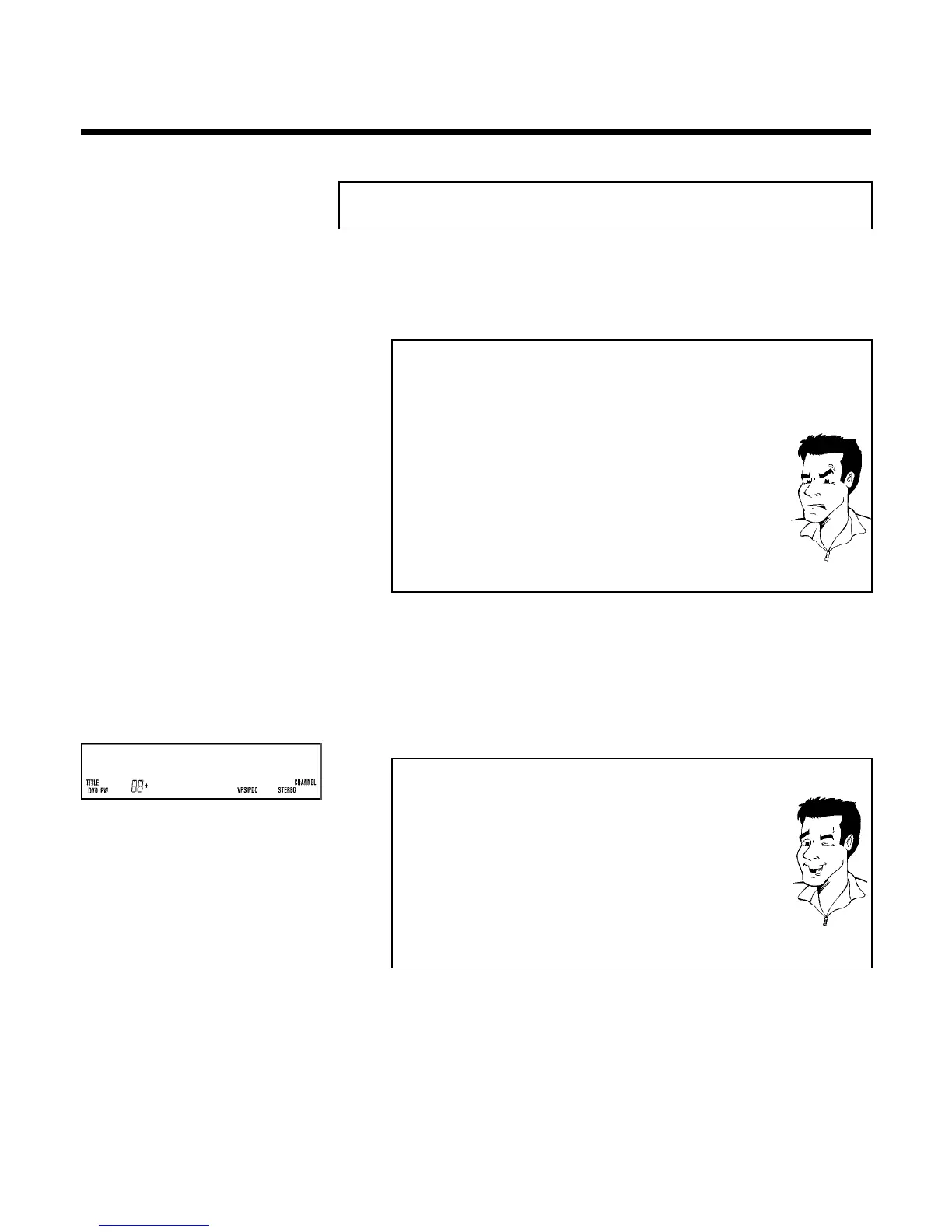
On the display will appear e.g.:
Manual recording



 To Next Page