47
5 1 1:16:51 P01
Inserting chapter markers
During recording it is possible to mark scenes that you want to see or hide
later.
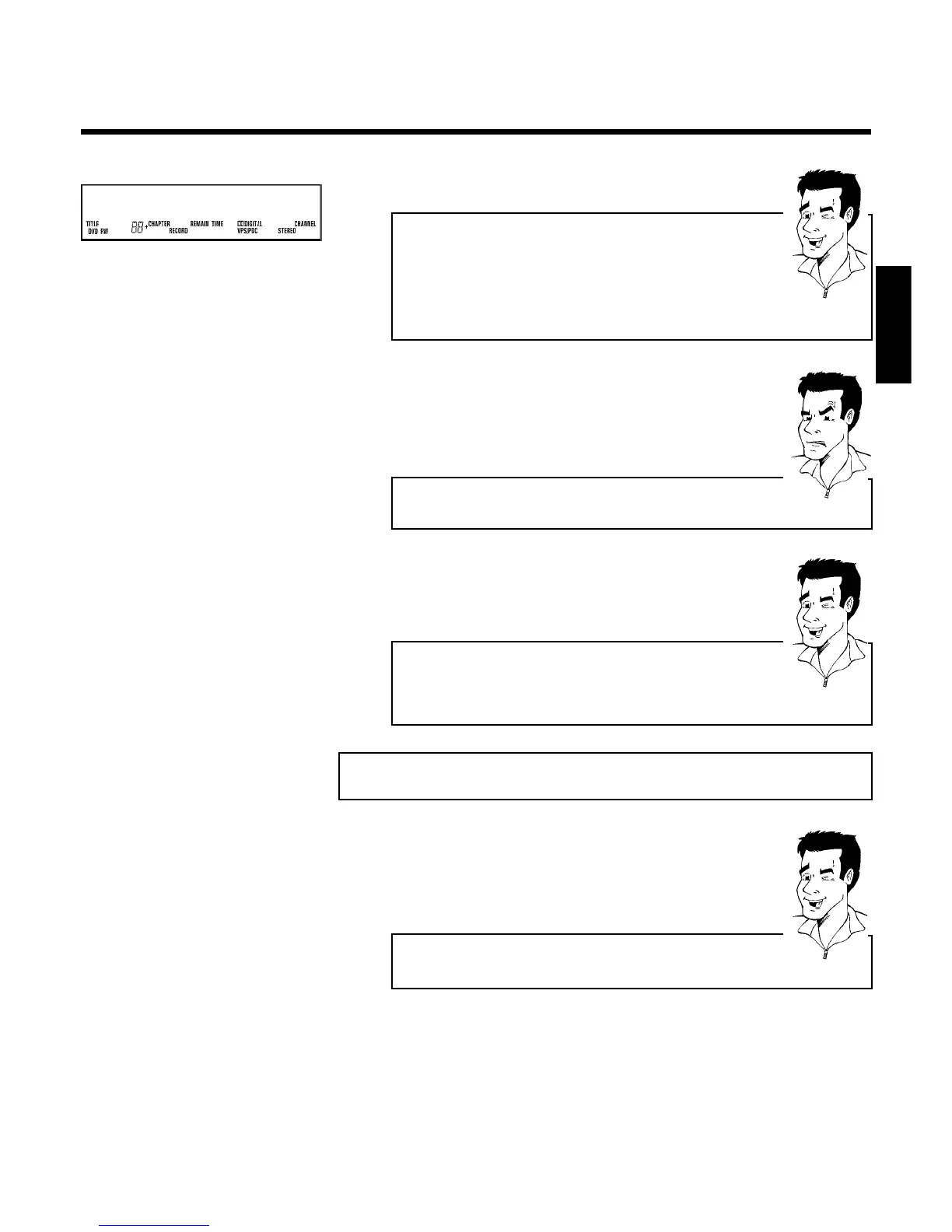
During recording press EDIT at the relevant location. The screen displays
'Inserting marker'. The 'CHAPTER' number is increased by one in the
display box.
For more information on titles and chapters please see the section 'Changing
to another title/chapter' in the chapter 'Playback'.
Tip
6 You can stop recording by pressing STOP h on the remote control
or hSTOP on the recorder. MENU UPDT' will appear on the display.
The DVD player is preparing the list of contents. Wait until this
message disappears from the display, then the recording is completed.
a The display will read 'DISC ERR'
b The recording could not be completed correctly because of a disc error.
Check and, if necessary, clean the inserted disc.
Problem
Making recordings on DVD+R discs compatible
If you want to play back the recording on a DVD player, you need to finalise
the disc in the DVD recorder. You can prepare your DVD for use in a DVD
player using the 'Finalising' feature. See the section 'Finalising DVD+R discs'
in chapter 'Managing the disc contents'.
Tip
Interrupt recording (Pause)
1 During recording press PLAY/PAUSE G9 , for example to avoid
recording the commercials.
2 To continue recording, press REC/OTR n .
End recording
To end the recording, press the STOP h button. Wait until 'MENU UPDT'
disappears from the display.
Tip
ENGLISH
Manual recording



 To Next Page