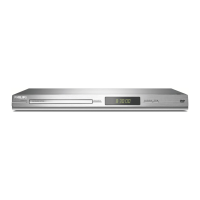
Playing a Disc
1 With the TV and DVD/VCR on, press the
DVD button to put the DVD/VCR in DVD
mode.
2 Press Z OPEN/CLOSE to open the disc tray.
Put a Disc in the tray with the label facing up
and the shiny side facing down.
Press Z OPEN/CLOSE again to close the tray.
3 Playback may start automatically. If not, press
NN
PLAY.
If a DVD Disc menu appears, use the
v/V/b/B, OK, or Number buttons to select
features or start playback. Follow the
instructions in the menu.
4 To stop playing the Disc, press
xx
STOP.
Playable Disc
The DVD Player of the DVD/VCR will play the
following Discs.
DVDs must have a Region Code of ALL regions
or Region 2.
Need help?
User Manual
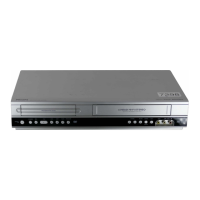
See the user manual that came with your Philips
DVD/VCR
Online
Go to www.philips.com/welcome
Enjoy
3


 To Previous Page
 Loading...