/00_8239 210 98882
English
21
Disc Operations
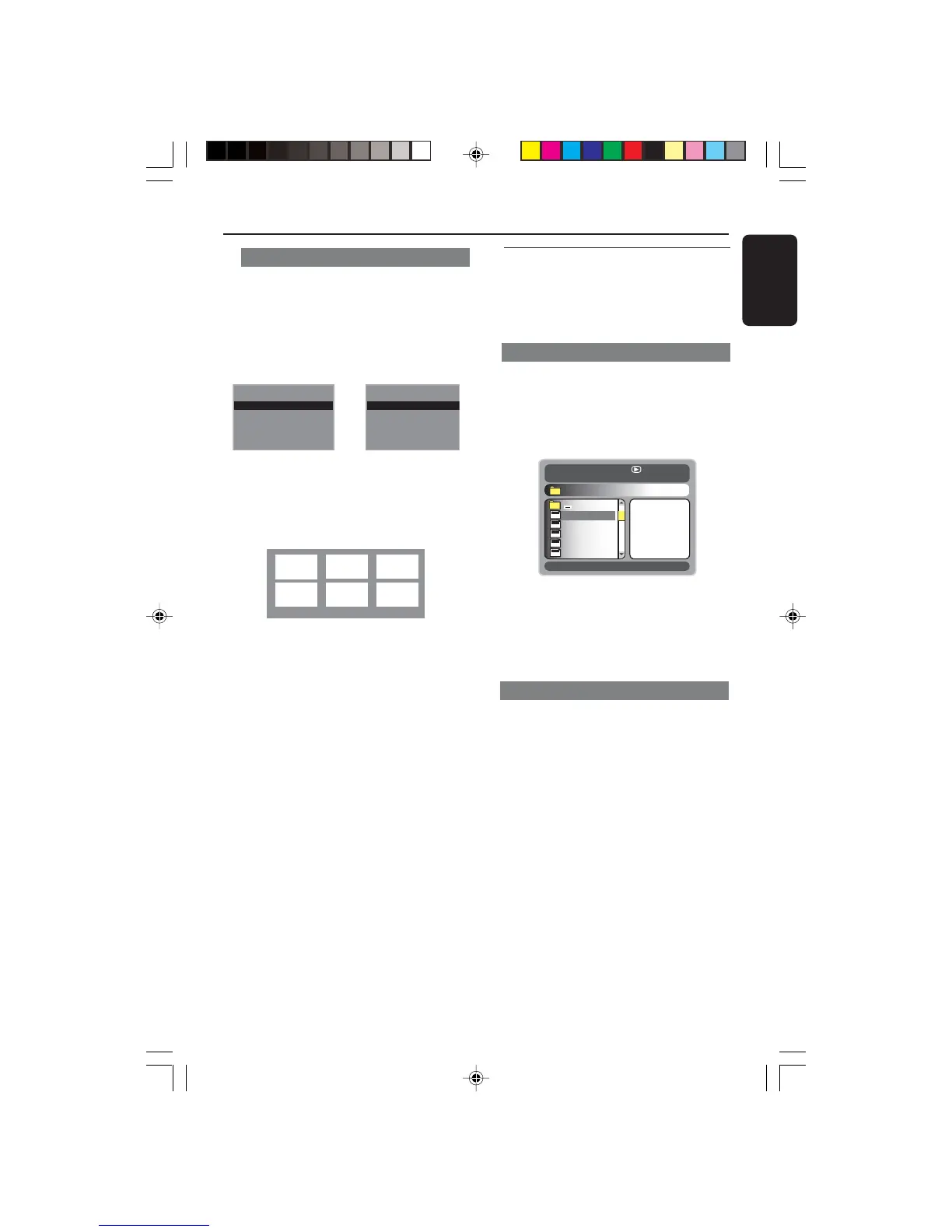
Preview Function (DVD/VCD)
The preview function allows you to
reduce the picture of 6 tracks enough to
display in a full screen.
1 Press PREVIEW.
➜ The preview menu appears on the TV
screen.
Select Digest Type:
Title Digest
Chapter Digest
Title Interval
Chapter Interval
Select Digest Type:
Title Digest
Chapter Digest
Title Interval
Chapter Interval
Select Digest Type:
Track Digest
Disc Interval
Track Interval
Select Digest Type:
Track Digest
Disc Interval
Track Interval
2 Press 3 4 to select the PREVIEW type,
then press OK.
➜ The picture of each segment will
appear on the screen.
ABC
DE F
(example for 6 thumbnail pictures display)
3 Press 3 4 1 2 to select a track and input
your selected track number using the
numeric keypad (0-9), then press OK.
➜ Playback will start automatically on the
selected track.
● For CDDA (Musical CD)
➜ Press PREVIEW to listen to the first
10 seconds of each sound track in the
disc.
(DVD example)
(Video CD example)
Playing MP3/JPEG Picture CD
IMPORTANT!
You have to turn on your TV and set to
the correct Video In channel. (See page
14 “Setting up the TV”).
General Operation
1 Load an MP3/JPEG Picture CD disc.
➜ The data disc menu appears on the TV
screen.
2 Use 3 4 to select the folder and press
OK to open the folder.
00:37 03:50 128kbps
001/162
\MP3\
Song 1
Song 2
Song 3
Song 4
Song 5
MP3
MP3
MP3
MP3
MP3
3 Press 3 4 or use the numeric keypad
(0-9) to highlight an option.
4 Press OK to confirm.
➜ The playback will start from the
selected file to the end of the folder.
Playback selection
During playback, you can;
● Press S / T to select another file in
the current folder.
● Use
1 2 3 4 on the remote to rotate/flip
the picture files.
● Press
; repeatedly to pause/resume
playback.
01-34 DVP520_EU101 19/03/2004, 11:23 AM21


 To Next Page